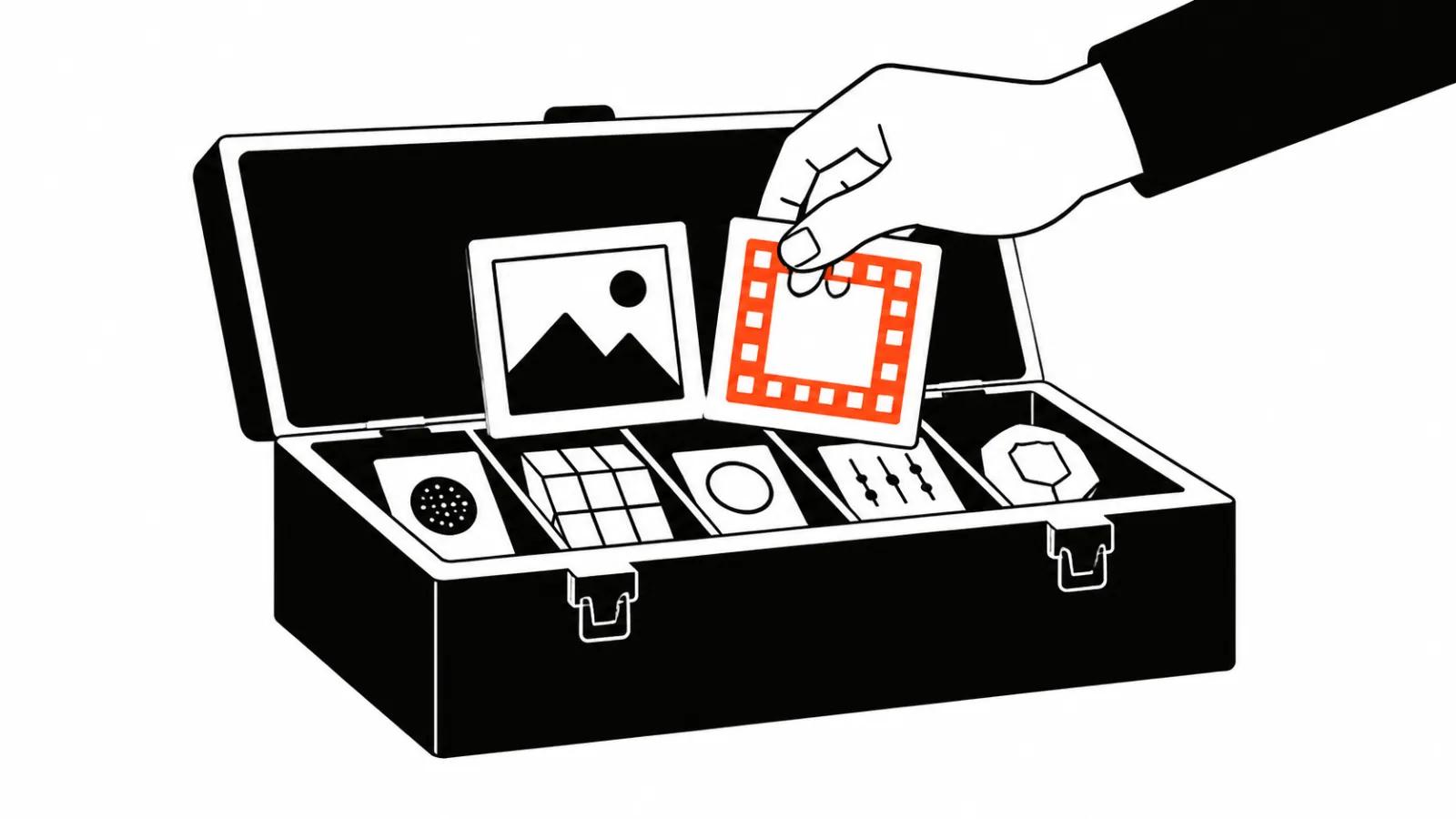
Item one: Canva trains its own image model
On October 22 Canva introduced Craft, the first image generation model the company trained from scratch inside Canva Research, its own lab. Until now Canva built products around other people's models. Now it has one of its own.
The announcement lists the specs: images at up to 2K in any aspect ratio, more than thirty presets, on-image text in 55 languages, prompts in any language. Craft is available to every Canva user through Dream Lab, and to developers through the public API. A Canva MCP connection for assistants is promised for later.
Two faster variants are named for the future, Craft-fast and Craft-ultrafast. The company says they will deliver quality at a fraction of the cost of leading frontier models. No dates. That is a company claim and there is nothing to test yet.
How Craft works: a plan first, pixels second
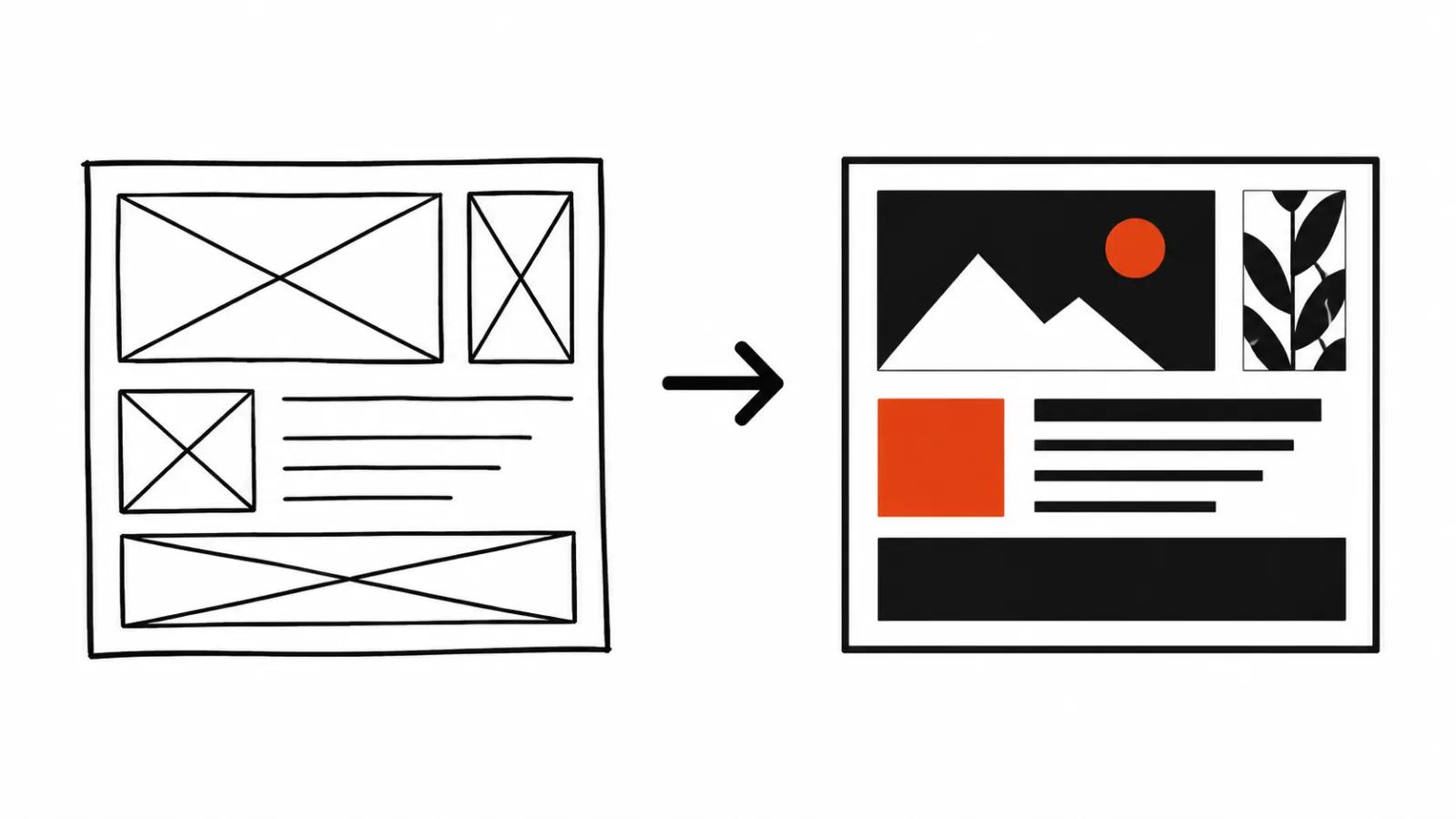
The architecture has two stages, and this is the most interesting technical detail in the announcement. The first stage reads the prompt and writes a detailed plan of the composition: which elements appear, their spatial relationships, relative scale, visual hierarchy and any text that has to show up. The second stage turns that plan into the image.
The point is that the model thinks about the layout before it thinks about pixels. That is where the promises about legible text, precise placement and tidy spacing come from. The same plan produces element boundaries, and Magic Layers uses them to split a generated image into editable layers.
One more detail: training leaned on Canva's template library. The company has millions of designed posters, social posts, decks and infographics, and argues that templates teach the model how layout, hierarchy and typography fit together, which flat photos cannot.
Why Canva calls itself the second lab in the world
The announcement quotes DesignArena, a crowdsourced arena where people compare generations blind. Craft debuted fourth among image models. It ranks first in People & Portraits across 87 models and first in Landscapes & Nature across 85, second in Abstract & Patterns and fourth in Products.
From those numbers Canva concludes that its lab is now the second most advanced in the world for image generation. That is the company's framing, drawn from one leaderboard where the votes come from users. Internal testing is described too: Canva designers and researchers compared more than 25,000 image pairs head to head against leading models, and when automated scores disagreed with the designers, the designers won.
Why it matters
An image model that sits inside the tool where the layout already lives is cheaper to use than a separate generator with file exports. A designer gets the picture in the same canvas as the headline and the logo, then splits it into layers. For ad work that removes the most expensive step: moving a generation into a real design.
The second reason matters more. Canva opened the model through an API and announced MCP. Image generation becomes a function that other products can embed: ad builders, product pages, print shops. The same thing is happening with video, and the second item shows it plainly.
Item two: Kling 4.0 moves into Luma
On October 23 Luma announced that Kling 4.0, a video model from another vendor, is now available to every Luma customer. The post says the model sits next to Luma's own tools and the other video and image options already in the workflow, and that you pick it the way you pick a lens for a shot.
The capability list: fast action that holds together through the move, camera work such as tracking shots, orbits, push-ins, pans and changes in shot size, characters closer to the brief with more expression, on-screen text that stays put while the camera moves. Input is text or a still, and the formats are 16:9, 9:16, 1:1 and 21:9.
The workflow is described without magic: open the board, choose Kling 4.0 for the shot that needs more movement, describe it or start from a still of a person or a product, judge the take, refine it on the same board next to the rest of the cut.
What it changes about picking a tool
Choosing a model used to mean choosing a service. Go to Kling, work in Kling. Now another vendor's model lives inside someone else's board, and the decision is less about access and more about assembly: where the project sits, how fast takes can be compared, what a re-render costs.
The Luma post carries no separate price for Kling 4.0 and no quality comparison against Luma's own Ray. What it does say is narrower and more useful: reach for Kling on shots with the most movement, keep other tools for everything else. That is an honest pitch, and it also marks the limit. The platform is selling the place where models stand side by side.
Why it matters
For production teams this lowers the cost of being stuck with one vendor. If a model can be swapped inside a familiar interface, the argument about whose model is best turns into an argument about price and turnaround.
For the market it is another step toward video generation as a utility. The winner is whoever has more scenes, templates and a predictable budget for a batch of shots.
How to use this at work
The first case is stills for campaigns: Craft is handy where on-image text and a fixed layout matter, from stories to banners. The second is AI video production, where a generated image feeds animation and then editing. The third is video ads cut for vertical placements, where one idea has to survive in four aspect ratios. The fourth is short-form video at scale, where the job is a steady stream. The fifth, and the most underrated, is video versioning: rebuilding one scene for different audiences without losing the point.