What Google shipped on November 5
Google Vids is the video editor that lives inside a Google account. Since November 5 it runs on Omni 1.2 Flash, and the access rule changed with the model: anyone with a plain Google account or a Workspace subscription can now generate video for free, with no separate Gemini subscription. The allowance is fixed at up to three clips a month, each up to 15 seconds. Duration is set anywhere from 3 to 15 seconds, and the entry point is vids.new.
Free access interests me less than the length. Fifteen seconds holds exactly one action and one camera move, and it is always the length where a client wants to show three things.
A free AI video tool with three promises
Google lists three use cases in the announcement. A product promo in one take. Bringing your own reference images to life while keeping characters and scenes consistent from the first frame to the last. A more natural voiceover.
The consistency promise is the expensive one. That is exactly where models usually fall apart: the face at the start and the face at the end look like close relatives. If Omni 1.2 Flash holds a reference across a full 15 seconds, that is enough for a series test. A Google video model of this class used to be reachable only through Flow, and now a plain account gets in.
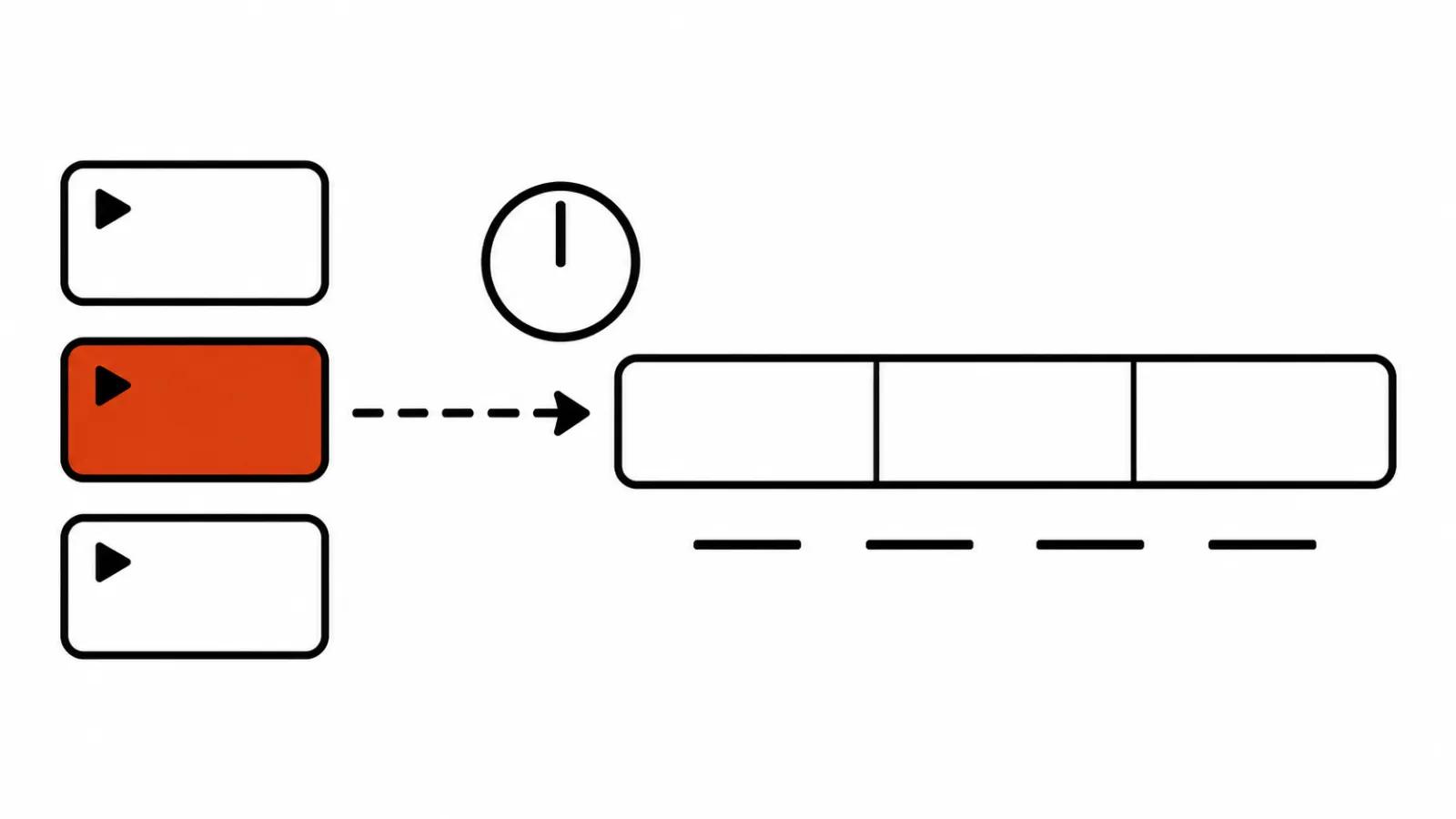
How to generate a free video in Google Vids
The order that protects the monthly allowance is short.
Checking the wording on paper is cheaper. The allowance is small, so test prompts are not free, and a rewrite after watching the result usually takes two passes.
- Prepare one reference frame. A product or a character, even light, no third party logos in shot.
- Write a prompt for one action. Fifteen seconds hold one camera move and one action, anything more turns to mush.
- Set the duration for the edit you have in mind. If the finished piece needs a title card for half a second, generating the full 15 seconds wastes most of it.
- Download the file and watch it on a phone. Platform compression eats soft transitions, and a large monitor hides that.
Three 15 second clips is 45 seconds a month
The arithmetic is unforgiving. Three clips of 15 seconds give you 45 seconds of footage. A 30 second vertical ad takes two of them and leaves one. A five version ad set is five clips, which is close to two months of waiting. A 7 second hook test fits inside a single clip, and there the allowance suddenly looks generous.
Where the allowance is enough
It is enough to test an idea, and that is worth something. One clip for a product page where packaging has to move. One clip to animate a character reference and see whether the model holds the face across 15 seconds. One clip to test a scene that gets shot or built in another tool later.
For a studio the allowance works as a free preview: the client sees the camera move and the framing before real money goes into the project. In AI video production it makes sense to start with a storyboard and a test fragment for the same reason, since fixing a prompt is cheaper than fixing a finished clip.
Where it runs out and Flow or an API takes over
AI video ads live in sets: five or ten versions of one offer, each with its own hook in the first two seconds. Three clips do not cover a week of that, so studios move to Flow or to an API.
Flow currently runs Omni and Veo models, and a change is already scheduled there: on December 5, Veo 3.1 Fast, Veo 3.1 Quality and Omni Flash 1.1 leave Flow, and Veo 3.1 Lite stays. What that means for a pipeline built on the old models is in the Flow and Veo breakdown.
An API solves a different problem: dozens of clips assembled by a script from a product list. Vids does not cover that case, it is an editor built for work by hand.
Who can use it
Google's help page puts it plainly: the Vids features are available in every country and region where Google Workspace accounts exist. Usage limits are split by account type, work, school and personal, so the number that matters is the one on your own account.
The practical test takes a minute: open vids.new on your account. If clip generation does not show up in the menu, the account type is usually the reason. A work account also depends on an admin who can switch generative features off entirely.
My conclusion
Three free clips are not a way to run a channel and not a substitute for a studio. They are a way to test a hypothesis in one evening for no money: whether Omni 1.2 Flash holds your product, your character and your light.
My order of use: the first clip on the hardest shot of the coming series, the second on the product in motion, the third kept for a reshoot after the first miss. If all three are gone and you like the result, the next conversation is about Flow and about version sets. If you do not like it, you spent an evening and nothing else.