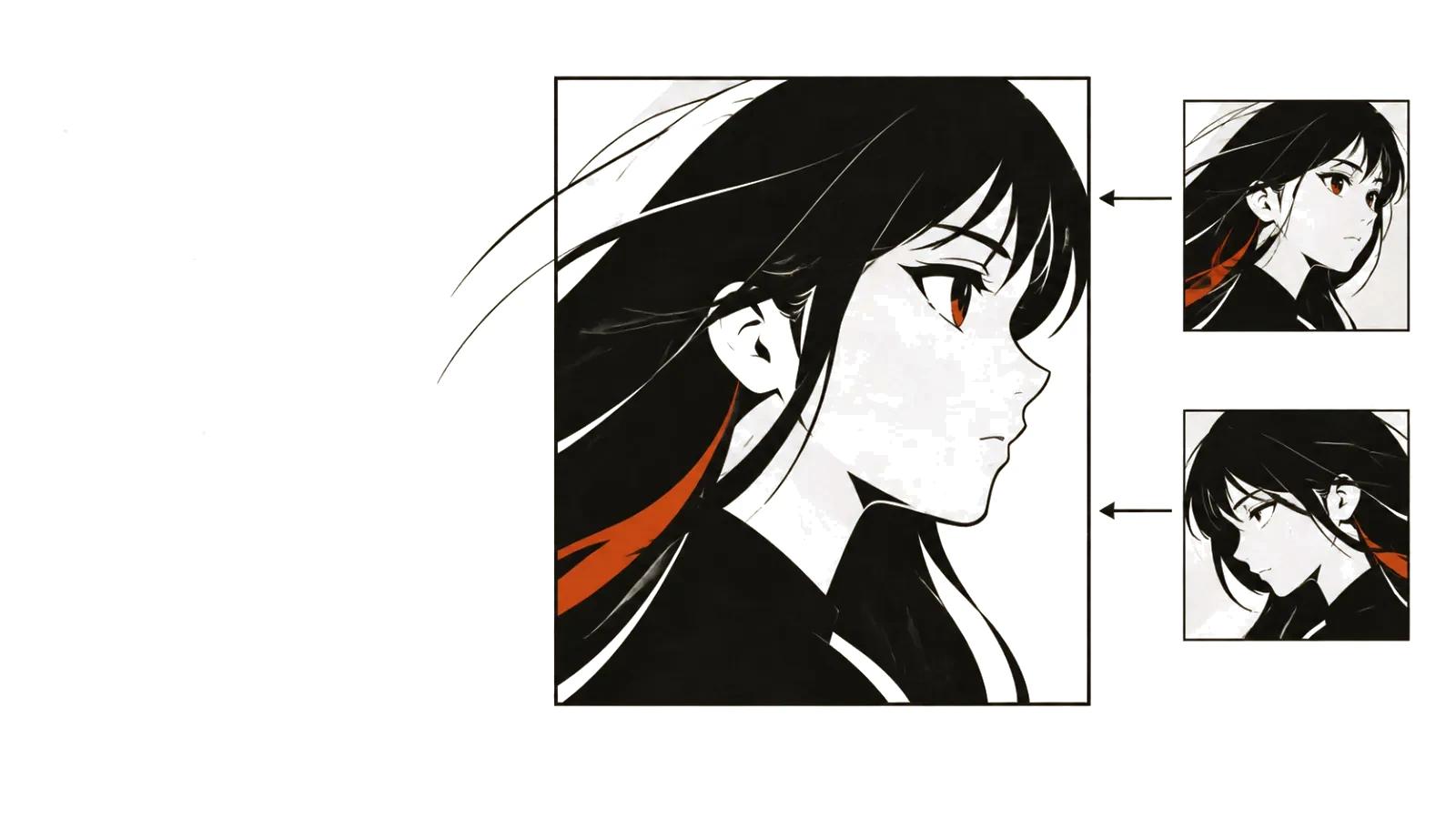
AI anime video: what works and what does not
Models reproduce surface well: line weight, flat fills, rim light, background texture, the shine on hair. They are weaker at drama: pauses, shot changes that carry meaning, intent in the eyes. That is why an AI anime video usually lands as an atmospheric fragment rather than a scene with progression.
Understanding the split saves weeks. Everything visual is solved with prompts and selection. Everything about story and rhythm is still solved with a shot list and an edit.
Three ways to make an anime video
The first is animating existing art. You have an illustration and want motion: a head turn, wind in the hair, a glance off-camera. The model receives the image plus a short motion description. This is the most predictable route for style, because the style is already in the drawing.
The second is restyling live footage. A shoot becomes a drawn sequence: the actor's timing and facial performance survive, the texture changes. Movement looks more natural, but the style drifts from shot to shot.
The third is generating from scratch, from a description or a shot list. Full control over the scene and the least stability: face, clothing, and proportions shift between shots. This is the route when there is no source material at all.
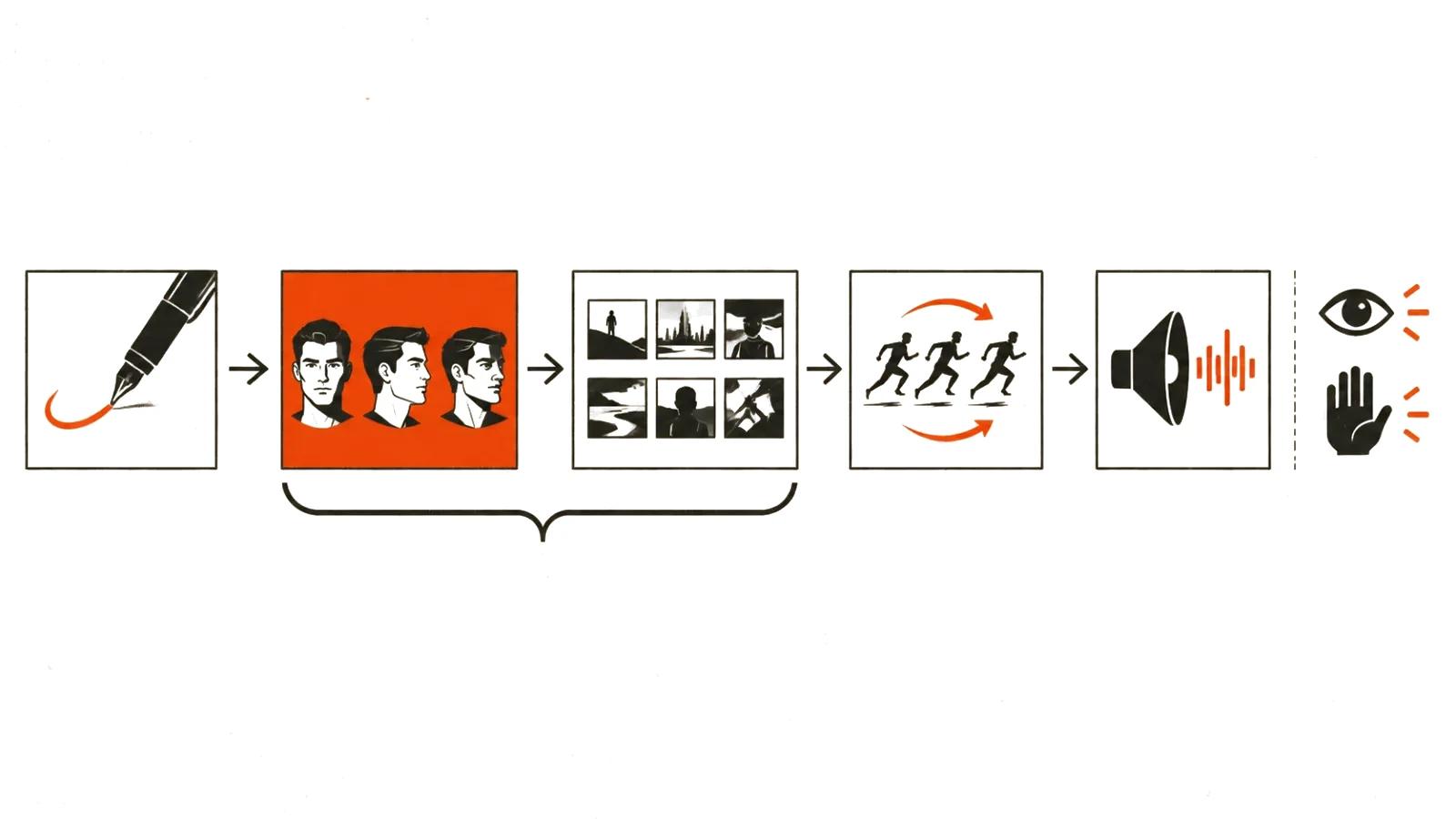
Style: describing an era, a line, and light
"Anime" is not one style but dozens of schools: heavy fills with thin linework, pastel and grain, hard contrast, large eyes and soft shading. A prompt should name the era and the technique rather than the genre — "late eighties cel look, dense shadows, cool palette, film grain" lands closer than "beautiful anime".
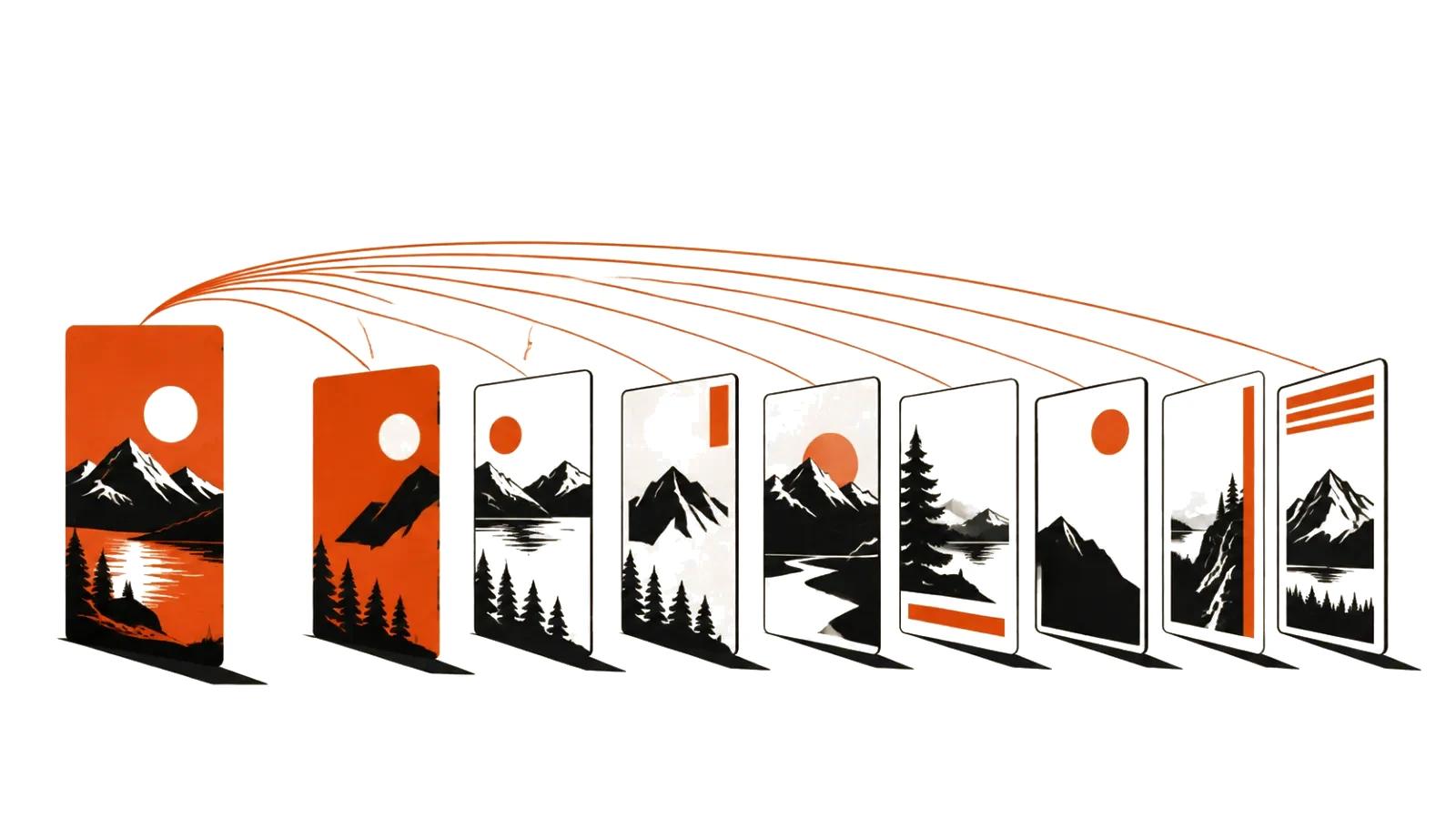
A reference beats any description. One or two images fix the palette and the character of the line, and later shots stay near them. Without a reference, every generation interprets the style its own way and the video starts to look like a cut of different series.
Camera behavior needs to be stated separately. Anime favors a locked frame with a moving background, a pan, or a fast push into emotion. Left unstated, the model defaults to a smooth wide shot.
Character consistency
Keeping a face stable is the main technical problem. It is solved with a set rather than one lucky render: a reference sheet with the face from three angles, fixed wording for clothing and hair, and identical style settings across prompts.
It helps to keep a character sheet: eye and hair color, a scar, collar shape, shoes, a signature pose. Anything that appears in frame should be listed. The model does not remember the previous shot and rebuilds details on its own every time.
The check is simple. Put two adjacent shots side by side and compare five things: face, hair, clothing, proportions, palette. If one diverges, the shot goes back for another pass. Spending extra attempts during prep is cheaper than repairing a finished edit.
The AI anime video generator workflow
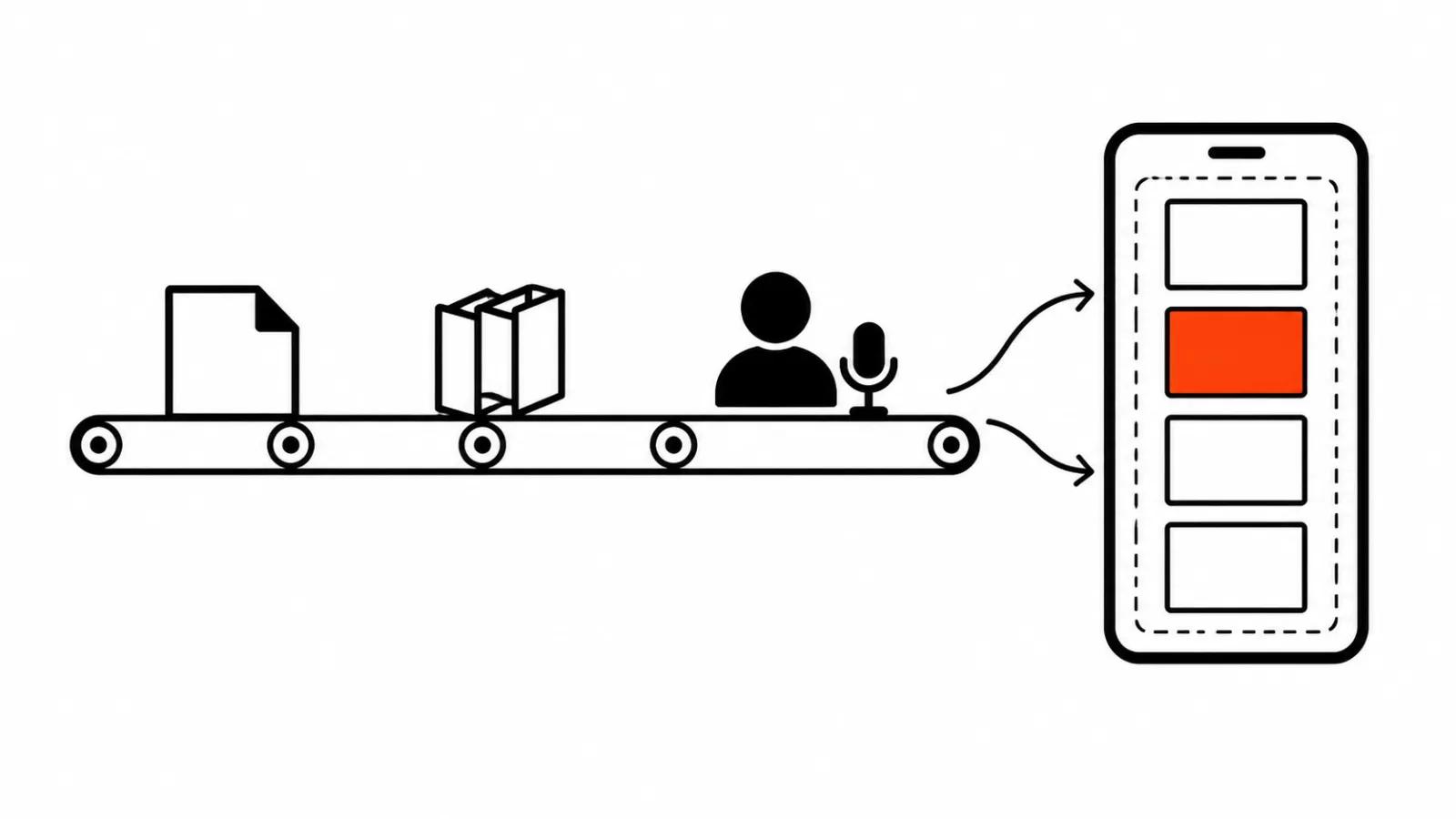
Work starts from a shot list. Each shot runs three to five seconds, one action, one angle. Fights and crowds get broken into close-ups and details: a hand on a hilt, eyes, the edge of a cloak. A model draws a fragment more reliably than a crowd.
Then the loop repeats: generate, select, compare with neighboring shots, regenerate. A single shot may take a handful of attempts or several dozen, and that is a normal part of the process rather than a sign of failure.
AI video production in this genre is limited by selection, not generation. Of thirty motion variants, two or three make the cut; the rest are dropped because they do not match the shots around them.
When the goal is a stream of short vertical cuts for social feeds, the math changes: mass vertical videos are priced per view rather than per clip.
Sound: voice, music, silence
Anime leans on sound more than it appears to. Voice sets character: intonation, breath, the pause before a stressed line. Synthesis reads evenly, so lines are written short and pauses are marked explicitly.
Music and silence work as editing tools. A silent beat before an impact carries more weight than any effect, while a continuous track flattens the drama into commercial pacing.
Titles and on-screen text go in during the edit. Models corrupt lettering inside a frame, especially dense characters and small type, and the same applies to logos and signage.
Rights, licenses, and the lines not to cross
Three boundaries worth holding before the first generation.
Do not generate recognizable characters from existing works. A character from someone else's series is someone else's asset, and no prompt phrasing makes it yours. The same goes for logos, costumes, and signature franchise props.
Read the model's terms. Video generators differ on commercial use, on labeling synthetic content, and on uploading images you did not create. Terms change, so they get checked before a project rather than after.
Do not use found artwork as a source without permission. Animating an illustration pulled from the internet is work with someone else's piece, even if the final file looks different.
When to draw it by hand
Hand animation wins where performance and timing matter: dialogue scenes, comic beats, fights with readable choreography. Models do not hold a character's intent across shots yet, and audiences read that as a blank stare.
Handcrafted videos in this genre are made differently: every frame is reviewed, a single movement can take up to a hundred generations, and the edit and music are built around meaning. Anime-style series and nineties cartoon looks are exactly the case where episodes are assembled by hand rather than on a line.
Hybrid work is the most common outcome: backgrounds and crowd shots are generated, hero shots and faces are finished by hand. That keeps both speed and control over what the viewer remembers.
A video up to 90 seconds starts at $394, with about a week of turnaround, including the shot list, generations, selection, edit, sound, and music.