What AI video in CapCut is made of
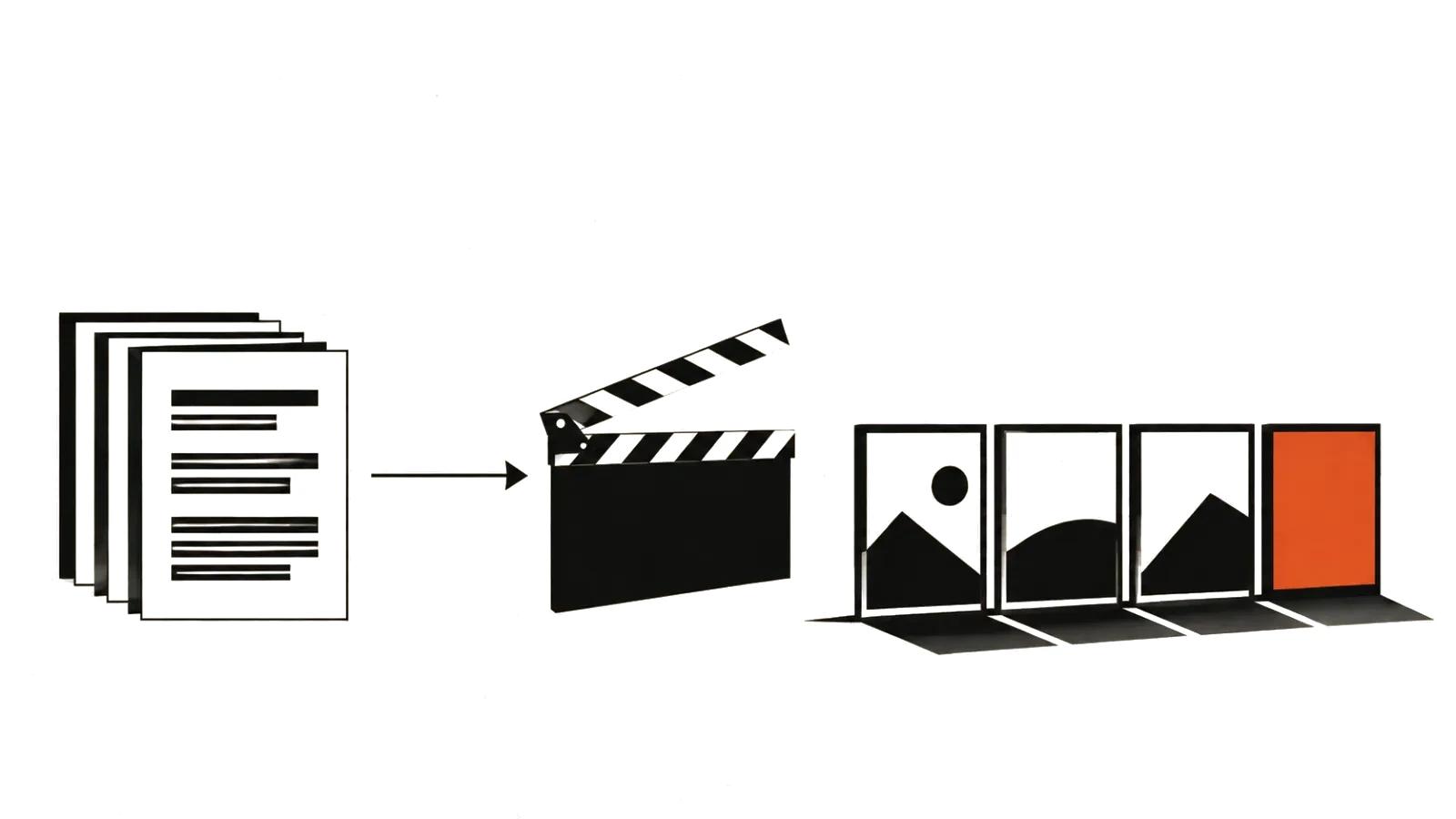
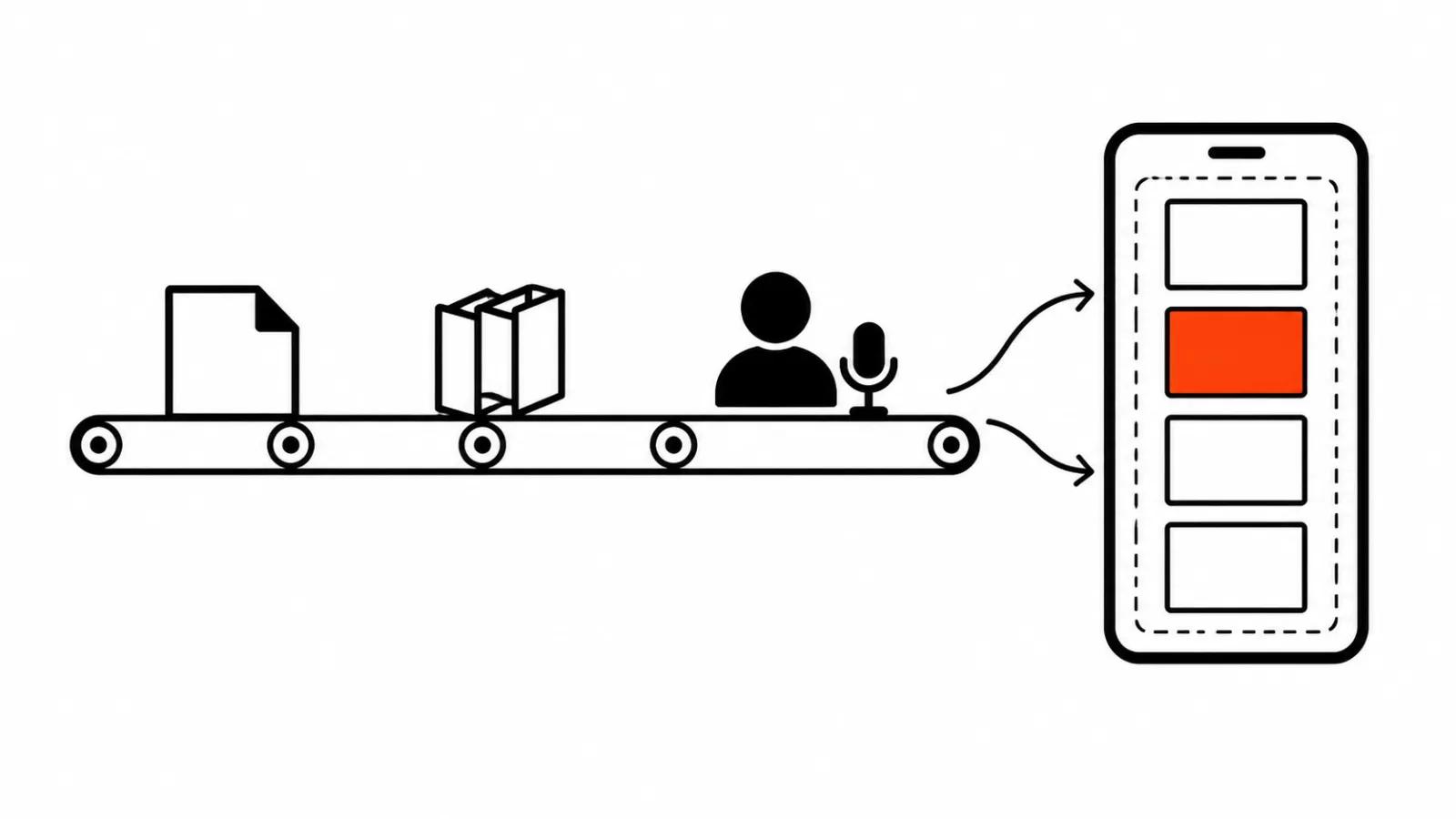
CapCut does not sell a single model. The product is a pipeline with three layers, and confusion starts when people treat them as one. The first layer generates image and motion, and the tool page states that the generator runs on Seedance 2.5. The second assembles scenes in sequence: avatar, voice, captions, music. The third is ordinary editing, where a person finishes the cut.
The help centre lists the AI set: AI Script-to-Video, image generation, Magic Design and chat-based creation. While a feature works, the interface shows a "Thinking" status, which means cloud models are processing the request. There is no local render here, which explains why a long scene waits in a queue.
The browser route, step by step
Open CapCut, pick "AI video maker", then "Instant AI video". Paste your script into the box or press "Generate script" if you have no text yet. Before the run you set the style, the aspect ratio, the voiceover and the duration. The page names three styles: realistic film, cartoon 3D and cinematic movie.
Then you press Create and CapCut builds the video itself: it places scenes, sets the pace, adds narration. Music, captions and effects come after the assembly. HD export is listed as free on the tool page.
There is also a gallery of more than thirty structures, from news updates to educational clips, and more than a hundred avatars. A template saves the structural decision: the scene grid is already designed.
Desktop: scenes, avatar and revisions
The desktop route is different and much closer to editing. After "AI video maker" and "New project" you enter a topic or an idea, paste a script or ask for "Create one with AI", choose the format and the style, then press Create.
What follows is why people stay on desktop: the Scenes panel. Voiceover holds a digital avatar and a voice to match. Elements adds synced captions with text templates. Music takes a track from the library and drops it on the timeline.
Your own avatar is built the same way: CapCut says you upload a short video of yourself and get a clone, so you can narrate without standing in front of a camera. For training and internal explainers it works; for product advertising the product shot carries the frame.
What Seedance 2.5 adds inside CapCut
The model behind the generator has its own page, and three things there change how you plan a shoot.
First, up to thirty seconds in one pass, as a single continuous shot. Second, timing inside the prompt: an action can be pinned to a moment, so a character sits at 00:06, turns at 00:12 and leaves frame at 00:24. Third, revisions without a rebuild: after the first pass you change the clip in words, pull a green screen key, or extend the shot.
For stills there is an image-to-video mode with up to two references per run. That matters for products: the shape of a pack holds while a photo defines it.
Vertical is decided before the render
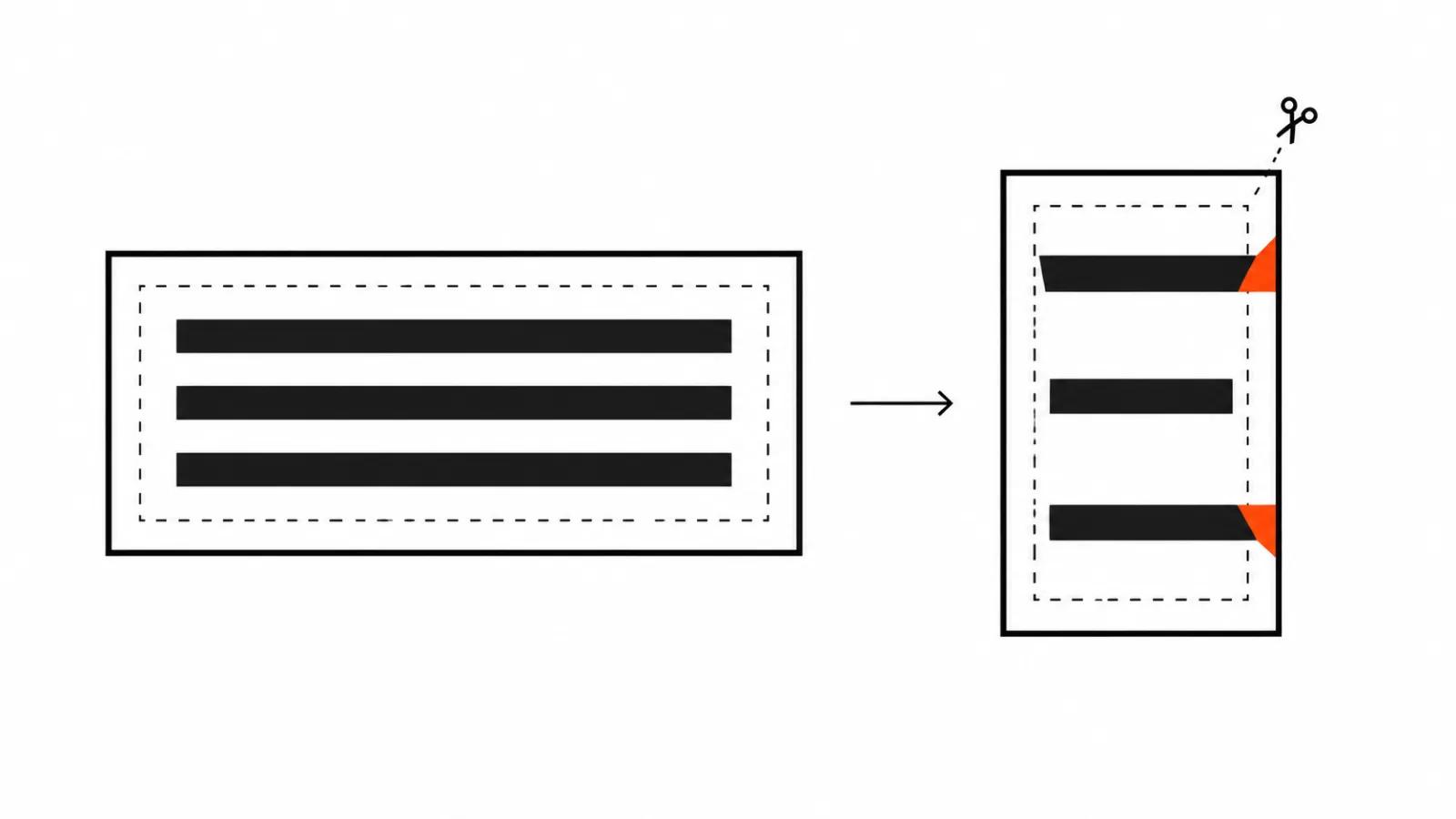
Aspect ratio is chosen in the first window, before Create, and that is the cheapest fork in the whole process. If the clip is going to 9:16, set it there: rebuilding a finished horizontal scene as vertical almost always means generating again.
The second rule is about captions. CapCut's own guide to ad videos says key text stays inside the safe area and away from the product, the offer and the disclosure. In vertical that area is narrow, and captions that read fine in 16:9 get clipped by the platform interface.
The third is duration: for a feed, a thirty second scene usually runs longer than the cut needs, and trimming beats stretching one shot.
When a batch of clips has to follow one frame, build the frame once and keep it. That is the pattern behind short-form video at scale.
Where CapCut breaks
Three failures show up most often, and the company documents all three.
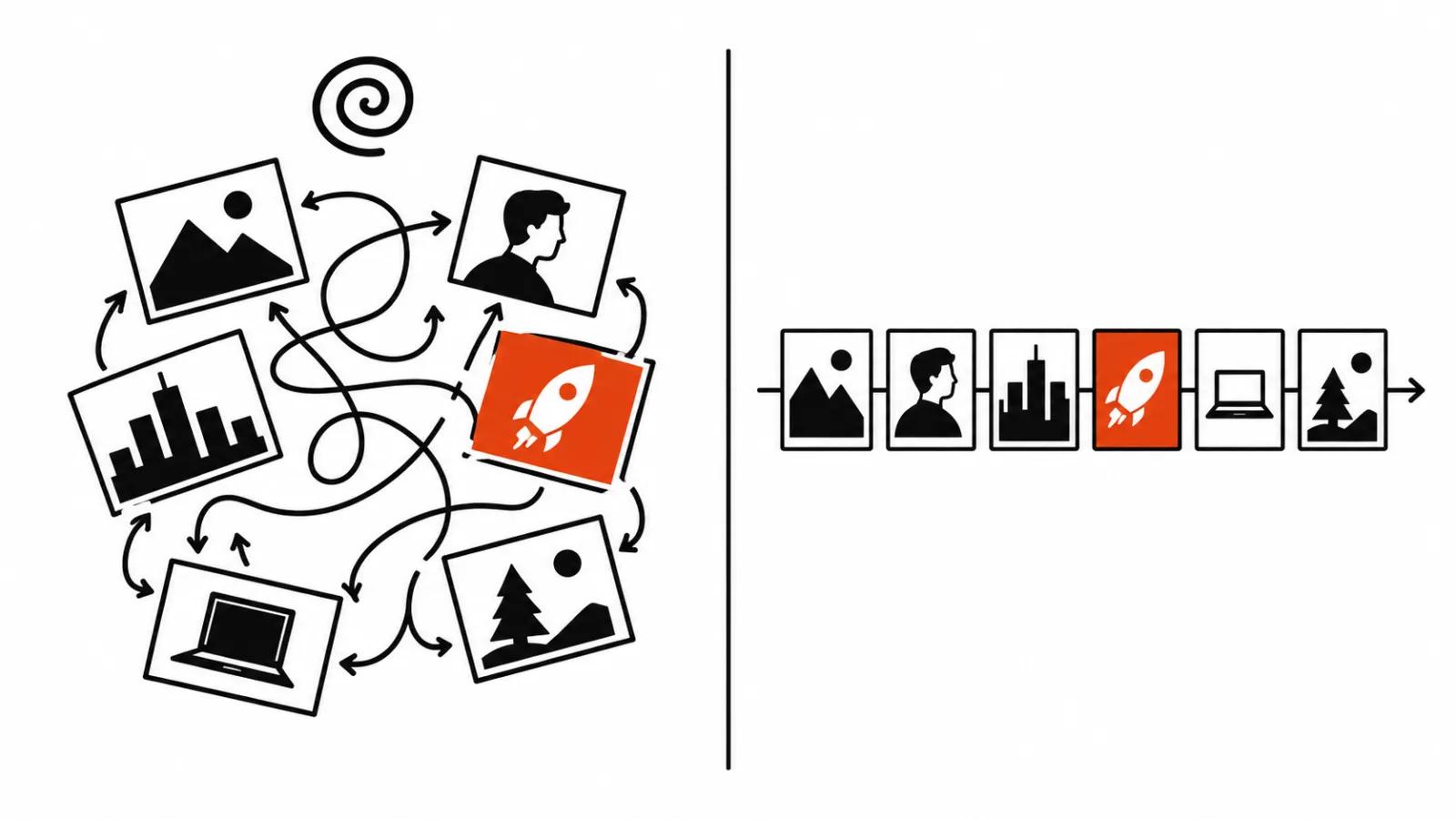
The script. With a vague prompt, AI Video Maker returns scenes in a chaotic order, and the help page names the cause: the model lacks structure. The fix is dull and textual: five to seven scenes, one action and one object each.
On-screen text. The help page on garbled text says the model imitates the shape of letters without understanding language, and non-Latin scripts break on fonts and encoding. Practical conclusion: set titles as a layer in the editor, where you control the typeface and the line breaks.
Captions. Auto captions live under Captions, the language is picked before the run, and accuracy depends on language, accent, recording quality and noise. Read every line, especially names, prices and dates.
A checklist before publishing
Check the format: the aspect ratio used in generation matches the placement. Check the script: no more than seven scenes, each with one clear action. Check the captions: every line matches the audio. Check music and rights: a library track, a template and generated media each carry their own terms. Check the plan: on the free tier the watermark, credits and export resolution depend on plan, platform and region, so look at your own account before launch.
The verdict
My position is simple: CapCut today is the best free way to get an AI video draft in an evening and the worst way to get a finished commercial without revisions. The draft comes fast: script, scenes, voice, captions, vertical export. The finish depends on people and on details the tool does not verify, from what a scene means to music rights to the accuracy of a number on screen.
So my workflow looks like this. Fast series and hypothesis tests get built in CapCut and kept in one format. Shots that need a face and a live reaction stay with a camera: those are handcrafted videos, and a model does not replace them yet. Backgrounds, environments and transitions go to AI video production. A channel that publishes on schedule is its own discipline: AI YouTube channel management runs on a plan and on reading the numbers.