What Pixo announced
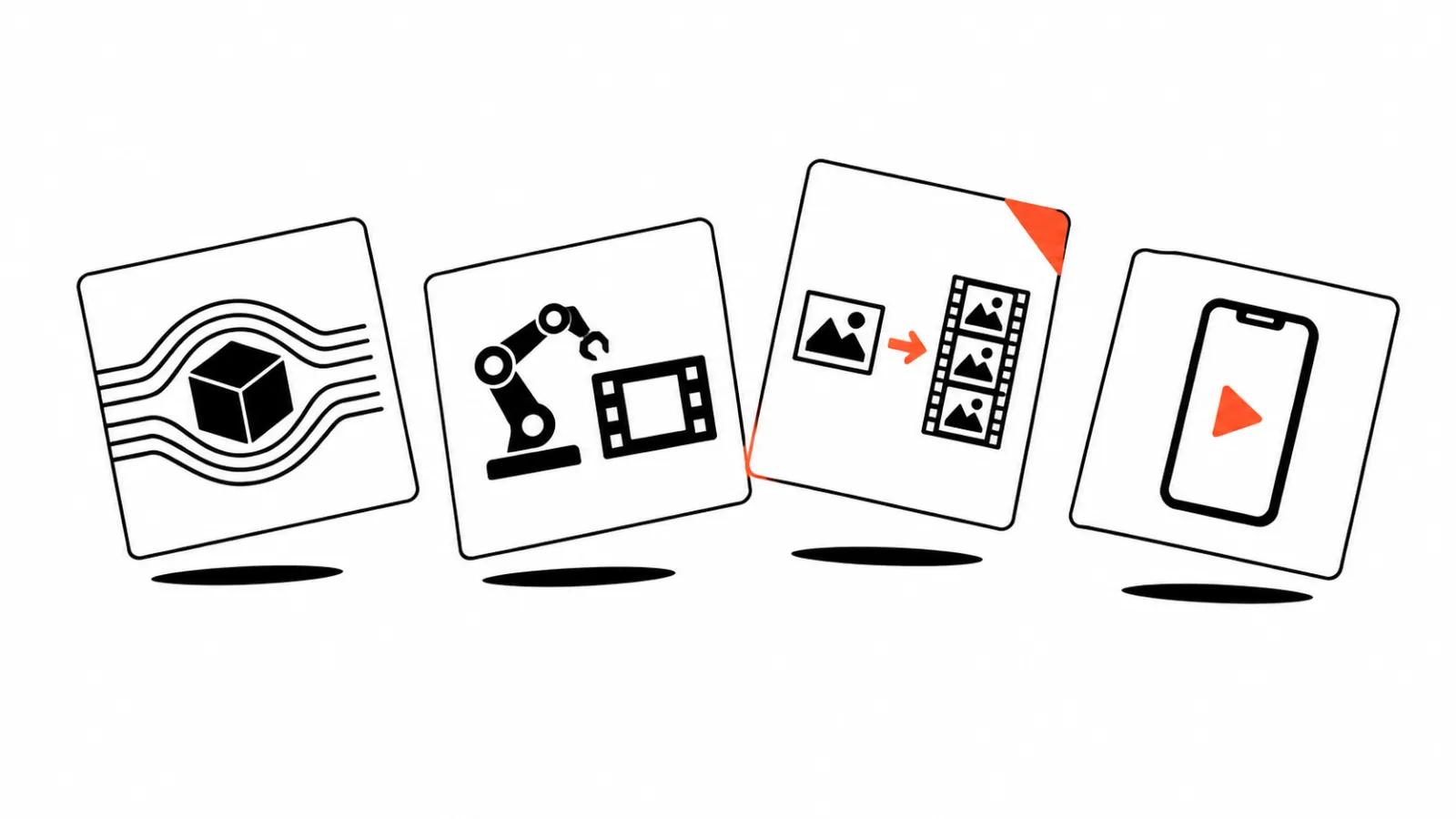
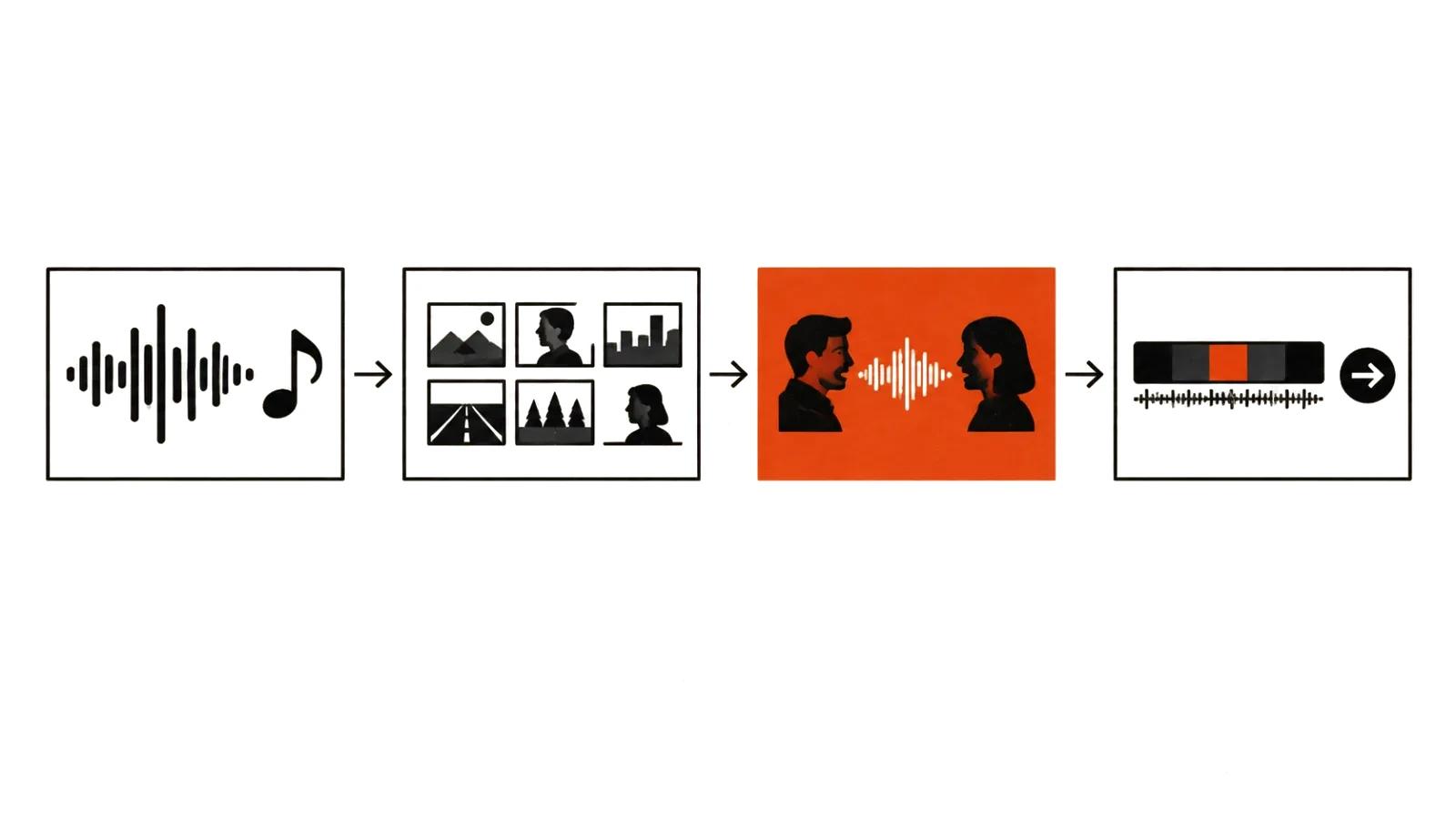
On October 17, 2026, Pixo — an AI video creation platform founded in 2025 and based in Singapore — announced enhancements to its music video features. The point of the update is the link between steps: song analysis, storyboard planning and vocal handling now sit inside one process the vendor calls an AI Agent workflow.
The logic of the update is familiar to anyone who has cut a music video: you cannot just lay a song under finished footage. Decisions about where a shot changes, how a scene develops between verse and chorus, and which character delivers a specific vocal line all come before generation.
Note what the release does not include: no model names, no pricing, no limits. Everything below is what the vendor states officially.
Starting from the song, not the clip
Per the announcement, the entry point is a song, lyrics or just an idea. If the track does not exist yet, it can be developed inside the platform: preview the generated track and request changes before the project moves into video production.
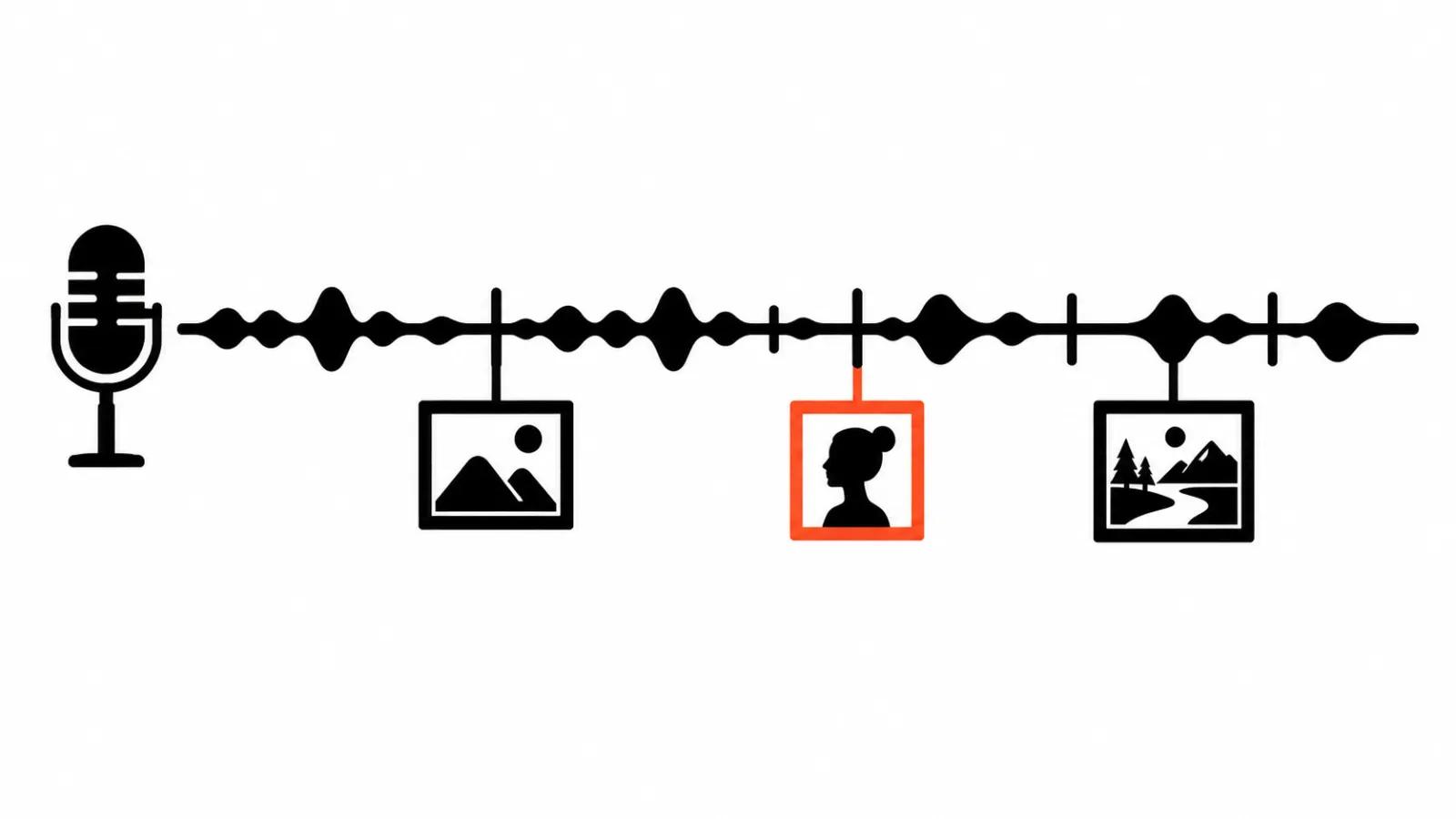
From there the system analyzes the song — sections, lyrics, timing, singers — and the storyboard is built on that reading. The key detail: the storyboard connects planned shots to specific parts of the track. The music-to-scene relationship is visible before the shots are assembled into a finished video.
In practice that means one thing: arguing about the story is cheaper at storyboard stage. While the song and the scenes sit in the same view, a change costs one decision instead of regenerating half the video.
Cuts that follow the beat
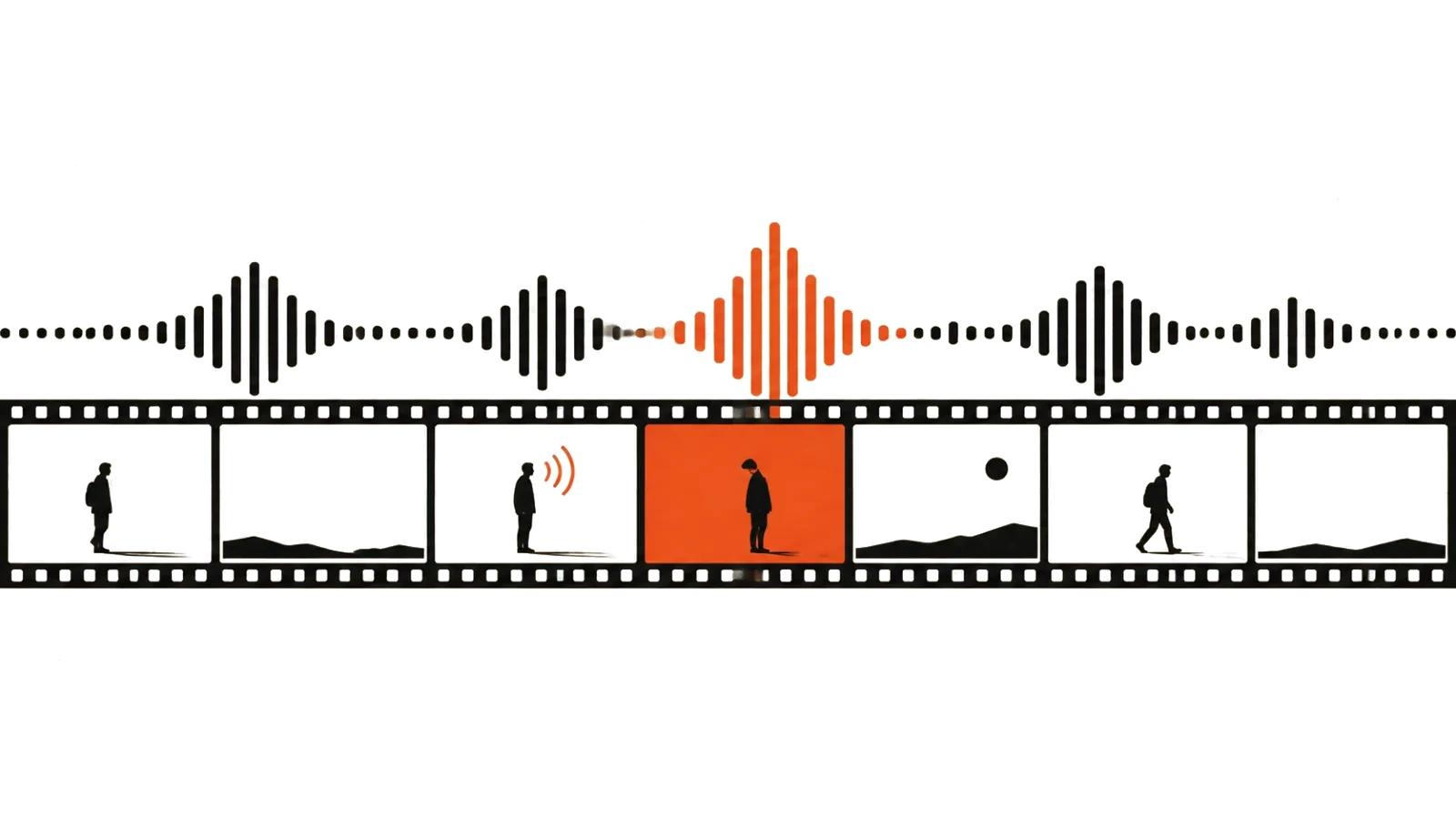
The feature in the headline is beat-aware editing. Shot boundaries follow musical beats, and the system favors gaps between vocal phrases. In plain terms: transitions land at musically sensible points, and a sung line is not sliced in half by a cut.
Parameters then travel with the shot: each shot's assigned music and duration are carried into video generation. Multiple planned shots can be submitted together while keeping their timing tied to the source track, moving the project from storyboard to moving images.
This is exactly where videos stitched from separate generations fall apart: the song has a rhythm and the clips have rhythms, but there is no shared grid between them. When one grid spans the whole project, editing stops being a rescue operation.
Who sings on screen: vocal parts and lip-sync
For videos with singing characters, lyrics are aligned to the recording and lip-sync generation is guided by timed vocal instructions. Singer identification and duet support let vocal parts be assigned to the visual characters chosen for the project.
The system distinguishes lead vocals, backing vocals and ad-libs when preparing performance instructions. That supports everyday decisions: who appears to sing and when vocals stay off-screen — for example while another character listens, or when the video cuts to a narrative scene.
Lip-sync itself can be left out. That toggle supports two different formats: a performance-led music video where facial delivery matters, and visual storytelling built around a soundtrack.
Assembly and export
Planning and vocal tools connect to timeline assembly and export. Generated shots are assembled alongside the music, and audio and timing handling is designed to keep continuity across song sections and preserve synchronization in the exported file.
This is the most underrated stage of any music video: the last step, where everything held together earlier tends to break. If sync drifts on export, all the beat-aware editing was wasted time.
Where this meets regular video production
An AI music video belongs to the same family as phone-first advertising: short form, hard rhythm, tight time budget.
Our own pricing runs like this: a handcrafted video of up to 90 seconds with script development and real editing starts at $394, while mass formats are priced per view — from $2.47 CPM (per 1,000 views). Price follows the share of human work: beat-aware cutting and lip-sync lower production cost, but the decision about what to show and why stays with people.
- When the shot needs authorship — staging, performance, precise blocking — that is complex handcrafted videos: limited in number per release, but they are what makes the face and the product memorable.
- When the need is volume — a season of videos, cutdowns for several tracks, per-platform adaptations — mass posting takes over: versions of the video go out across many accounts, regions and platforms.
- When the job is a steady stream of narrow-screen content, the same logic applies as for mass vertical videos: predictable quality and assembly rules written down in advance.
What to check before moving videos into your own workflow
Rights to the track and the vocals: the tool helps with sync, not with clearance.
- One timing grid: one song, one beat grid, or versions will drift apart.
- Separate the zones: where the video plays on performance and where it plays on story. Mixing those modes inside a single minute usually reads as noise.
- Check lip-sync on close-ups: articulation is where defects show first.
- Verify export: confirm sync in the delivered file, not in the timeline preview.