What changed in two years
Generating video used to mean a silent clip. Then came the assembly: a library of ambiences, music, voiceover, mixing. Every step cost time and needed a person.
In May 2025 Google showed Veo 3, where audio is generated together with the picture: the model adds environmental sound and character dialogue directly into the video. That is part of the output, and there is no separate track.
The logic flipped. The question is no longer where to find sound, it is what the model will invent and what will need redoing.
Three approaches worth telling apart
Native generation. The model takes a text description and returns video with audio in one pass. Dialogue, ambience and effects are tied to the action on screen.
Voiceover. Video is generated silent, and the voice is added separately, either by a synthetic narrator or by a human recording. This is the route when wording and intonation have to be exact.
Post-synthesis. A finished clip is run through a model that writes the sound scene from the picture. This works well for material that is already shot or already edited.
Mixing approaches inside one video is allowed and often necessary. Each one has limits, and the limits show up at different stages.
Native audio: what it does well
The strengths are predictable.
Ambience. Wind, room tone, street, footsteps. The model reads the scene and lays a bed that does not fight the picture.
Action effects. Impact, glass, water, fabric. Native generation is often more accurate than hand-picking from a library, because the sound is tied to the moment.
Short lines. One sentence, one character, a close-up. Lip sync and audio in these shots usually hold up.
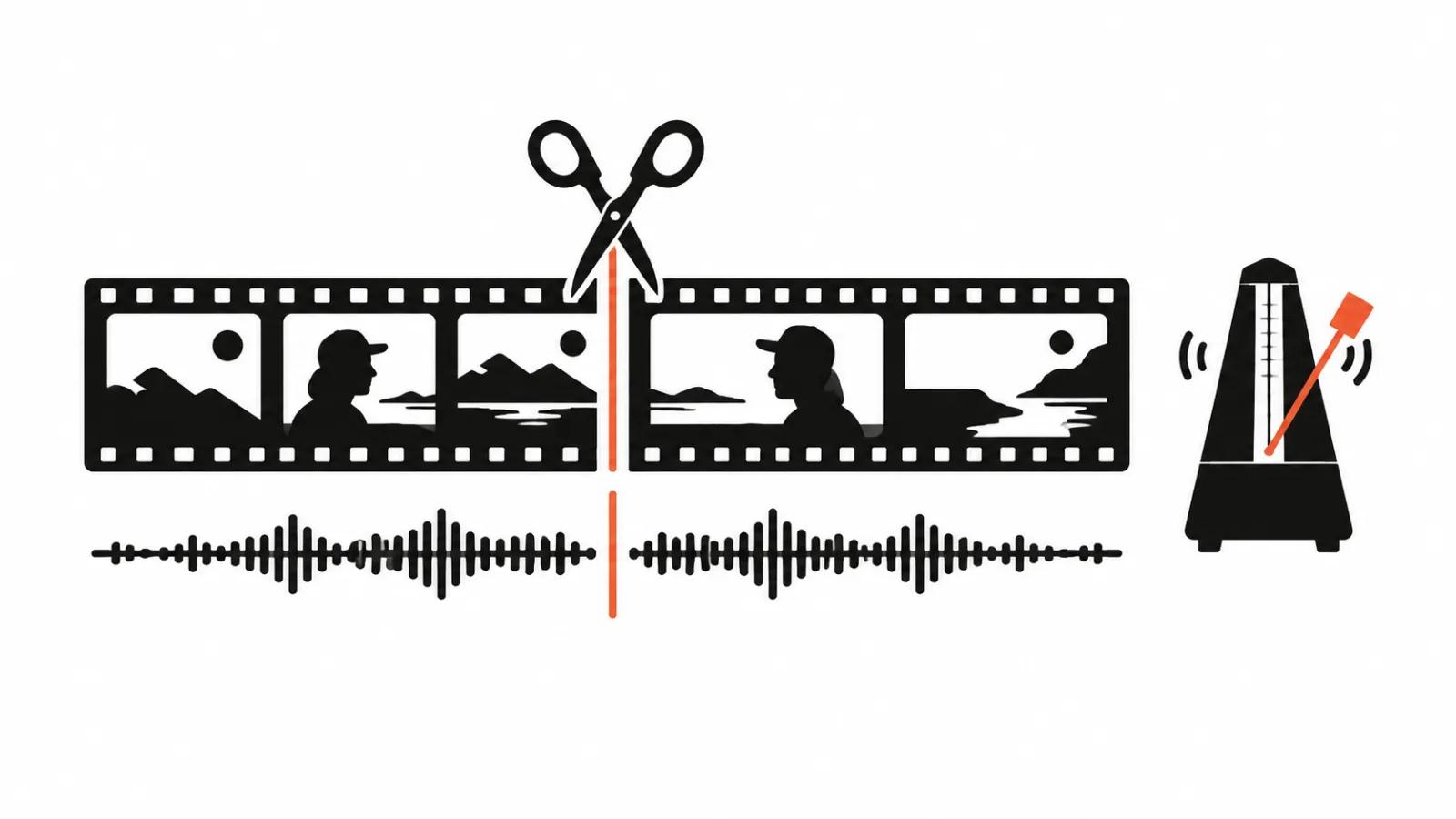
Rhythm. When picture and sound are born together, edit beats land almost automatically: the impact, the cut and the sound accent arrive at the same frame.
Where it breaks
The failures are just as predictable, and knowing them up front saves a day.
Long dialogue. The more lines, the higher the chance the model reorders words, drops an ending or changes voice between sentences. Twenty seconds of conversation can work. An interview will not.
Names, terms, numbers. Anything the model cannot infer from context it will pronounce its own way. In advertising that is fatal: the product name has to sound identical in every cut.
Music. The model happily adds a bed, and it almost always sounds like stock. When music carries meaning, use a separate track and mix it by hand.
Seams. When a video is assembled from several generations, the audio drops at the joins: room tone in one piece, silence in the next. You end up overlapping transitions or generating sound across the whole timeline.
The order that saves re-renders
Start with the scene. One location, one action, one clear focal point. The simpler the scene, the better the model handles audio.
Then the line. If someone speaks on camera, write the text short and complete. One thought per sentence.
Then generate a short test. Do not launch eight seconds first: run two and listen to the voice and the bed. If the voice is wrong, generating further is pointless.
Then assemble and mix. Even a native model's audio needs level matching and a low-cut.
Last, check on a phone. A laptop speaker forgives what a phone exposes.
Then there is length. Fifteen seconds is two or three scenes, and native generation holds that confidently, with room for the audio to become a small story.
Thirty seconds is a plot. Here the risk is a shift of intonation between scenes. One consistent voice description in every prompt and the same character fix most of it.
Sixty seconds and up requires assembly from pieces, and then sound belongs on the whole timeline, because per-fragment audio falls apart.
Vertical deserves its own note. In a 9:16 frame audio carries more meaning, because the picture is poorer: fewer details, tighter shots, faster cutting. When the sound sags, the video feels empty.
Sound for footage you already have
Sometimes the picture exists and the audio does not fit. Re-rendering the whole clip is expensive, and that is where post-synthesis earns its place.
Mirelo SFX 2.0, which arrived in Runway in October 2026, does exactly this: it builds a sound scene from finished video and preserves dialogue. Effects, foley and ambience are claimed to be synced to action and coherent across cuts.
Long formats hit a length limit, up to ten minutes in the studio and API. For vertical clips that is plenty, for webinars and reviews it is tight.
The practical conclusion: post-synthesis pays when the edit is locked and the picture cannot change. If the video is not assembled yet, generating with sound is cheaper.
What to check before publishing
Dialogue matches the script, with no reordered words.
- Product names and people's names sound identical in every scene.
- No dips or jumps in level at the cuts.
- Music does not sit on top of the voice.
- Every word is audible on a phone speaker.
- Audio does not fight the platform UI: in vertical, the first fractions of a second often play under autostart.
How this fits the rest of production
When videos ship in a stream, sound stops being manual work: it is born with the frame, and that shortens the whole cycle. For that kind of volume, look at AI video production, where generation, narration and assembly sit next to each other.
For material shot by people the logic is different. Sound is captured on set, and AI only cleans and levels it. That is the world of handcrafted videos, with AI as a post tool.
There is a middle case where only the voice is missing. Then AI voiceover covers it, and the linked piece goes through getting synthetic speech that does not grate. And if the picture is done while the sound is not, the write-up on sound for existing footage covers the modes and limits of post-synthesis.