The short answer
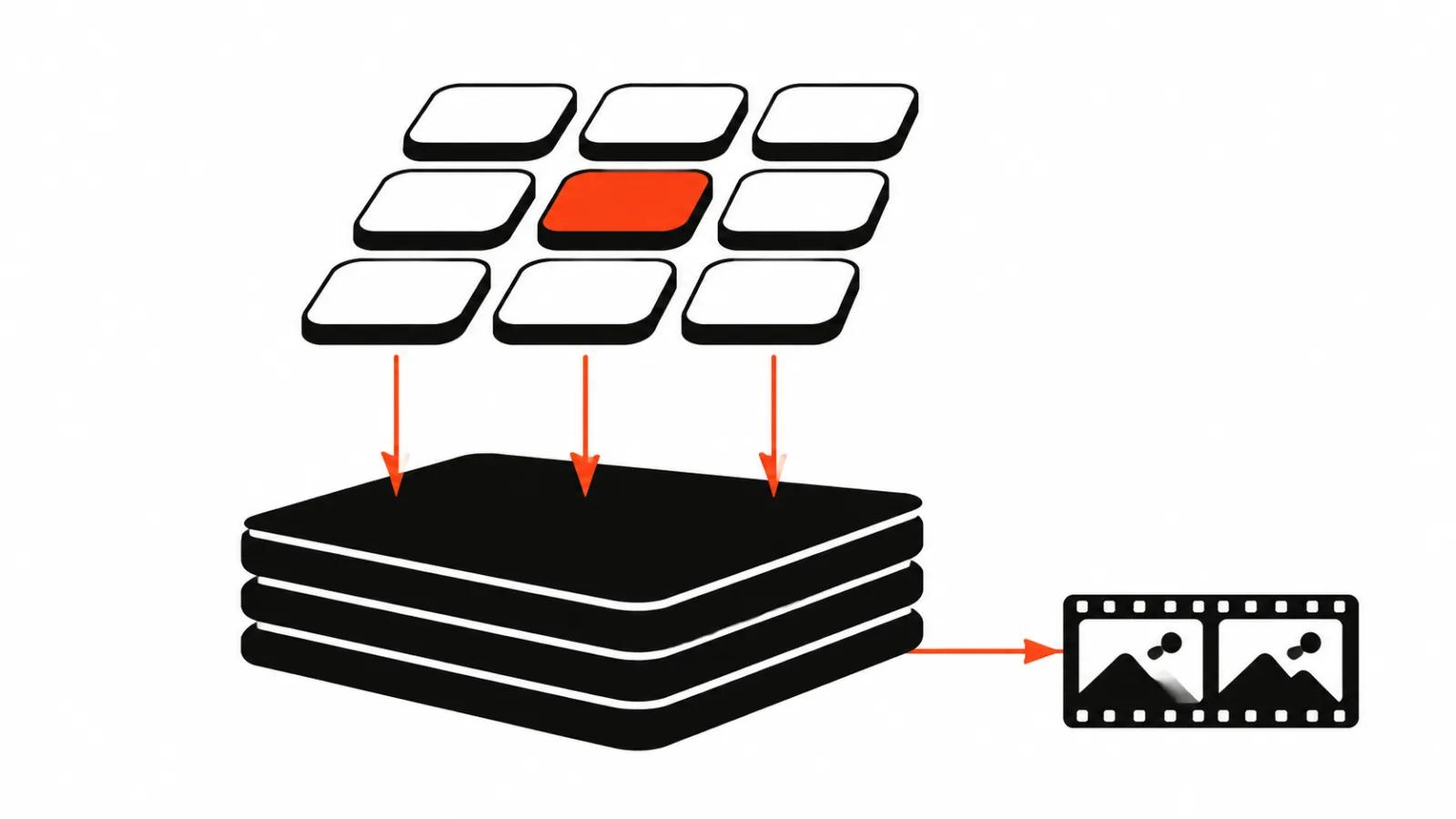
Pika today is a platform for video, images and sound in one window. On September 17, 2026 the team shipped a new version and described the shift plainly: apps on top, models underneath, their own and other companies'.
The practical consequence: you are buying access to a toolset and to credits that drain per generation. You do not have to study benchmarks, because the app picks a model for the task. If you want control, you can still name the model yourself.
What is inside
The new version launched with 25+ creative apps across video, image and sound. Some cover a whole project, others solve one narrow task.
The main one is Video Studio. You can attach up to 50 characters, products, settings and styles, then @mention them in the prompt. The output is either a short clip or a multi-shot video up to 30 seconds long, with sound.
Camera Director is worth calling out: it reshoots an existing scene from new angles, from extreme wide to close-up, while preserving the scene itself. There is Relight Media for rebuilding light in a photo or video, and Product Shot for turning a phone photo of a product into campaign imagery.
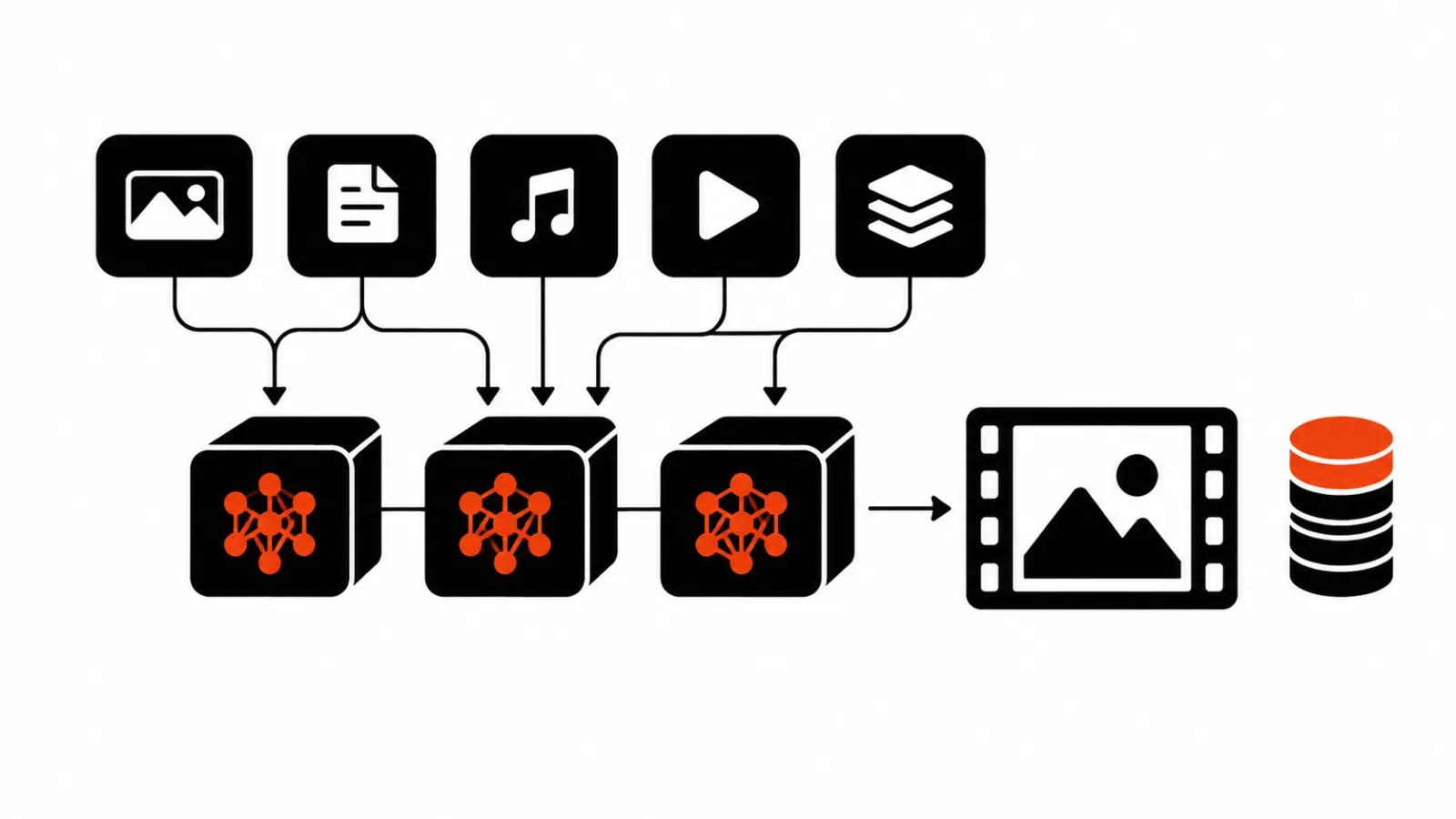
Underneath sit models from several vendors. The launch post names Seedance, GPT Image, MiniMax H3 and Pika's own models. A user can skip model choice entirely and let the platform pick one for the task.
Where it holds up
The strengths show on tasks that do not need long drama.
Short scenes with motion. Five seconds, one subject, one clear action. Pika keeps composition together and does not dissolve the frame.
Multi-shot pieces up to 30 seconds. Video Studio assembles several shots into one clip, and audio arrives with the picture.
Angle reshoots. Camera Director covers the job people usually hire a second camera operator for: same scene, different angle.
Product frames. Product Shot turns a phone snapshot into a lit image, which is often enough for a product page.
Model choice by task. If comparing versions is not your idea of fun, the app picks the one that handles a given scene type best.
Where it honestly breaks
Failures start where continuity matters.
Long dialogue. A few seconds of speech holds. A minute of conversation falls apart: intonation shifts, lip sync drifts.
Exact text on screen. Names, prices and addresses on signage come out the model's own way. For ads with legally fixed wording that is a stop sign.
Hands and hair. Fine motor interaction with objects produces artifacts, especially in fast motion.
Repeatability. Two runs of the same prompt give different results, so a consistent series needs a reference or manual triage.
Length. Thirty seconds is the ceiling for a multi-shot piece in Video Studio. Anything longer is assembled in an edit.
Plans and limits
Prices come from the official page at pika.art/pricing, captured October 26, 2026. Annual billing takes 20 percent off.
No watermark appears on any plan, including Free. The commercial license starts at Starter. Priority queue and early access to new models are Fancy only, with early access stated from $440 a month.
Credits are the unit that matters. The pricing page lists what a generation costs: Seedance 2.5 at 720p for five seconds is 122 credits, Wan 3.0 in the same format is 33, a Nano Banana 2 image is 8, a GPT Image 2.5 image is 2.
Top-ups run at 60 credits per dollar: a $100 pack is 6,000 credits. Top-up credits work only in Pika Create on pika.art and in MCP on pika.art/mcp; the API, the iOS app and old.pika.art ignore them.
| Plan | Monthly price | Credits per month | Parallel video generations | Commercial license |
|---|---|---|---|---|
| Free | $0 | 0, packs only | 2 | no |
| Starter | $10 | 900 | 2 | yes |
| Creator | $35 | 3,150 | 8 | yes |
| Fancy | $95 to $880 | 8,550 and up | unlimited | yes |
How to budget a month
Count clips, plan prestige means nothing.
Take five-second vertical clips on Seedance 2.5. Starter buys seven generations a month, Creator twenty five, Fancy seventy or more. Run the same volume on Wan 3.0 and Starter gives twenty seven clips, Creator ninety five.
Then comes the second cost line: rejects. Not every generation ships, so re-rolls belong in the budget. My working rule for a series is to plan double the number of shots you actually need.
The third line is top-ups. In a heavy month a credit pack beats jumping a tier, but it only works in the web app and MCP.
The order of work
An order that saves credits.
Scene and reference first. One reference frame that holds the style. Without it, the series drifts.
Then a short test. Five seconds, one shot, checked on a phone. If the light and motion are wrong, generating further is pointless.
Then length. Up to 30 seconds, build in Video Studio. Beyond that, go to the edit.
Then audio. It is generated with the picture, but exact lines are better rewritten separately.
Last, triage. Look at hands, at text on screen, and at the seams between shots.
What comes next
Pika keeps expanding past its own site: it shipped an extension that brings its apps and models into a chat window, and the write-up on the Pika plugin inside ChatGPT covers that move.
If generation becomes a habit and stops being an experiment, AI video prompts is worth reading first, because wording changes both the result and the number of attempts per frame. For shoots where live facial expression and accountability for every word matter, a different logic applies, and handcrafted videos cover it. And when the goal is volume under testing, look at AI video production, where Pika is one tool inside a wider process.