What motion transfer does in Bandicam AI Studio
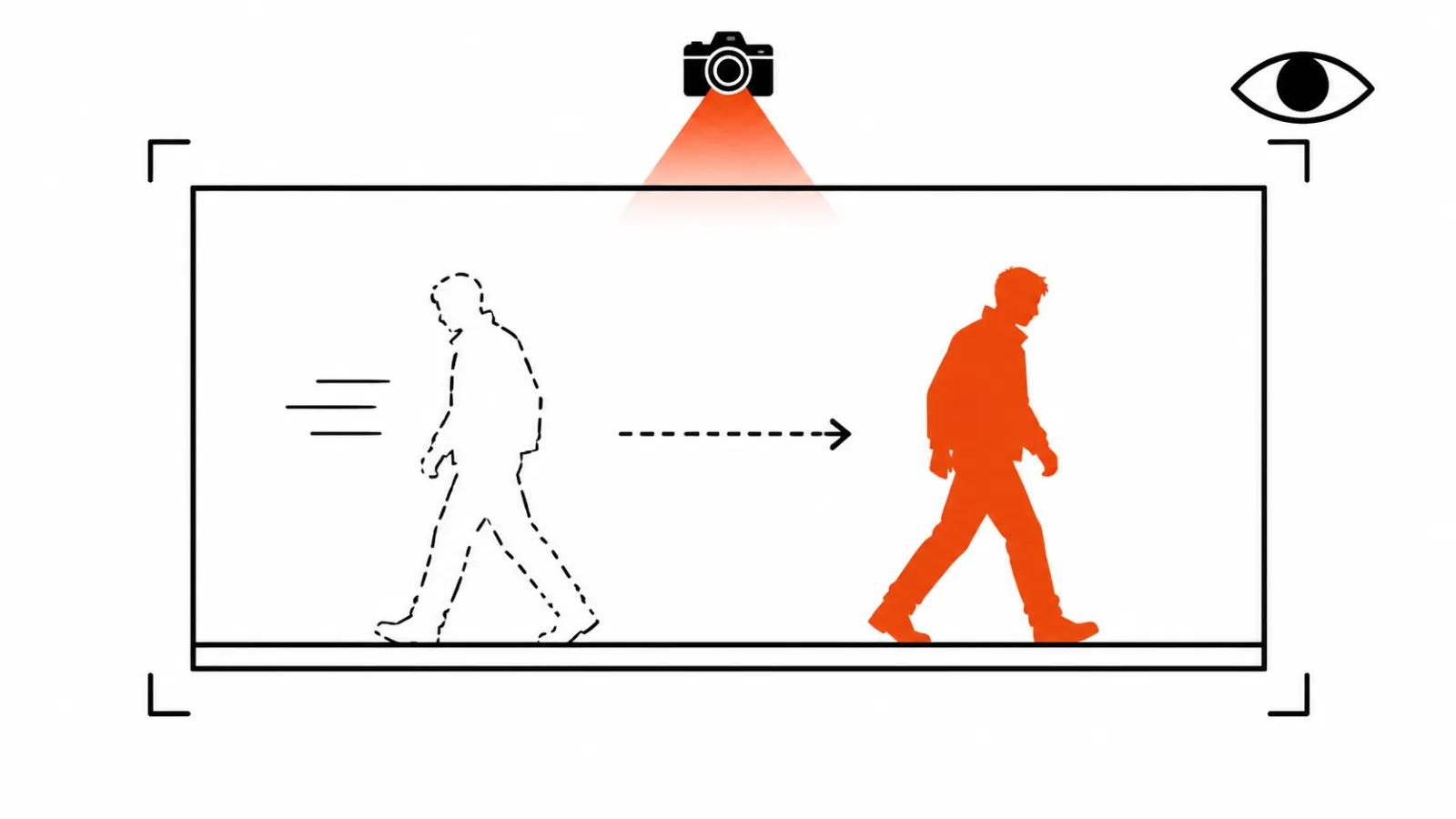
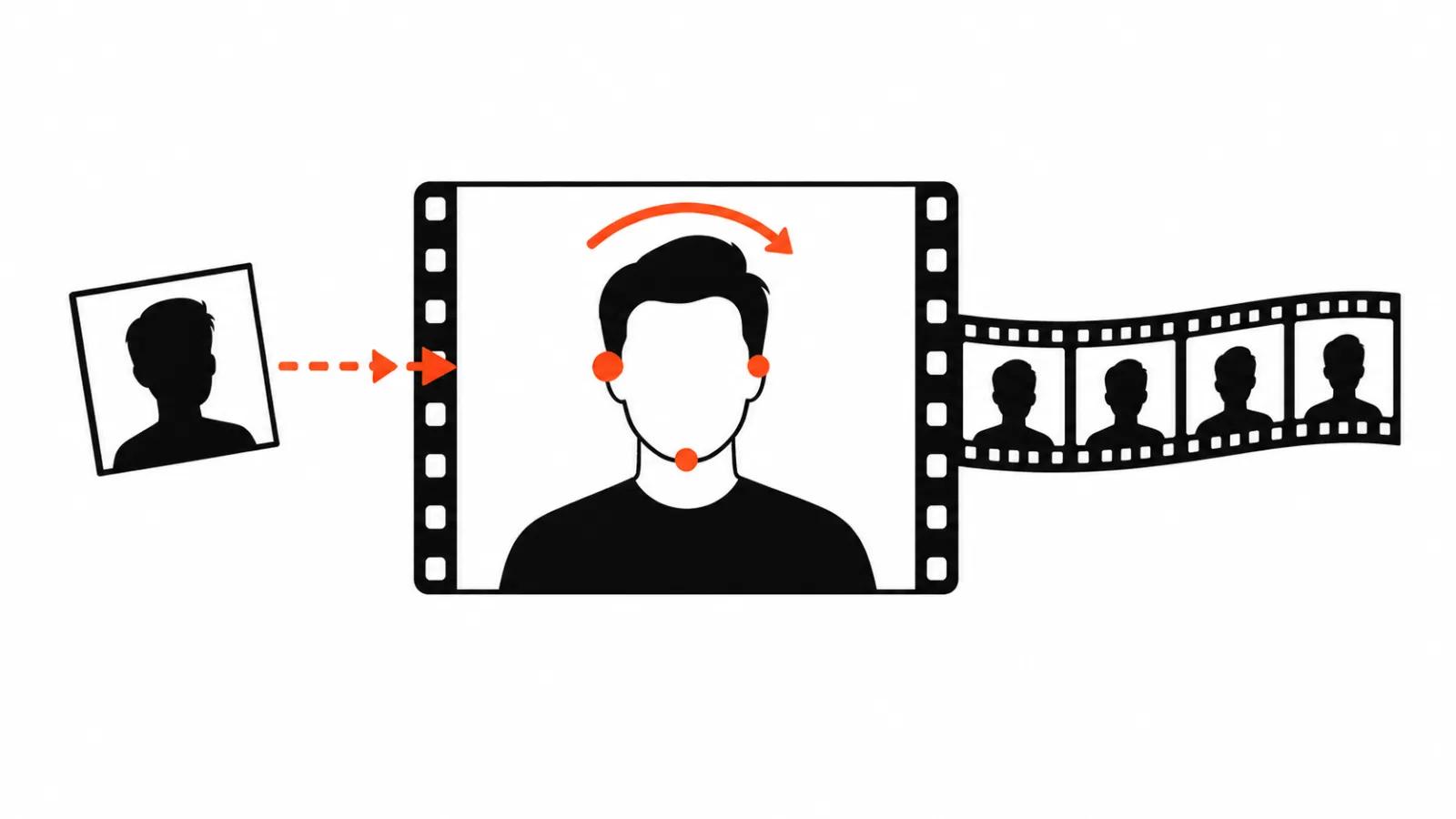
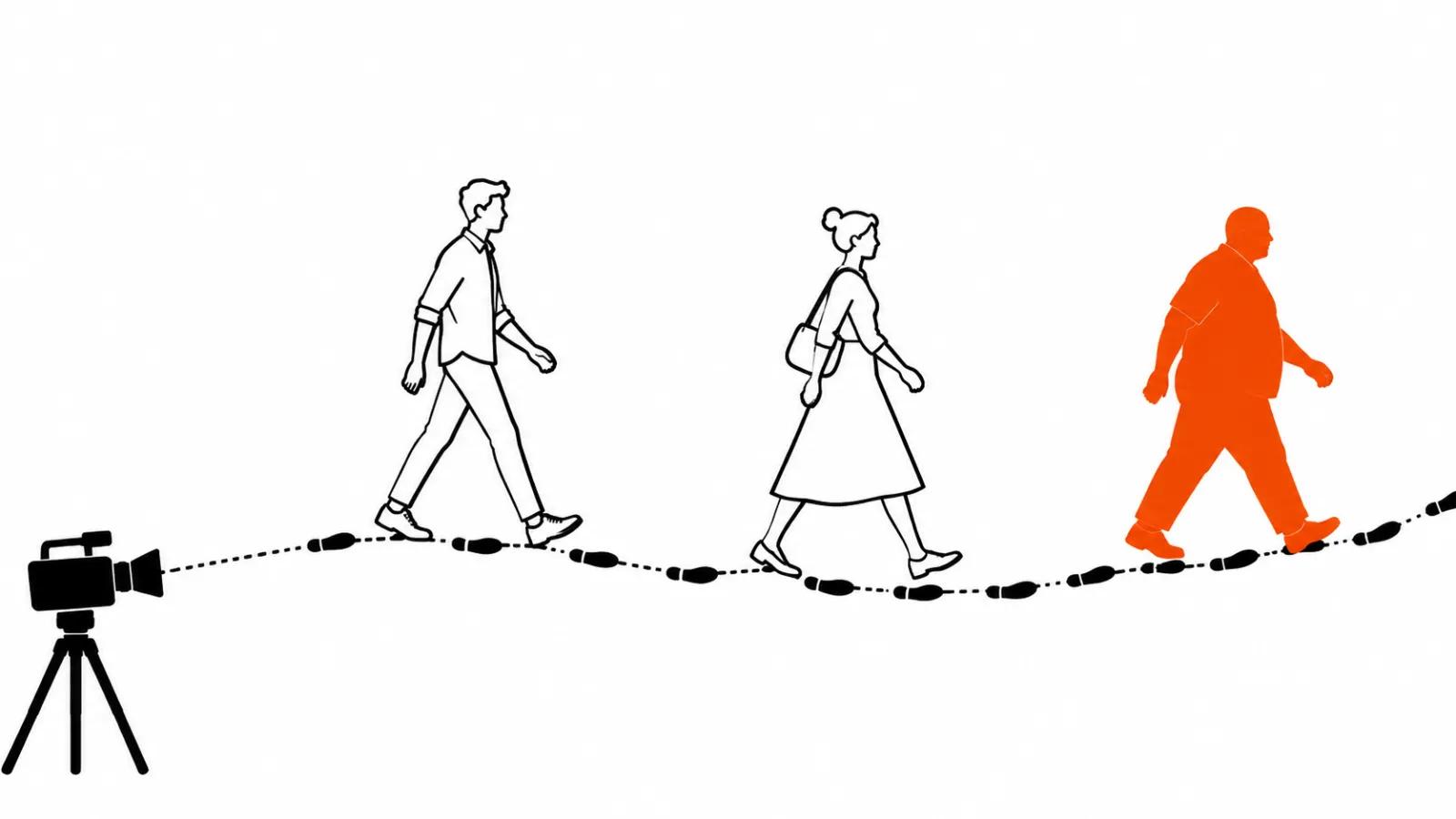
On 16 November Bandicam Company described through ZDNet Korea a new motion transfer feature in Bandicam AI Studio. The service takes your clip as the base and puts someone or something else into it: a different person, an animal, another outfit, a product, a background. The movement stays native. The dance, the walk, the turn of the body, and the camera path too.
For advertising that matters more than it sounds. A swapped character usually gives itself away through body language: the new person looks right and moves like a game asset. Here the movement is borrowed from the source clip, and the shot holds together.
The announcement names two scenarios. A casual one: put a chosen character into a dance or a challenge. A commercial one: a marketer changes the model's outfit and the interior, and gets several product ads out of a single shoot.
How to swap a person on video: four steps
Fewer steps than an edit.
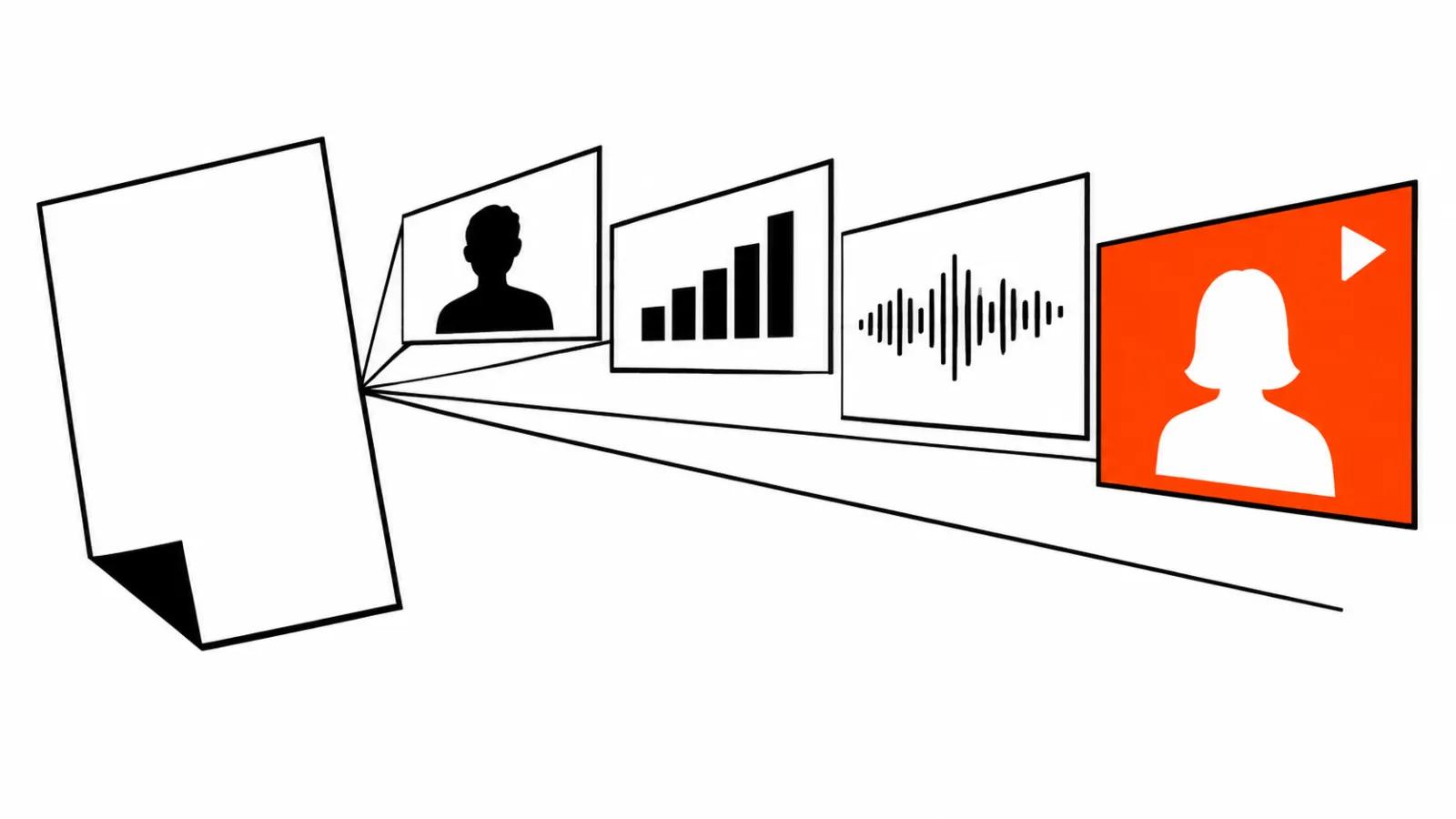
Upload the source video. Add a new image or background, either your own or a ready-made character from the service library. If the clip has several people, each one can get a character of their own; alternatively leave the people as they are and change only the outfit and the background. Then open the gallery. Every example carries a do-it-the-same-way button that loads its sources and settings, and you adjust from there.
The fastest way to read the feature is to open someone else's example and see which settings it brought along. That shows how much work one character takes and where manual fixes start.
One shoot, many ad versions
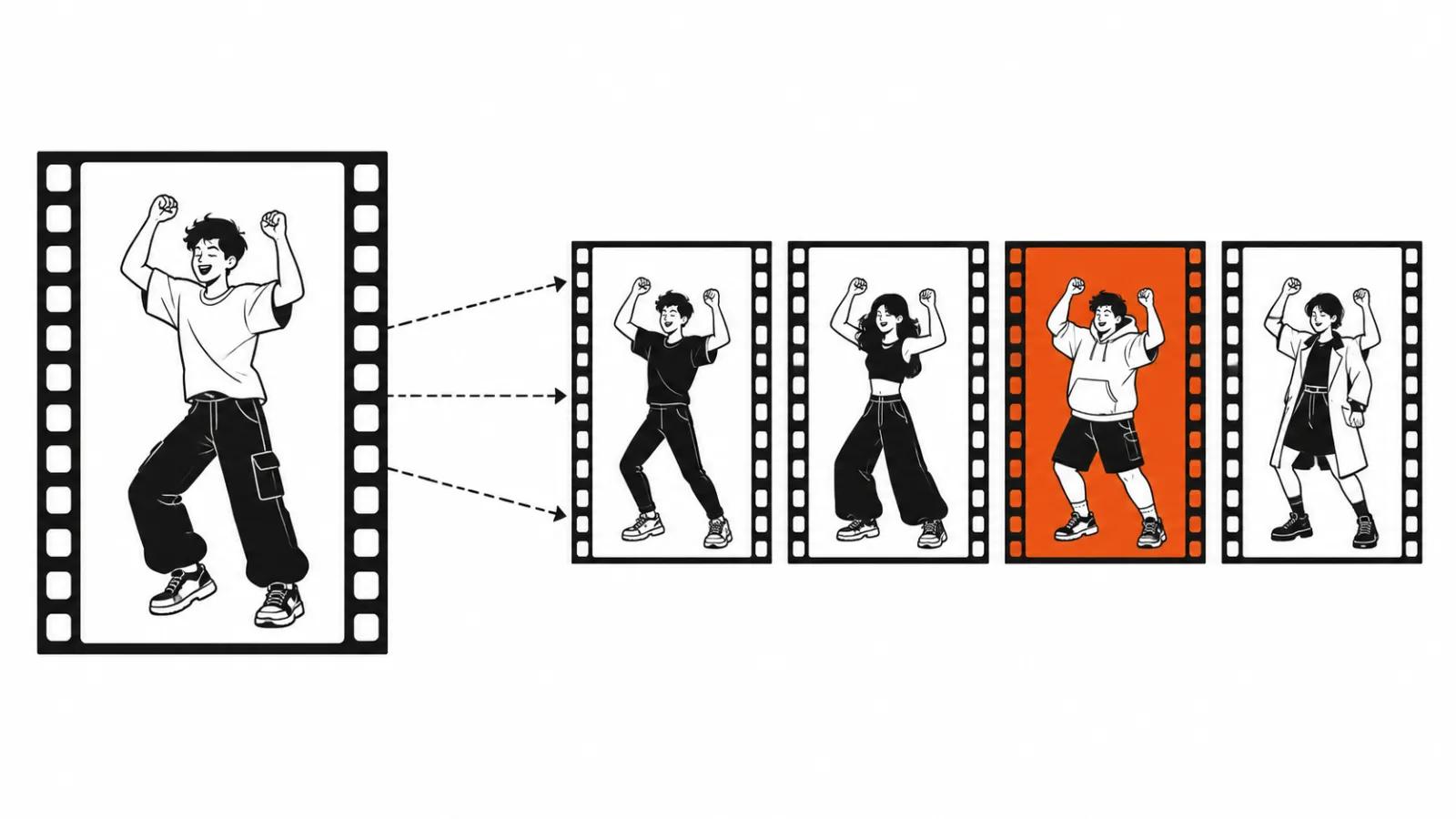
The business point is plain: shoot once. A model in a dress, an office in frame, a product in hand. Then the outfit changes, the interior changes, the character changes, the background changes, and the movement stays as it was.
One shoot becomes a series: a version for the product page, a version for stories, a version for another city and another audience. Each one reads as a separate ad, because a different person stands in a different room.
The economics are simple. A shoot costs money and a whole day; swapping an outfit and a background in a finished clip costs credits and an hour. For a product in ten colourways that is the difference between a week of work and an afternoon. We build similar series with AI video production, and motion transfer adds one more way to multiply a shot that already worked.
The same trick fits vertical ads, where a set of versions is the norm and any saving on a reshoot shows up in the quote.
Limits: length, formats, resolution
Source clips for Bandicam Recast run 4 to 30 seconds. Recast Lite is shorter, 2 to 15 seconds. MP4 and MOV. Lite costs fewer credits, which makes sense for a short input. Resolution comes in 480p, 720p or 1080p. The credit cost is shown before you start, and on a series of versions that number is what decides.
Thirty seconds covers a vertical ad and a feed placement. It does not cover a long story with dialogue: that needs stitching and a separate motion transfer per fragment. Each fragment is billed on its own, so credits go out in portions.
The company published no prices in dollars or in any other currency. Credits live inside the service, and the estimate has to come from its plan.
How this differs from Runway character swap and Melius Ditto
Character replacement already has neighbours, and their entry point is different. Our Runway character swap breakdown starts from a reference: you supply the character and a description of the scene, and the service builds the shot. The Melius Ditto breakdown follows the same logic, the model swaps people, props and backgrounds on video while keeping the structure of the frame.
Bandicam AI Studio starts from a finished clip and puts a hard limit on length first: thirty seconds in Recast, fifteen in Lite. Runway and Ditto leave more freedom in building a scene, and ask for references and descriptions in return. If the character belongs in a scene that never existed, that is their job. If the same dance needs a different character, motion transfer is shorter and more predictable.
Rights: whose face, whose footage
The paragraph that cannot be skipped. A real person's face stays untouched without written consent: a client, an employee, an influencer, a stranger who walked through someone else's clip. Someone else's footage is off limits too, even for a test, because the source file stays inside the service.
The safe options are dull. Characters from the Bandicam library, your own drawn heroes, or a shoot with a model who signed a release. Everything else needs a conversation before the job starts, and before the clip reaches an ad account. A consent check costs less than the cleanup after a complaint.
What to check on a test fragment
Before a series, run one short test and look at four things. First, contact with the ground and with objects. Feet should not float over the asphalt, hands should not pass through a glass. Second, shadows. A new shadow with its own physics reads as a sticker. Third, the edge of the silhouette, hair and fingers especially, where models leave a smear. Fourth, clothing. Fabric should crease the way it creased in the source, otherwise the outfit swap shows on the first turn.
Watch it on a phone, full screen. An editor window flatters the result: platform compression eats soft transitions and sharpens hard edges, and a fragment that looked fine in preview falls apart in a feed.
My conclusion
Motion transfer is a tool for series. It removes the marketer's main headache: one shoot starts living as ten versions. It does not rescue a weak script and it does not replace consent for a face.
We have no hands-on time with Bandicam AI Studio, and I will not promise results on the service's behalf. The test stays simple. If the walk, the rhythm and the light survive the swap, the clip is usable. If the character slides across the frame and the shadow leads its own life, no series will save it.