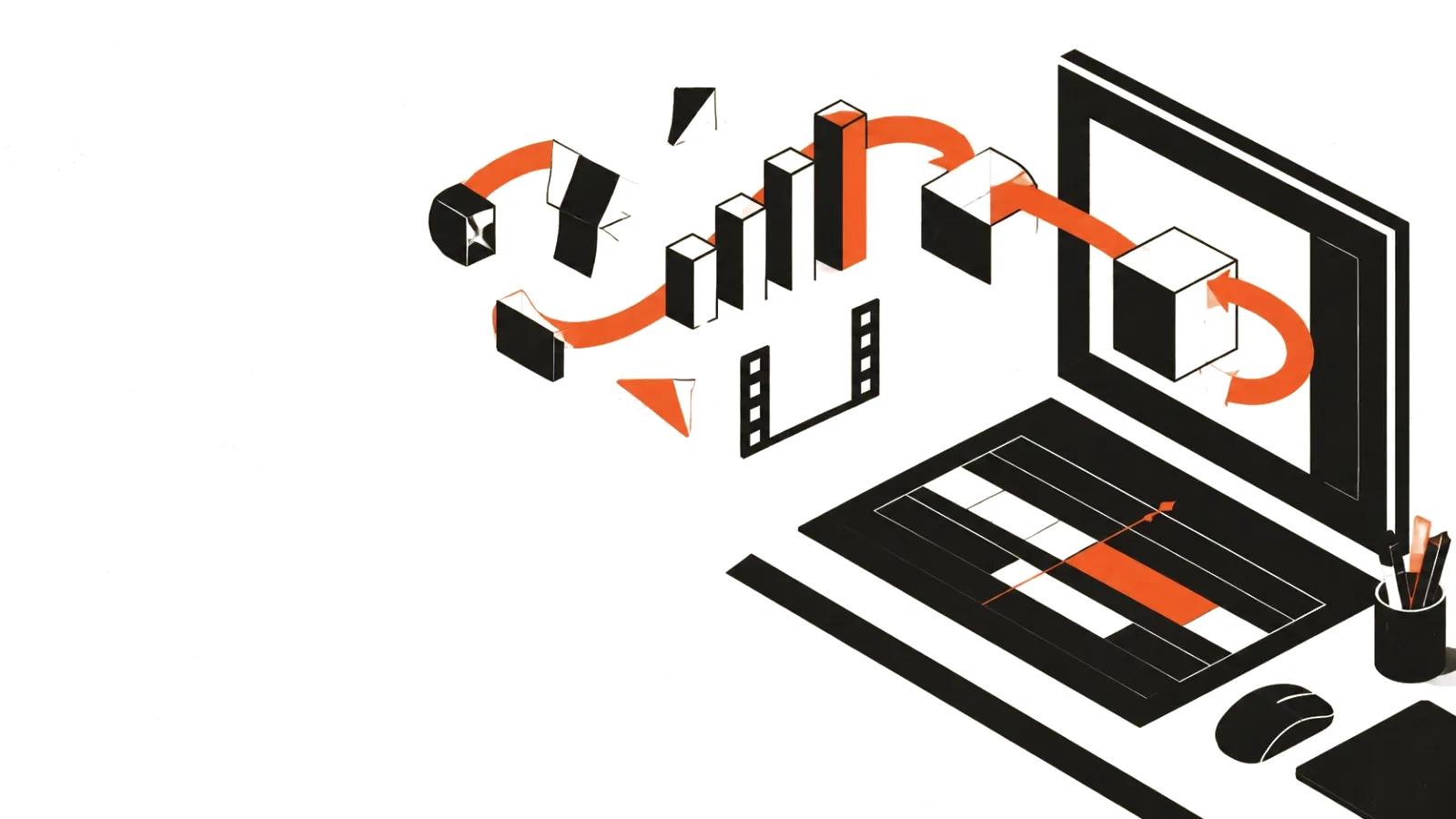
Motion design, defined
Motion design is work with graphics in motion. A logo assembles from parts, a diagram builds step by step, a number counts up from zero, a caption slides in exactly when the voice says the word. These are elements of one language with tempo, hierarchy, and rules.
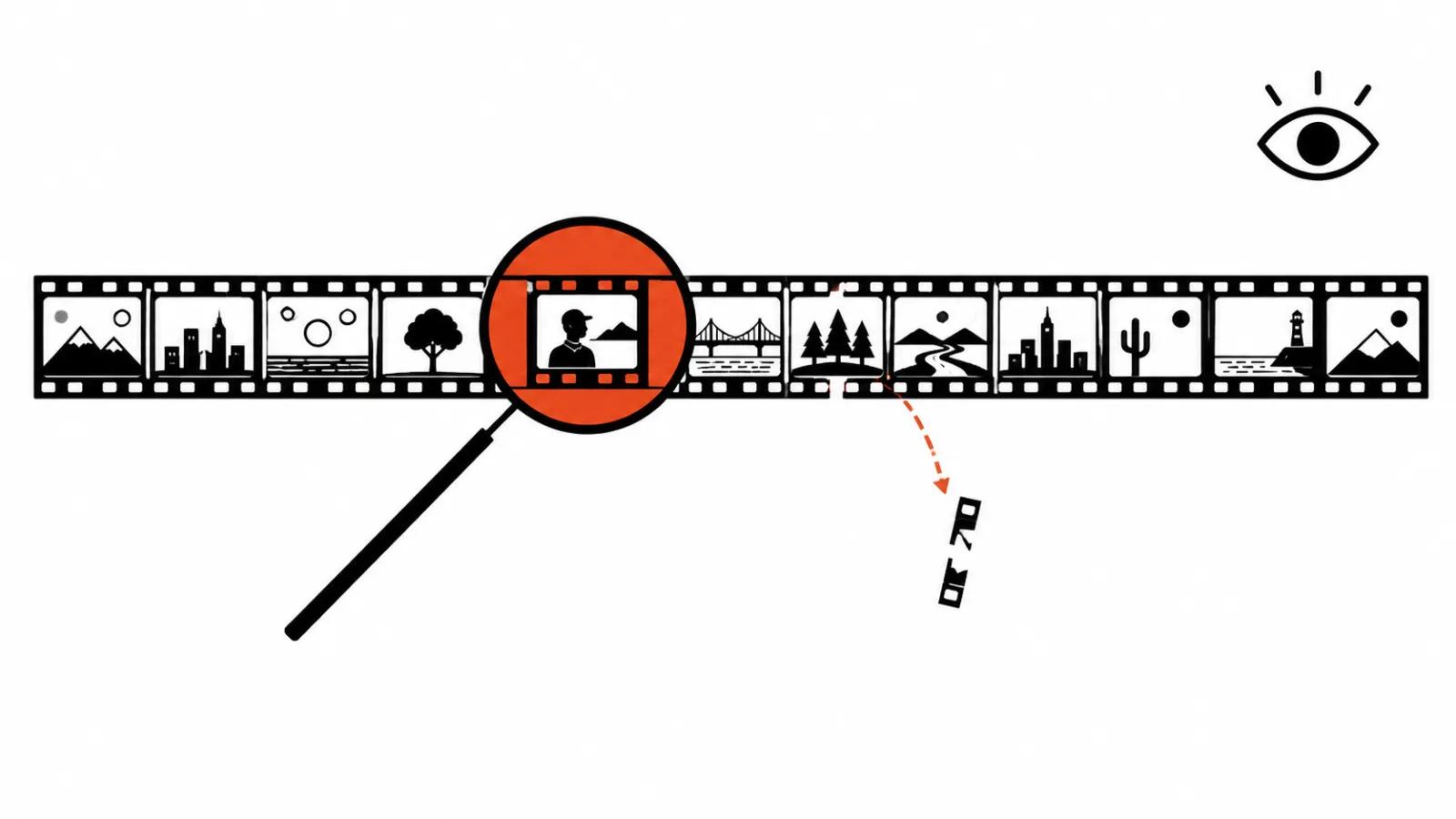
What separates it from static graphics is time. A poster can be studied for as long as you like; a video runs on its own and sets the pace for the viewer. So the designer thinks about more than composition — about what happens between frames, and how one idea turns into the next.
The practical value is simple. People read on-screen text faster than they listen, and movement holds attention on the boring but necessary parts: terms, pricing tiers, process steps, figures.
How it differs from animation and editing
Animation brings characters and objects to life: it has a hero, a temperament, performance. Motion design brings information to life: arrows, charts, cards, typography. A character can appear in it, but does not have to.
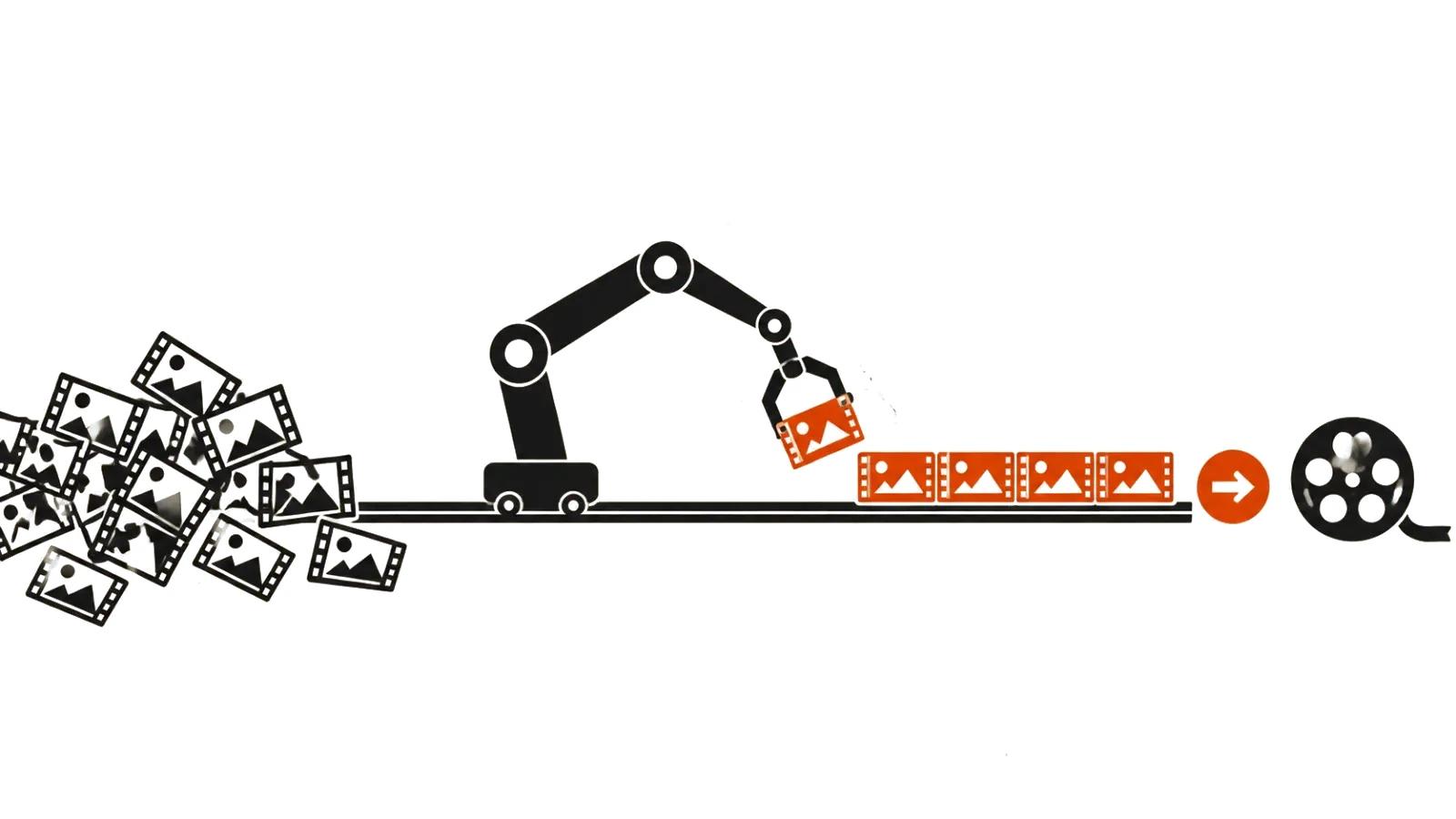
Editing assembles shot footage into a sequence. Motion design often starts from an empty frame where nothing has been shot yet — the whole scene is built from vector layers, type, and 3D objects.
In practice the borders blur. A commercial cuts between live action and graphic inserts; an explainer has a character walking through a drawn world. For a client, the more useful division is different: what gets explained in words, what in a diagram, and what the product itself shows.
Video infographics: numbers you can see
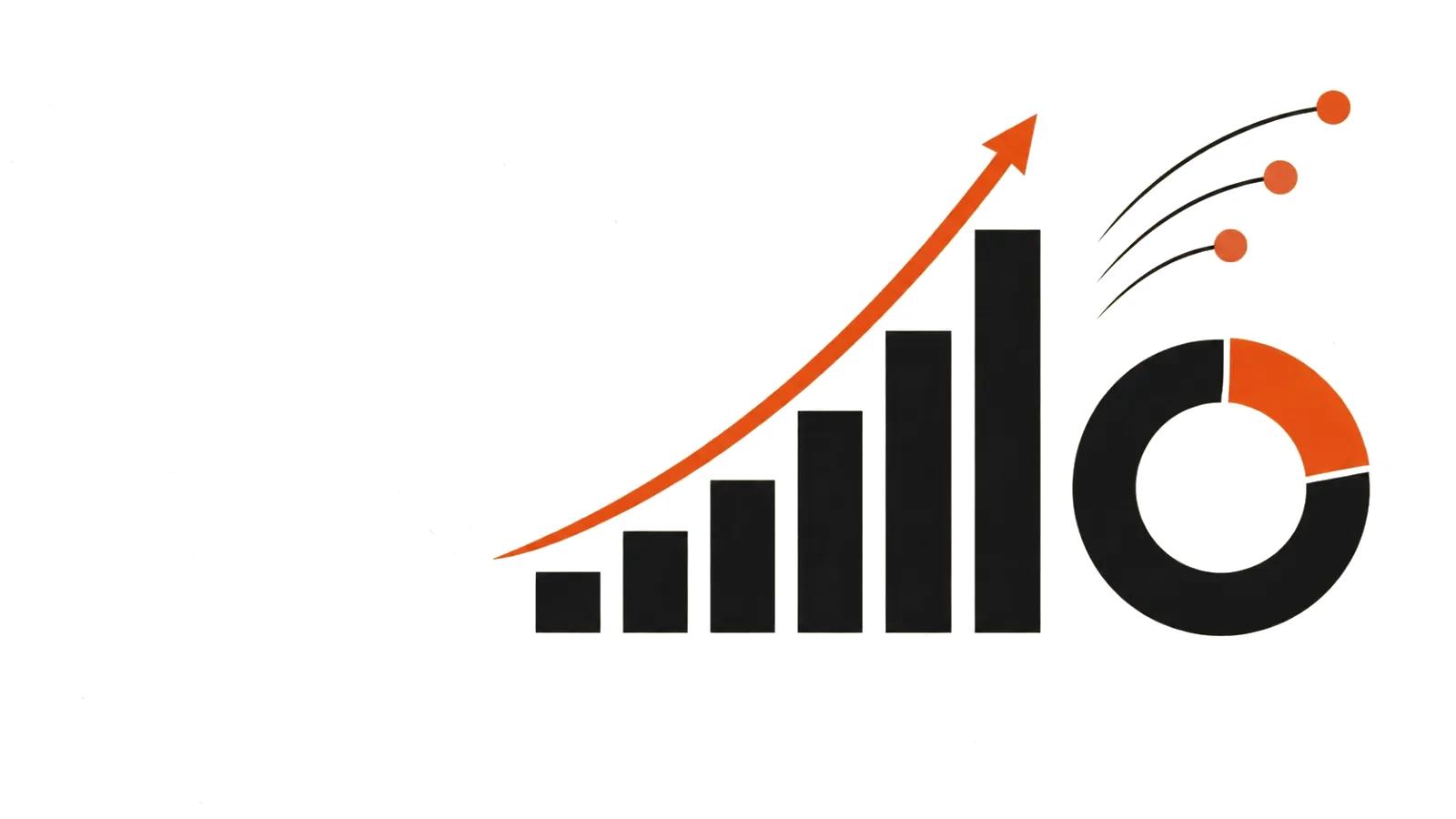
Video infographics are data translated into movement. Bars grow, lines extend, a map highlights regions, percentages fill a ring. The goal is to let the viewer see a ratio instead of reading it in a table.
Three rules keep it honest. One screen, one idea. True scale: if the difference is twofold, the bar must not look tenfold. Numbers stay on screen long enough to be read — usually at least two seconds per figure.
There is a trap: animating everything at once. When a chart, a background, three icons, and a caption all move simultaneously, the viewer does not know where to look. Movement is a pointer for attention, and there should be exactly as much of it as the message needs.
Explainer video: complex things in 90 seconds
An explainer is a video that explains a product, a service, or a process. Typical length runs from 60 to 120 seconds, and the structure is rigid: problem, solution, how it works, proof, action.
The script is written for the voice, not for the picture. Text first, storyboard second: every semantic beat gets its own shot. If a sentence cannot be drawn, it is surplus.
Next come styleframes — two or three anchor frames that set the palette, typeface, line weight, and character of movement. They let the client see what the video will look like before the whole animation goes into production.
Then scenes are animated, voice recorded, music added, and everything mixed. The most common note at this stage is pace: the client thinks it is fast, a viewer without context thinks it is slow. Test it on someone who does not know the product.
The pipeline, brief to master
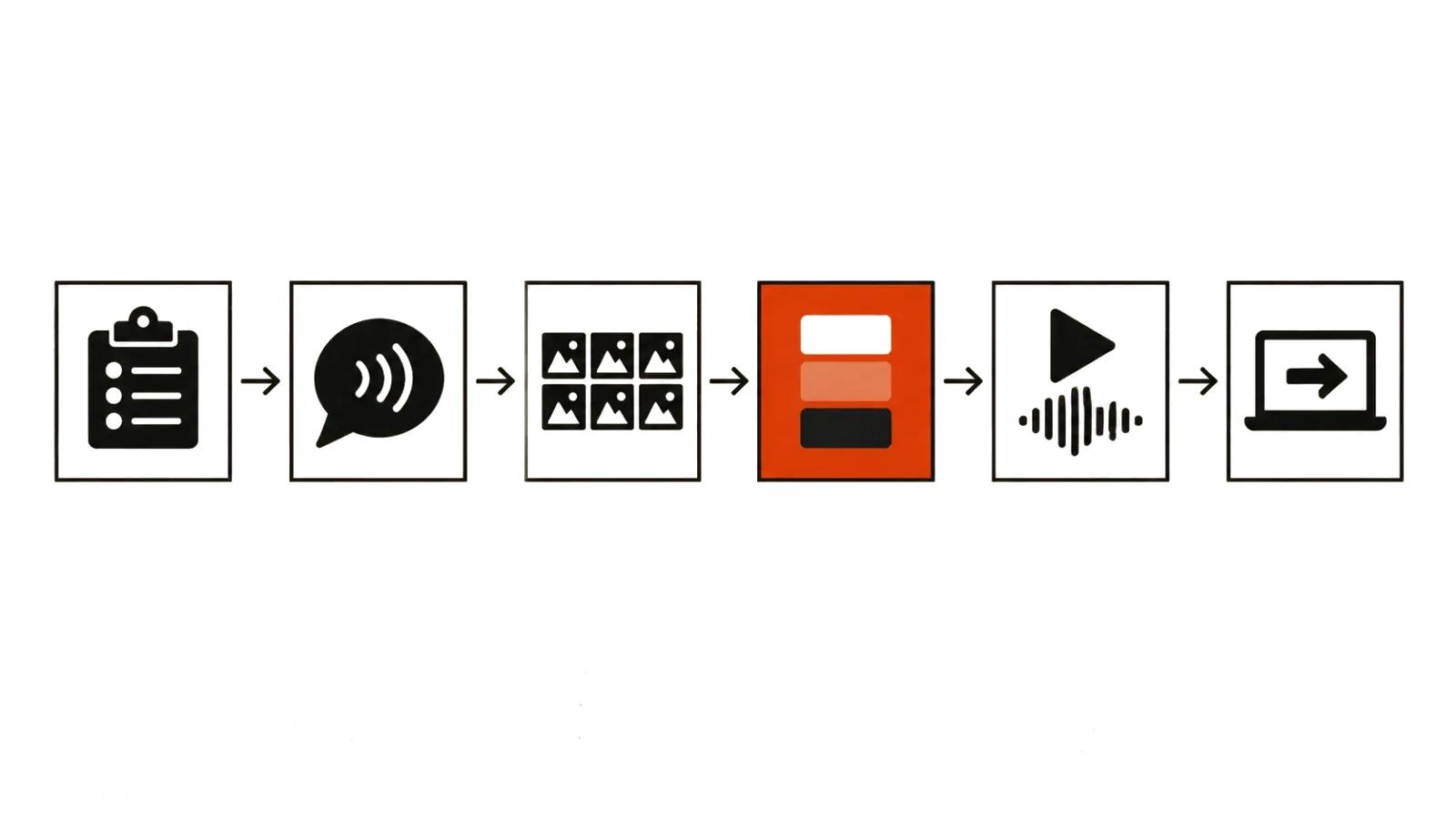
Work runs in six steps. Brief: who we are explaining to, what they must understand, where the video will run. Script: voice text with timing per phrase. Storyboard: shot list with described action. Styleframes: the visual language. Animation and sound: scene assembly, voice, music. Master: exports per platform.
Text approval deserves its own step. Changes to a script are cheap; changes to finished animation are expensive, because the timing of an entire scene shifts. So the text is signed off before anything moves on screen.
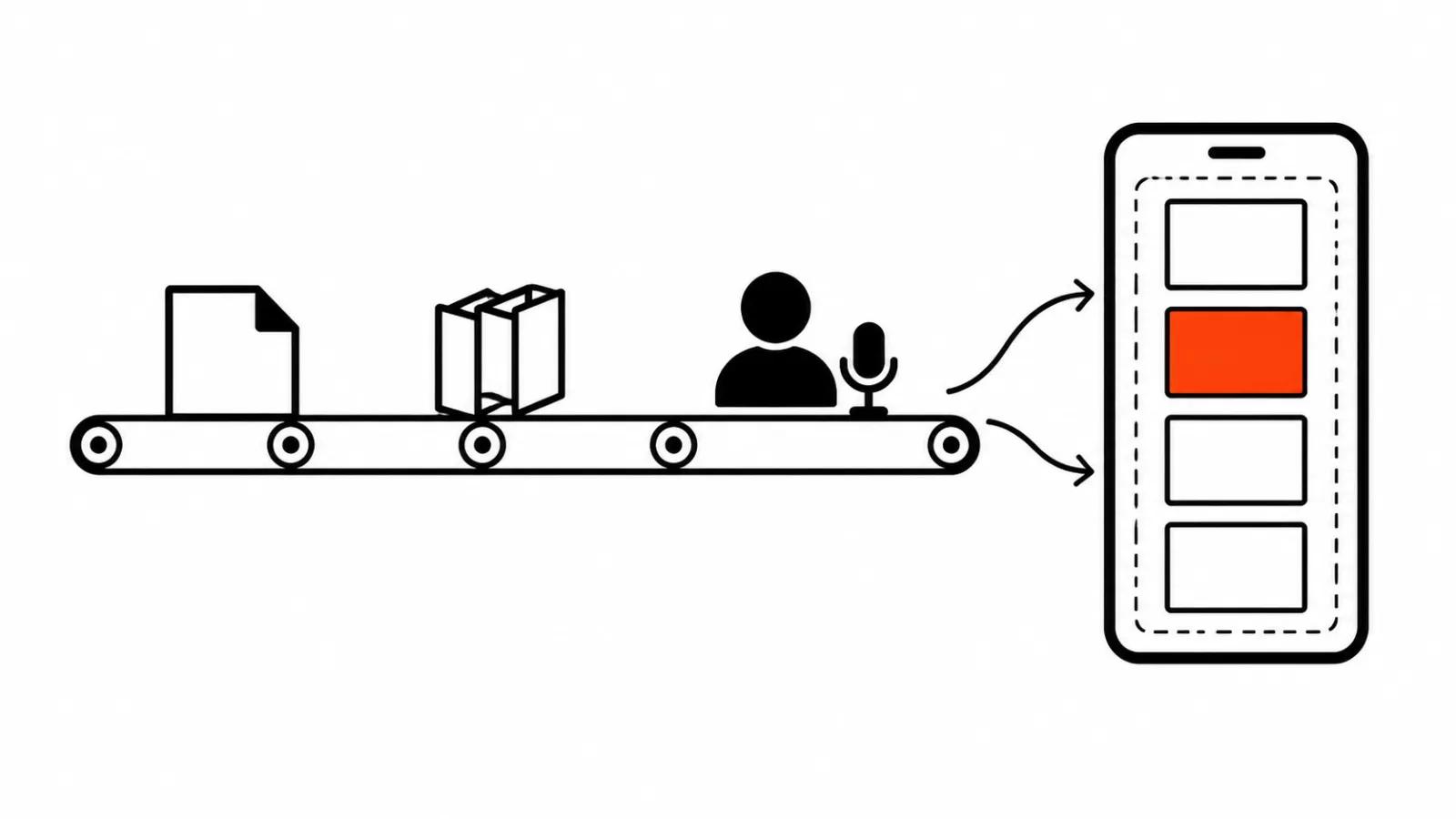
AI video production slips into this pipeline at two points: draft styleframes and voiceover. Generating frame options with a model is faster than drawing them, and a voice track takes minutes. Final animation is still assembled in an editor, because it needs frame-accurate control.
Tools, and what AI does and does not do
The classic stack is After Effects for animation, Illustrator for vector layers, Cinema 4D or Blender for 3D objects, and an editor for assembly. AI tools joined that stack without replacing it.
What they do well: generate backgrounds and textures, animate stills, voice a script, propose composition variants. What they do badly: hold exact timing, repeat one element with identical parameters, set typography to a grid.
There is another route worth knowing: video from code. Instead of hand animation, the scene is described programmatically and frames are assembled as code — exact coordinates, repeatable effects, versions in a repository. That approach is covered in a separate piece on the first tests of a model that writes video as code.
Cost and timeline
Handcrafted videos with graphics start at $394 for a video up to 90 seconds, with about a week of turnaround. The price covers script, storyboard, styleframes, animation, voice, and music. Complex 3D scenes and long explainers are quoted separately.
Mass versions of the same video — different headlines, figures, or colors — are produced from the finished project and cost less per unit: $2.47 per 1,000 views (CPM) when the job is a stream of impressions.
A rough effort benchmark: a minute of simple graphics is several days for one person; a minute with character animation is weeks. That is why an explainer is almost always cheaper than an animated film of the same length.
When motion design is the wrong tool
When a product sells on emotion rather than explanation. When there is a real person on camera whose face beats any diagram. When the video plays in the background and nobody reads on-screen text.
There are also cases where graphics actively hurt: a complex diagram squeezed into three seconds on a vertical screen turns into noise. Short formats usually do better with a close-up and one caption than with dense infographics.
A simple test: strip all the graphics out. If the meaning survives, they were decoration. If the meaning disappears, you have found what you are paying for.