Automatic video editing with AI: what Mosaic shipped
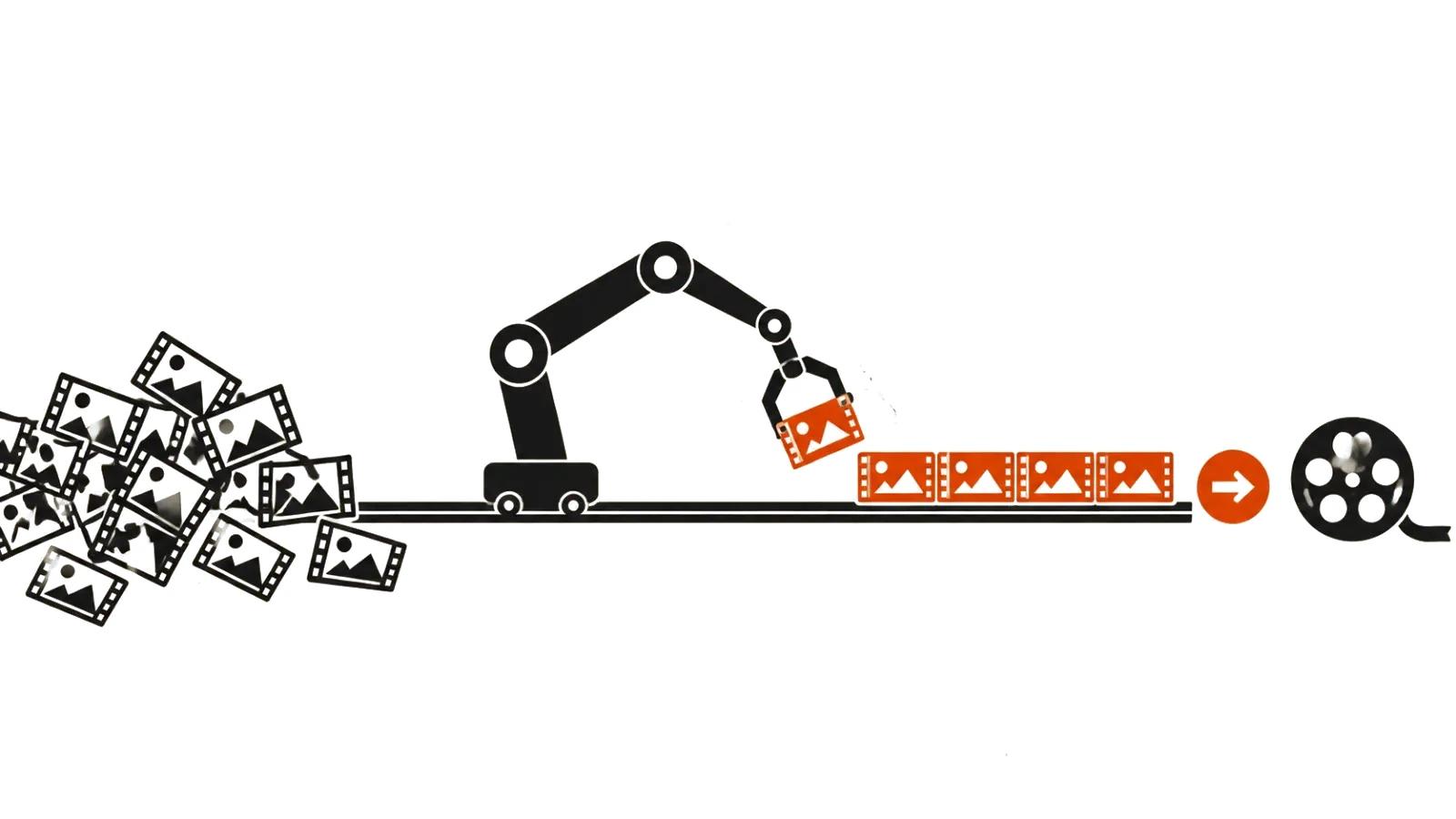
Mosaic published Motion (https://mosaic.so/research/motion-gva) on 20 October 2026 and calls it a general video agent: a system that runs a production from brief to finished file. It works with footage you already have and can also generate new material when the cut needs something that was never shot.
The listed operations are cutting, motion design, colour grading, and audio sync. Multicamera podcast assembly, launch films, logo animation, and turning an essay into a narrated film all appear as examples. Everything here is the company's own description; there is no independent test of the product yet.
What the agent does with footage
The examples show the range. A multicamera podcast: the agent finds the strongest moments and reframes them around whoever is speaking. An essay becomes a narrated film. A logo gets animated, and a launch film is built against a reference.
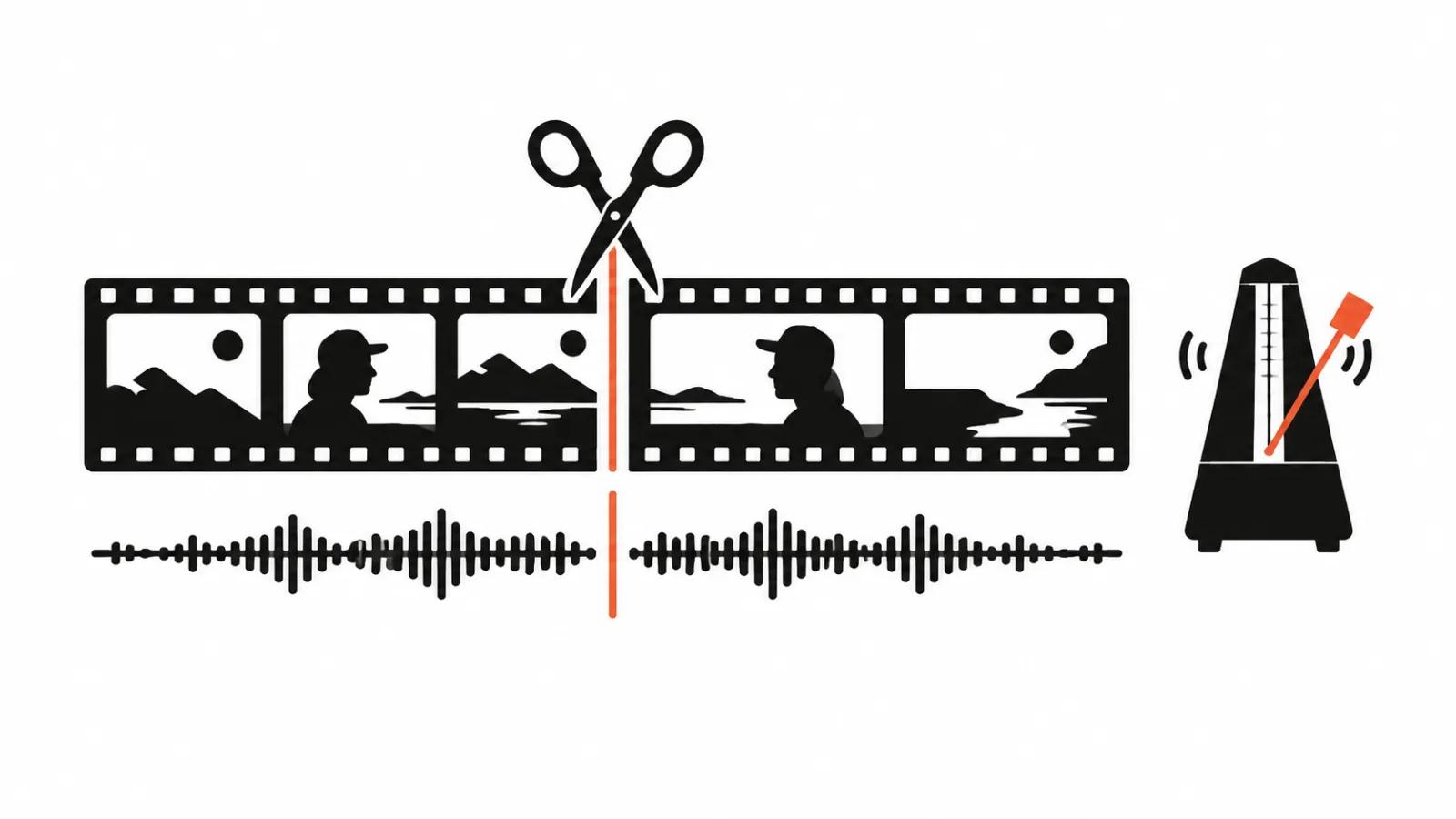
It also works on rhythm. Motion studies a reference's pacing, typography, and transitions, plans the shots, and checks the cut before it reaches the viewer. That last claim is also the company's, not a measured result.
The practical value sits elsewhere. The agent absorbs the routine that eats time: syncing, trimming pauses, levelling loudness, building a first graphics pass. Decisions about what is worth showing stay with a person.
There is a limit the announcement does not discuss. The agent builds a film from a brief and a reference, which means it reproduces a pattern it was handed. A weak reference produces a tidy film with a weak idea: clean editing does not substitute for a point of view.
The brief, the brand, the reference
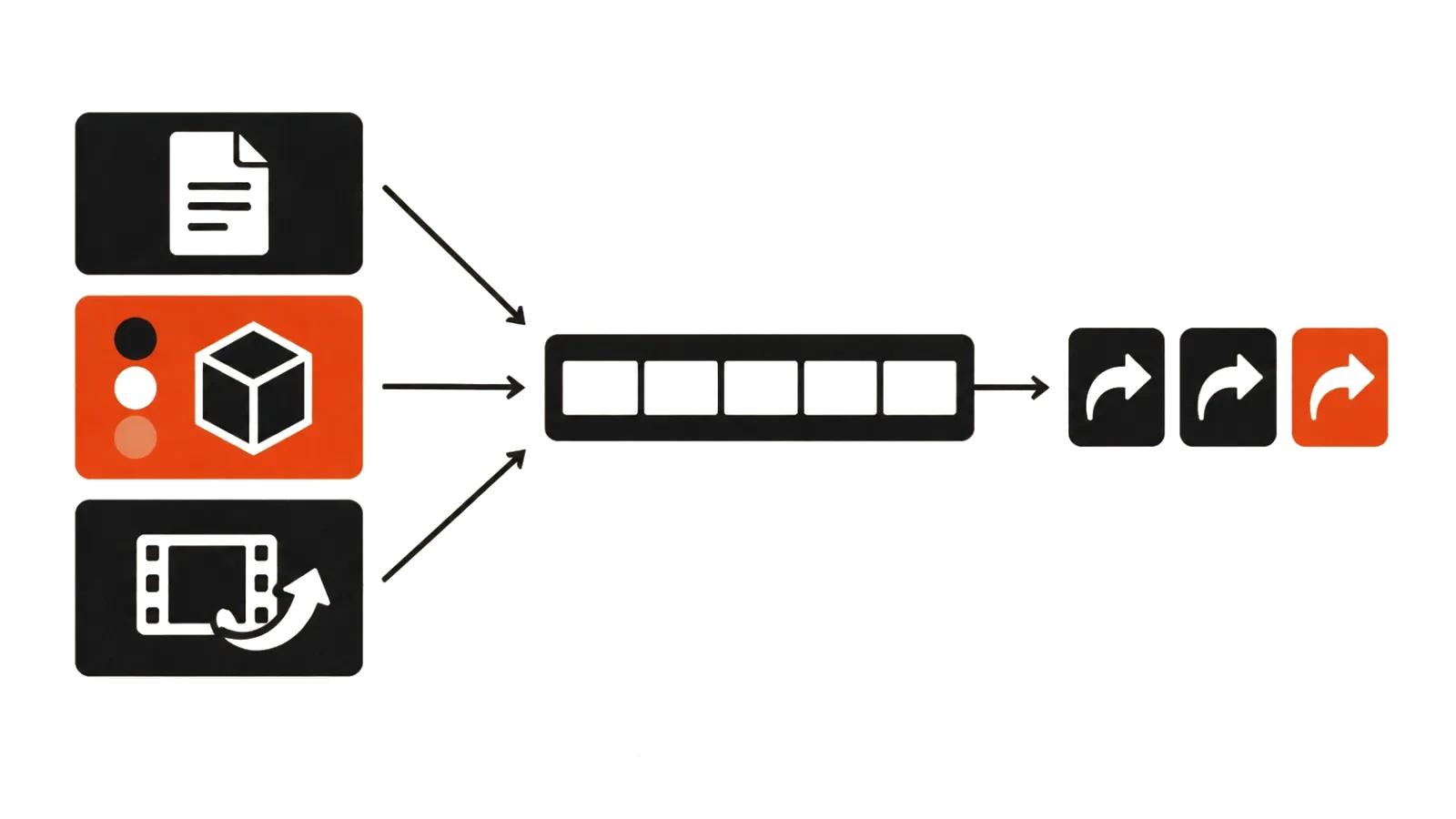
Mosaic lists three inputs: a brief, brand assets, and a reference video. The brief sets the task, brand assets supply type, colour, and logo, the reference sets tone and pace.
That combination reduces iterations but does not remove the need to define the job. The more precisely the audience and the action are described, the fewer revision rounds come back. "Make it beautiful" works equally badly with a person and with a model.
Revisions: in words, by drawing, on the timeline
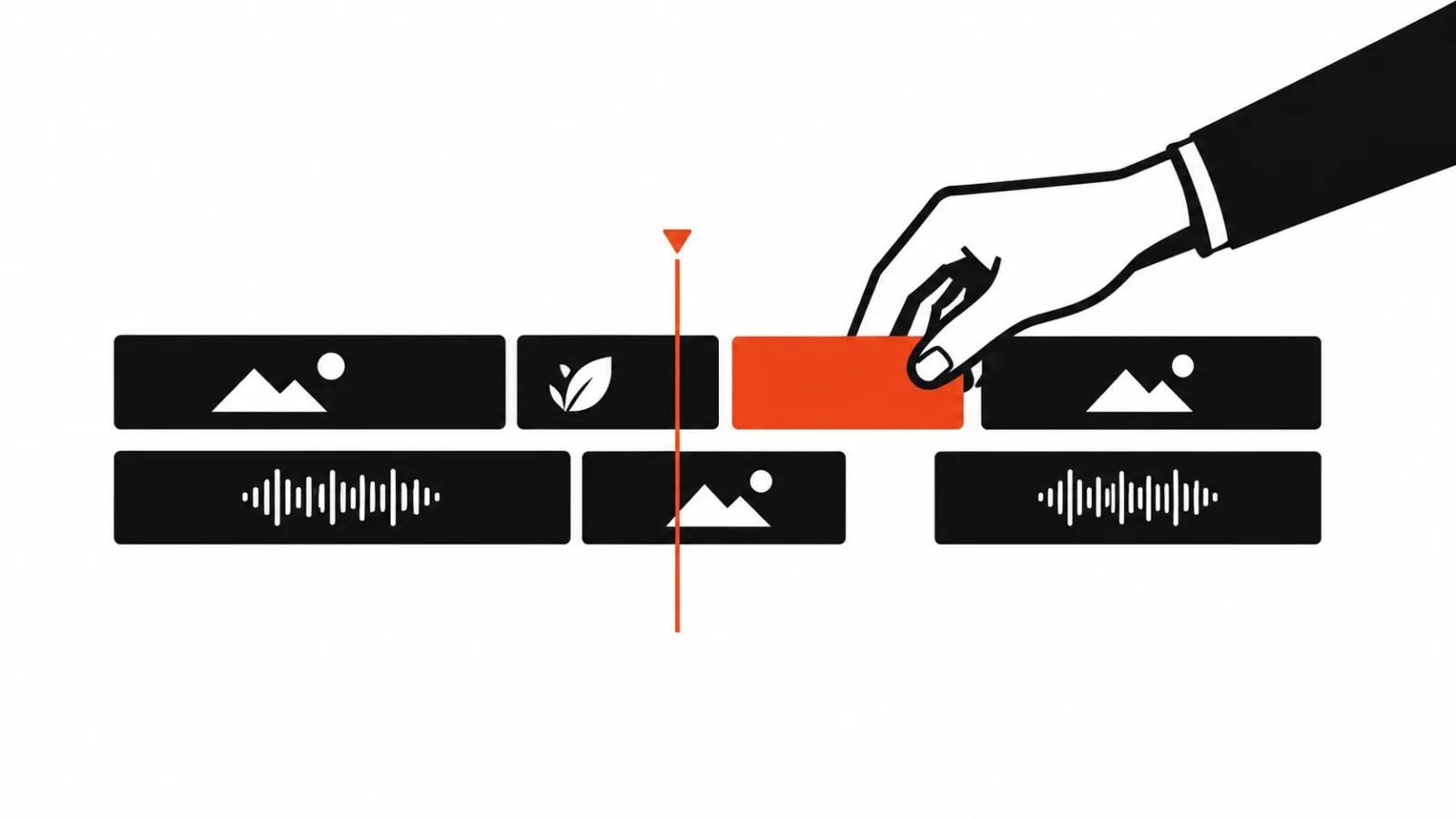
Revisions are offered in three modes. In words: make the music quieter under the second scene. By drawing on the video: circle an object and show what should happen to it. Directly in the preview: move the text, adjust an element.
For anyone who works in an editing application, the timeline stays available: open the project and finish it by hand. That detail matters, because it separates an agent from a one-shot clip generator. The output is not closed.
Export: Premiere Pro, After Effects, DaVinci Resolve
A project moves into Premiere Pro, After Effects, or DaVinci Resolve, and also into agent-native frameworks such as Remotion and Hyperframes. The post notes that capabilities depend on the application: some features exist only inside Motion, others survive the export.
For production that maps onto a familiar division of labour. The agent assembles a rough cut and graphics, an editor refines rhythm and colour in the tool they already know, and nobody has to learn a new interface to finish the job.
Integrations and scheduled runs
Motion connects to Google Drive and Frame.io for footage, and to Notion and Slack for context. It runs on a schedule or on a trigger, for example when a new video lands on YouTube. Publishing goes out through connected social accounts.
There is an API and an MCP server, so the agent can be called from your own tools or from other agents such as Claude and Codex. Several productions can run in parallel in the cloud, and publishing can be automatic or held for approval.
The seven-language experiment
A separate section of the post tests the language used to describe a video. Same model, same footage, same brief, seven languages: React with Remotion, HTML with Hyperframes, plain Python, C++, Mosaic's own Motion, plus Forth and Uiua.
The result: familiar languages produced the same film. Human viewers, shown the clips one at a time, saw no difference. Unfamiliar languages produced the same film at higher cost: Forth came in more than three times as expensive and ran past the time limit, while Uiua did not finish rendering in time and was rendered afterwards from the same code.
Quality was scored blind by a second AI model on a 0 to 100 scale. The same judge gave the raw clip with no edit a 28. Average model cost per film:
These figures are model token costs for one film, not product pricing: Motion has no public price list.
| Language | Cost per film |
|---|---|
| Motion | $2.86 |
| Python | $3.12 |
| Hyperframes | $3.13 |
| Remotion | $3.30 |
| C++ | $3.70 |
| Uiua | $5.81 |
| Forth | $10.82 |
What the experiment does and does not prove
Mosaic ran the test itself, which is the main caveat. Its own format came out cheapest at $2.86 against $3.12 for the nearest alternative. There is no independent replication, and the scoring method is described briefly: a blind pass by a second model.
The conclusion about languages should be read narrowly. When the model knows the language, the film does not depend on the framework. That does not mean any agent produces the same film: the difference, in the company's framing, lives in the harness — the instructions, the tools, and the way the system checks its own work.
For a client, the more useful part of the announcement is elsewhere. The agent lowers the cost of a first cut and the number of iterations; it does not take responsibility for meaning. AI video production has always been limited by selection rather than generation, and the mechanics here are the same.
Where frame-level control matters — complex graphics, performance, precise timing — handcrafted videos remain the safer route: from $394 per video up to 90 seconds, with about a week of turnaround.
A stream of short social clips is priced differently: mass vertical videos at $2.47 per 1,000 views (CPM). For a wider look at the models and agents behind these workflows, there is a separate guide to AI video models.