YouCam now ships Kling 4.0 in the app
On November 16 Perfect Corp. said it had integrated the Kling 4.0 API from Kuaishou into the YouCam platform. Perfect Corp. works on AR and AI for beauty and fashion; YouCam is its phone app with virtual makeup try-on and a built-in editor. Generation and editing of AI video up to thirty seconds now happen in the same place, in the mobile app and in the web editor, with no separate service.
Vidu Q4 Preview and other models sit in the same set. For a brand this means the model choice stops being a separate project and becomes a switch inside one window. What the model itself does through the API is covered in our Kling 4.0 API breakdown; the interesting layer here is the editor built around it.
What Kling 4.0 does, per the vendor
Worth keeping the release list in view, because it explains why the model needed an editor around it.
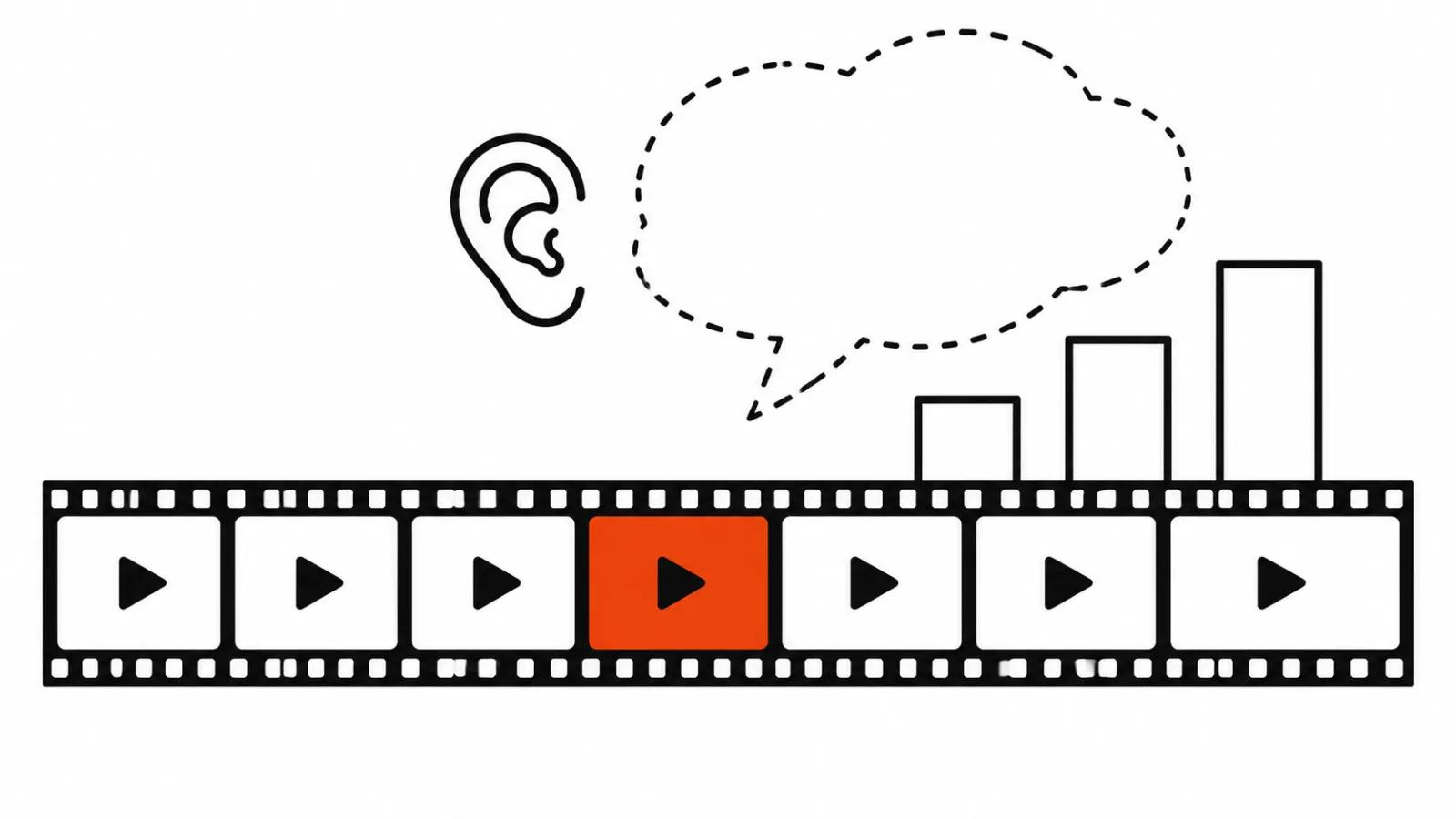
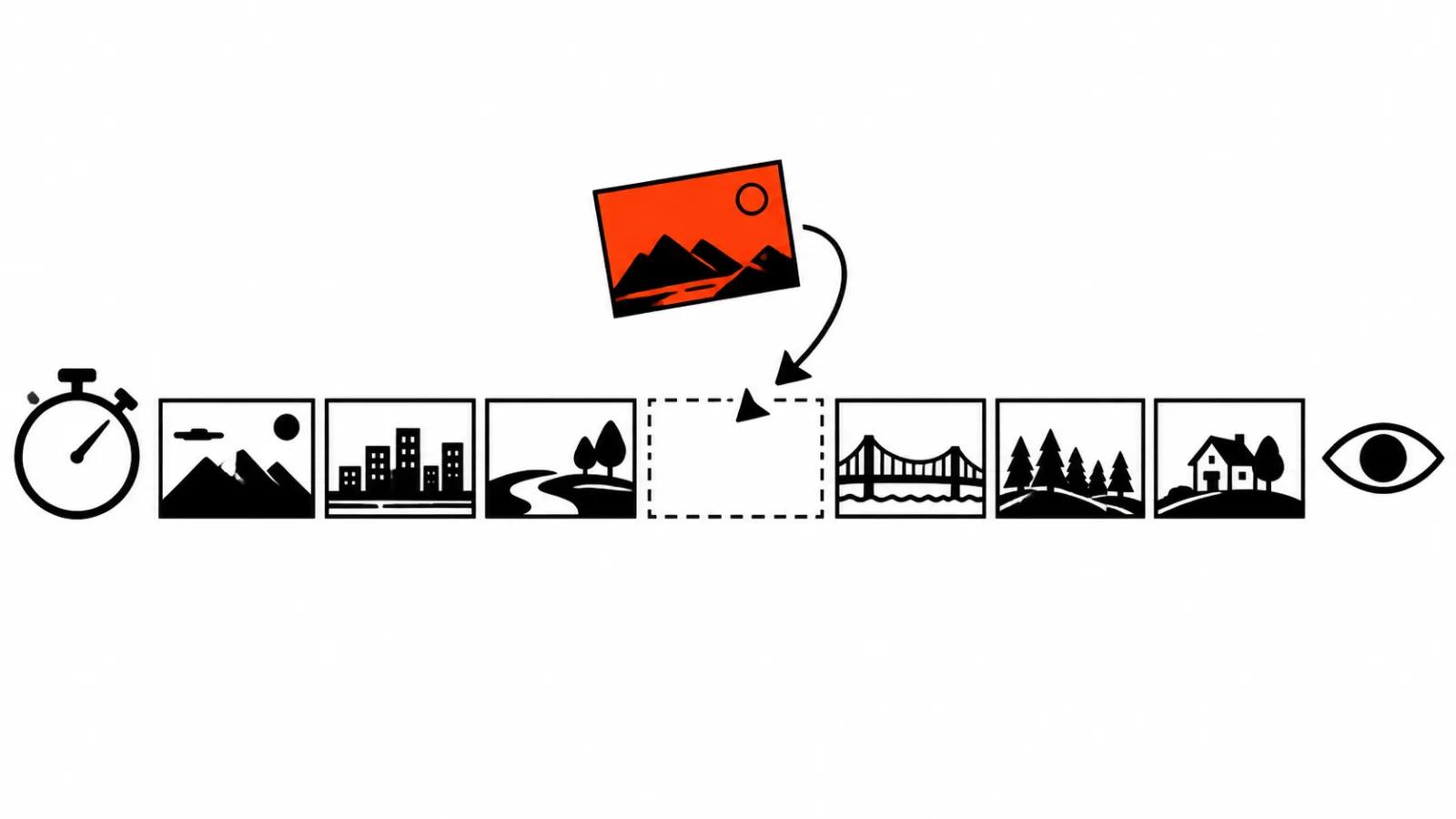
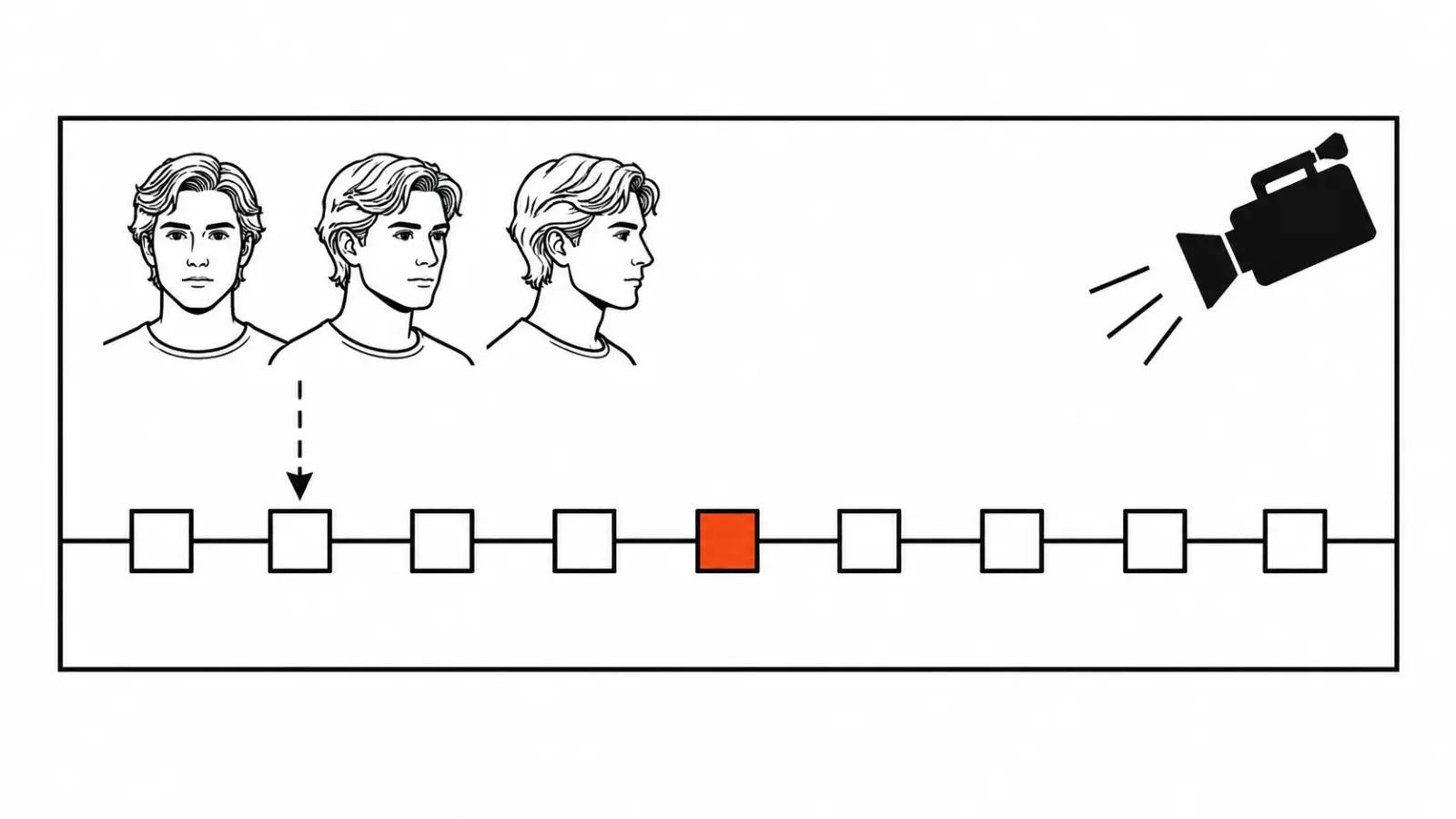
One generation returns up to thirty seconds. That is double what Kling 3.0 gave, and it is the number that matters. Up to ten keyframes can be placed on the timeline. Input accepts mixed references: a photo, a character sheet from several angles, a storyboard, a short video. Dialogue lines, music and sound effects arrive in stereo, more than nine languages are supported, lip sync is improved.
Thirty seconds changes the genre. A five-second fragment is a detail; thirty seconds is a scene with a start and an end, and it can go into an ad as it is. Ten keyframes give control over what happens inside those thirty seconds, and a character sheet keeps the face identical from the first frame to the last.
AI video on a phone: three steps in one window
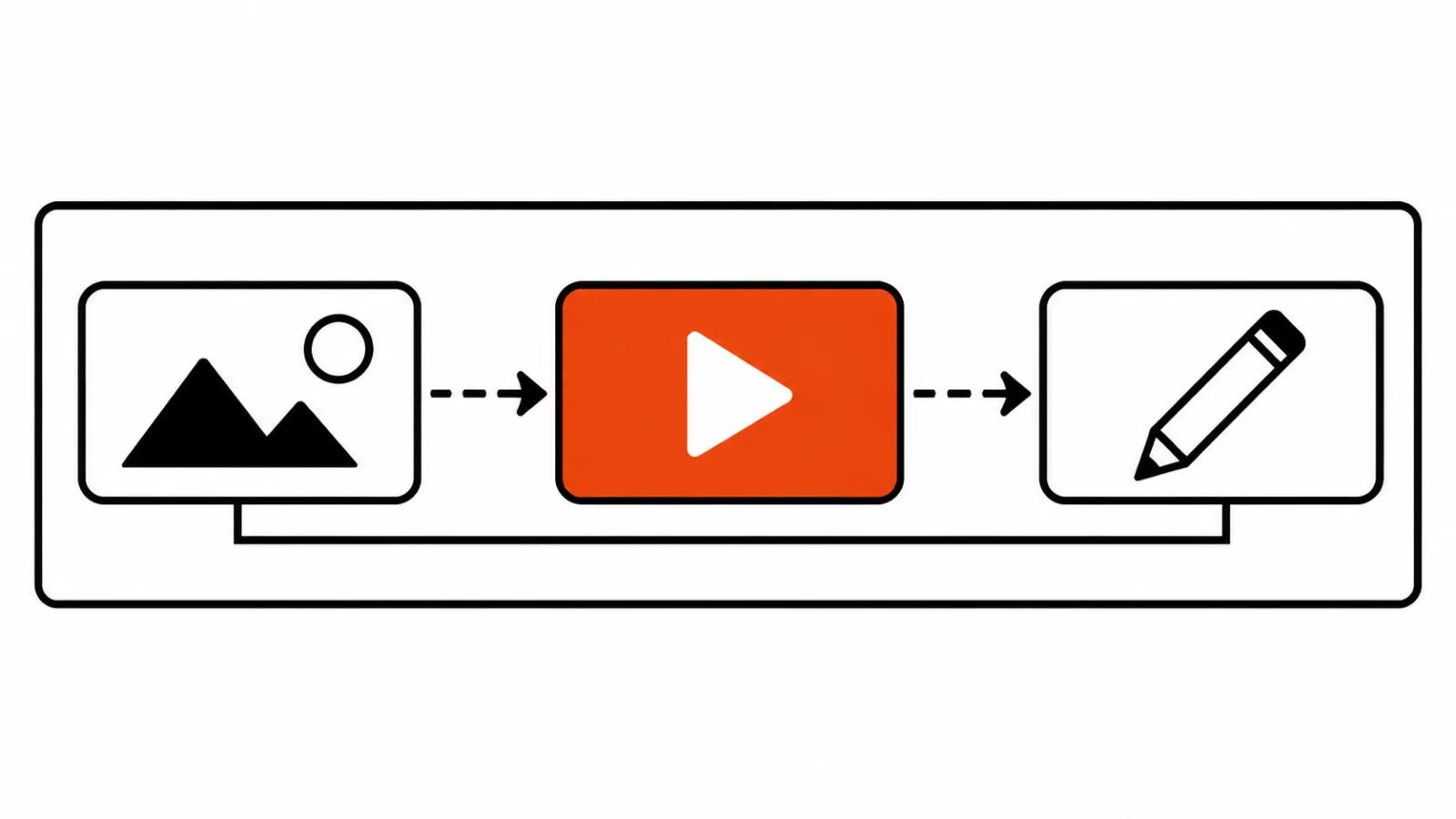
The chain in the release is short. The source image comes from the YouCam AI generator, the clip is made in Kling 4.0, the finishing pass happens in the YouCam editor. Three steps, and no files dragged between websites.
The older version of that chain ran across three tabs: an image generator, a video model, an editing app. Every seam meant a download, a rename, an upload. On a single clip that is a minor annoyance; on a set of twenty versions it is hours. A phone editor cuts exactly that part of the work; it does nothing for generation quality.
We have no hands-on time with YouCam, so my read on interface comfort and render speed comes from the Perfect Corp. description. How smoothly it holds up in practice will be clear once the first user clips show up.
Ten keyframes: where they save a shoot
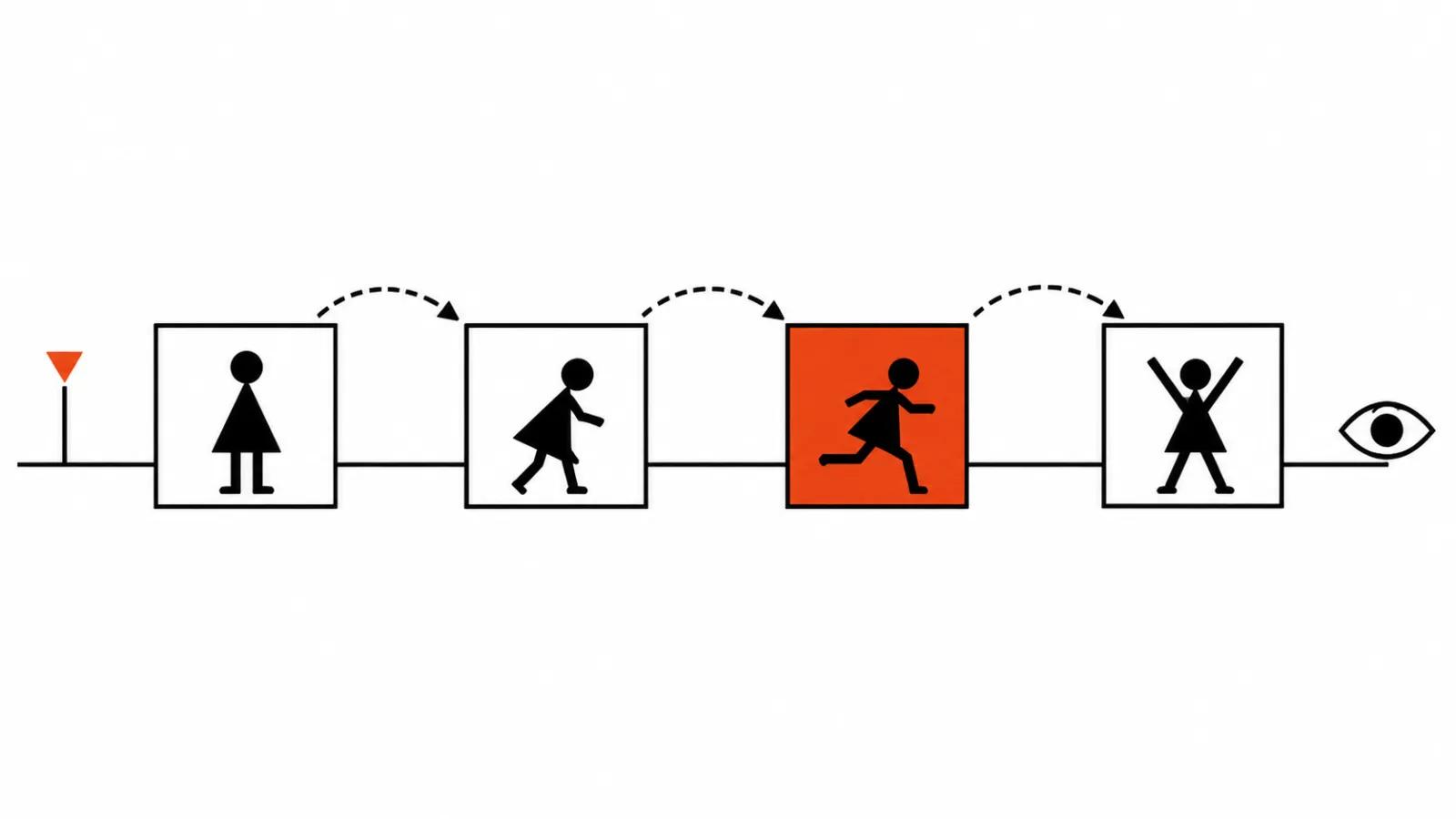
Keyframes on the timeline let you set a turn inside a single clip: the subject turns, the shot changes, the product shows another side. That clip used to be glued from four short generations, and every seam broke something: the light, the clothing, the shape of the face.
For production this means fewer reasons to book a shoot. Film the product once, then assemble the scene from references and keyframes. The risk stays: the model may invent movement in the middle of the scene, and that kind of flaw shows up only on review.
A text command instead of a reshoot
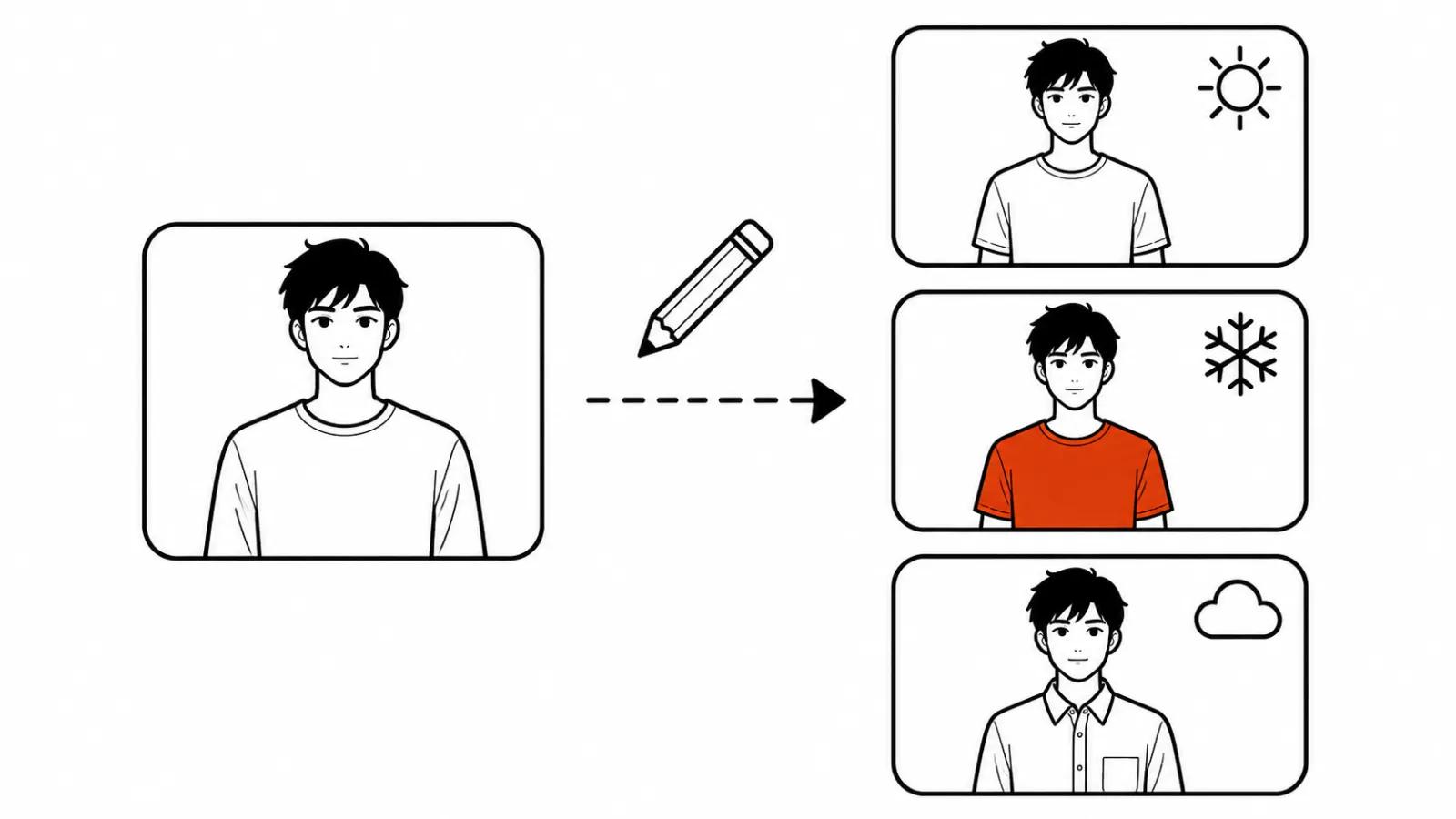
Inside the YouCam editor a text command changes clothing, weather, background, style and objects in clips made with Kling and Vidu. For beauty and fashion that is a direct scenario: one shoot with a model, then a different jacket, a different season outside the window, a different interior, a different set of products in frame.
A weather change used to mean another shoot day or another generation from scratch, with a real chance of losing the subject's face. Now it is an edit on a finished clip. The limit is plain: the harder the edit pushes light and geometry, the higher the chance the model repaints something extra, so these versions need human eyes, a preview is not enough.
What it means for a brand with a video flow
The shift is not really about thirty seconds. Models are moving inside editors, and a brand no longer has to assemble its own stack of generator, model and cutting app. The workspace becomes one place, and the entry cost drops to an app subscription.
The second effect is version speed. Vertical ads live as a set: one product, five audiences, ten edits of clothing and background. When all of that sits in one window, the set comes together in a day and the cost per version falls.
The third effect is bad news for anyone selling routine editing by the hour. The editor absorbs part of the routine. What stays is the part an editor cannot do: invent the scene, judge which version works, catch a broken frame.
Our own sets for high-volume work are built with AI video production, and editors like this one shorten the entry step. A similar story played out with Kling 4.0 inside Canva and Luma: the model arrived in someone else's interface and the value moved to the process around it.
What the release does not say
No pricing. The cost of a generation inside a YouCam subscription is not in the release, so the economics of a series cannot be counted yet. Limits, queue times, watermarks, commercial rights to the output and behaviour on a weak connection are all unstated.
That is normal for an announcement-day release. The practical takeaway is simple: before a serious series, run three clips and look at the bill and the quality yourself.
My conclusion
Thirty seconds per generation and ten keyframes make an AI clip resemble a normal ad format in length and in structure. The editor around the model removes the dullest part of the job, the file shuffling.
My routine for a brand: one thirty-second scene with a character sheet first, then a check on a phone and in the platform's compressed version, and only then a set of versions. If the test holds the face and the light, the editor saves days. If it does not, the savings stay on paper.