How image-to-video works
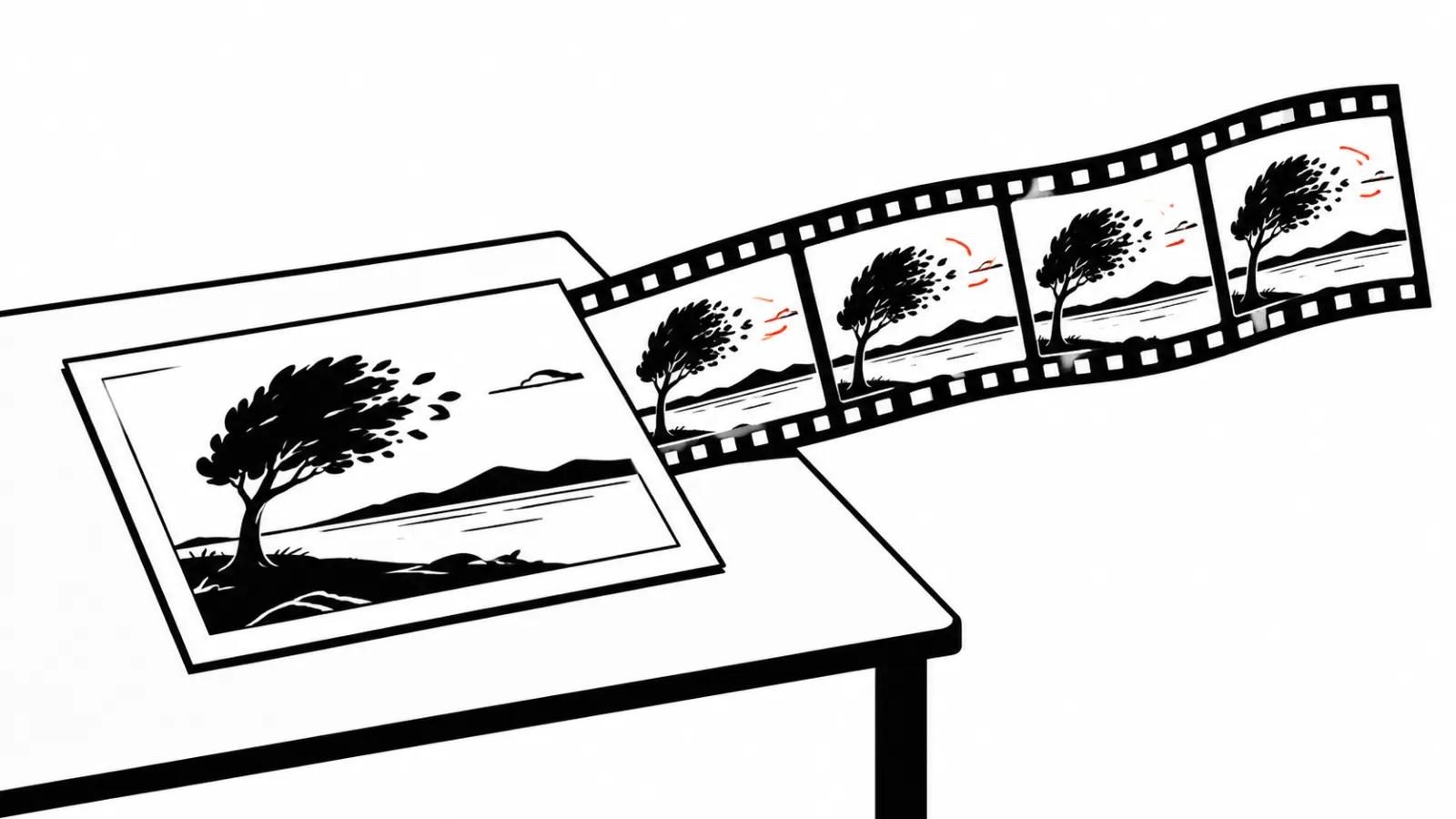
The model receives an image and a motion description. It uses the photo as the first frame and predicts the rest. Some models also accept a last frame, so the shot lands where you need it.
In the Kling documentation the first frame is required and the last frame is optional. Duration is set from 3 to 15 seconds, output goes up to 4K. The input image must be at least 300 pixels on a side and sit inside a 1:2.5 to 2.5:1 aspect range. Keep those numbers in mind, because half of the complaints about ruined photos start with a 120 by 90 pixel file.
After that it is simple: the more recognisable objects and the fewer tiny details in the frame, the more predictable the result.
What comes out well
Landscapes. Trees, water, clouds: models understand moving leaves and ripples. Nobody can spot the error, because nobody knows what the scene looked like.
Interiors. A slow camera move across a room, curtains shifting, light changing. For a product page or a property listing, that is enough.
An object on a desk. Coffee, a phone, packaging. A push in and a slight turn work, and the object itself stays still.
A person, full body or a close face with even light. Skin, hair, blinking. If the face fills a third of the frame and nothing overlaps it, the animation reads as real.
High-resolution archival photos also do well. Film grain hides the small artefacts, because the grain is already there.
What looks uncanny
First: eyes. Models often freeze the gaze, and the person stares like a mannequin. The fix is a described motion: slowly looks aside, blinks.
Second: teeth and mouth. A smile grows extra teeth or the mouth drifts. The wider the smile in the source, the higher the risk.
Third: hands. Fingers change count, nails vanish, a ring migrates. Hands in frame are the most common cause of a failed take.
Fourth: the background behind the head. Hair at the edge starts moving separately from the skull, and the result looks like a wig.
Fifth: glasses. Reflections and frames break, lenses go milky.
The general rule: the tighter the shot and the more complex the subject, the higher the chance of uncanny. A wide shot forgives almost anything.
Camera motion
The motion description matters more than the model. Three safe moves.
A slow push in. The camera moves ten percent closer across the clip. Works on almost any photo.
Parallax. The camera slides sideways and the foreground moves faster than the background. It creates depth on a flat image.
Breathing. A barely visible sway, as if the camera were handheld. It hides artefacts and adds life.
Risky moves: a 180-degree orbit, a drone flight over a face, a fast whip. The model fills in what the photo never contained and invents a whole world behind the subject.
A separate technique takes existing footage as its source. It is called video-to-video AI, and it is useful for restyling and background replacement. Animating photos is a different job.
Reviving old family photos
The family archive is its own genre. It works when the scan is good: 600 dots on the long side and up, no glare, no creases.
The order is simple. Restore first: remove scratches, recover contrast. Then a light motion: gaze, smile, breathing. Then sound.
Do not animate a photo where the person looks away or is partly covered by a hand. The model will reconstruct a face and produce a stranger. In a family archive that is doubly unpleasant.
Ordering a photo revival service makes sense when there are many prints of uneven quality. The human work sits in restoration and selection, and generation is the last step.
Consent and rights
Publishing and commercially using a person's image requires consent in most jurisdictions. After a person's death, consent normally comes from close family.
For photo animation that means an archival photo of a deceased relative formally needs the heirs' consent. Nobody documents a family video made for the family. Publishing it in an ad or on a company site needs paperwork.
Public figures are a separate case. Animating a well-known person's photo for advertising is not allowed without rights, even when the image came from an open source.
One more layer: consent to use a likeness does not cover the rights to the photograph itself. A stock image lives under its own licence.
Where business uses it
Product pages. A shot of the packaging with a slow camera move feels more alive than a static gallery. Accuracy matters here: the colour and shape of the product must not drift. The same footage later feeds video versioning for different markets, where the setting changes and the product stays.
Real estate. One photo of a room becomes a short walkthrough with a push in and moving curtains. Cheaper than sending a crew.
Training and manuals. A diagram or a part on a photo shows the motion of a component better than text does.
Posters and announcements. An animated poster in the feed collects views.
Where the viewer expects documentation, animation hurts. A construction report with swaying cranes reads as fiction.
A checklist before you generate
Check six things. Resolution at least 300 pixels on a side, ideally above 1000. The face is not covered. The mouth is closed or the smile is mild. Hands are minimal. The background is not busy. The frame ratio matches the platform.
Then pick one motion. Generate three variants of the same scene, because the model is unstable even on an identical prompt. Pick the best one, and do not try to stitch three together.
If you need a photo slideshow with music, that is a different task with a different logic: transitions and rhythm matter there, and the frame itself stays still.
For clients who want every photo reviewed by a person, handcrafted videos are the honest option.