What you end up with
An AI birthday video is a short piece assembled from photos, generated scenes, text and voice. Usually thirty seconds: a name, two or three shots, the greeting, a signature. The job is simple. The person should smile and feel remembered.
Set the bar early. A greeting does not have to look like an ad. It has to feel personal, and personal almost always means specific: an inside joke, a city, a pet, a habit of being late, a favourite song.
A thirty second script
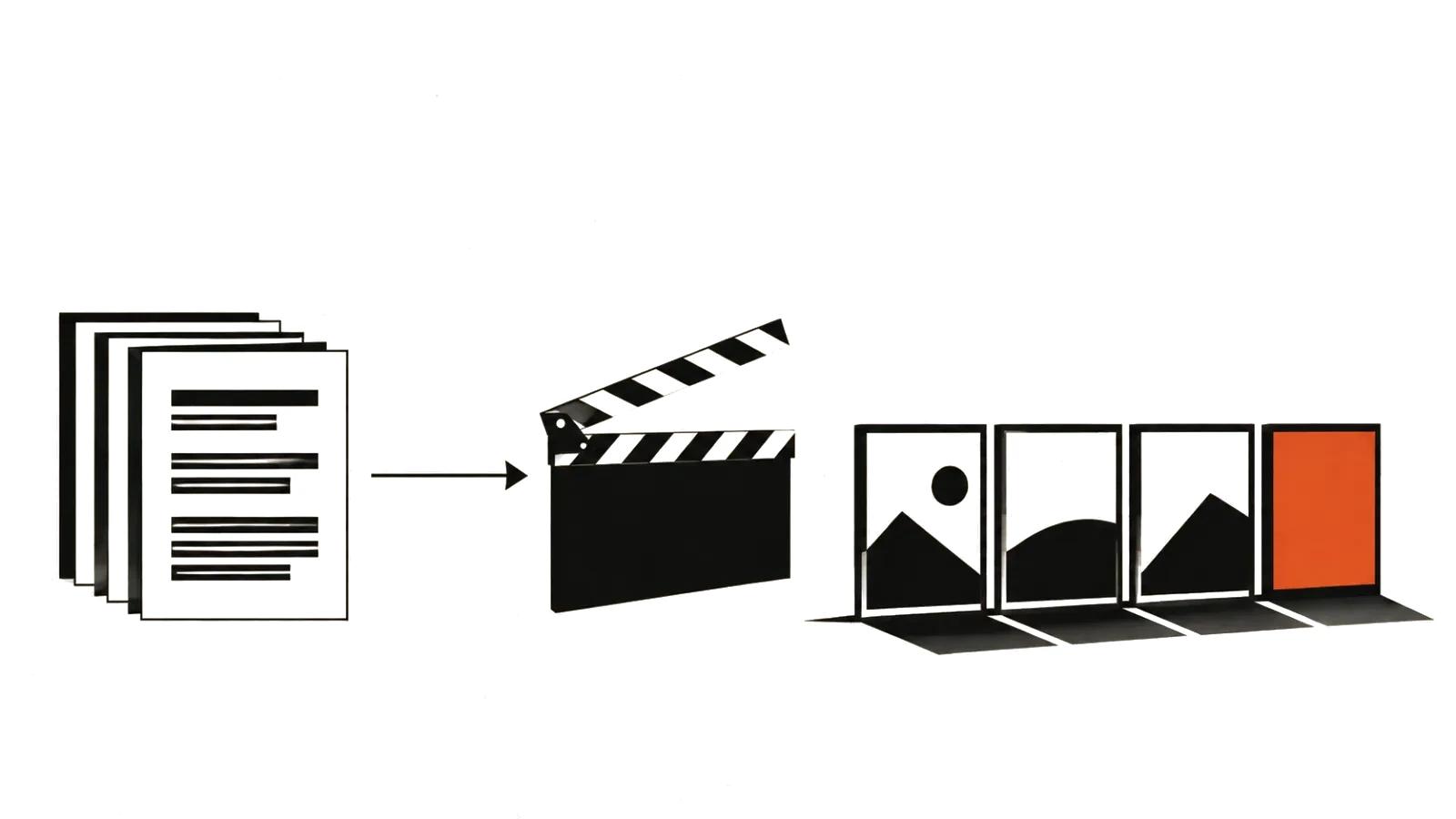
The first three seconds: the name and the occasion. Then one memory shot, one wish shot, and a closing frame with the signature. That is all. Thirty seconds holds two sentences of text and one joke.
Write the text by hand and ask the model only for illustrations and voice. Generated copy sounds smooth and empty, because it contains nothing only a friend would know. The test is simple. If the line could be sent to anyone, it does not work.
Photos and consent
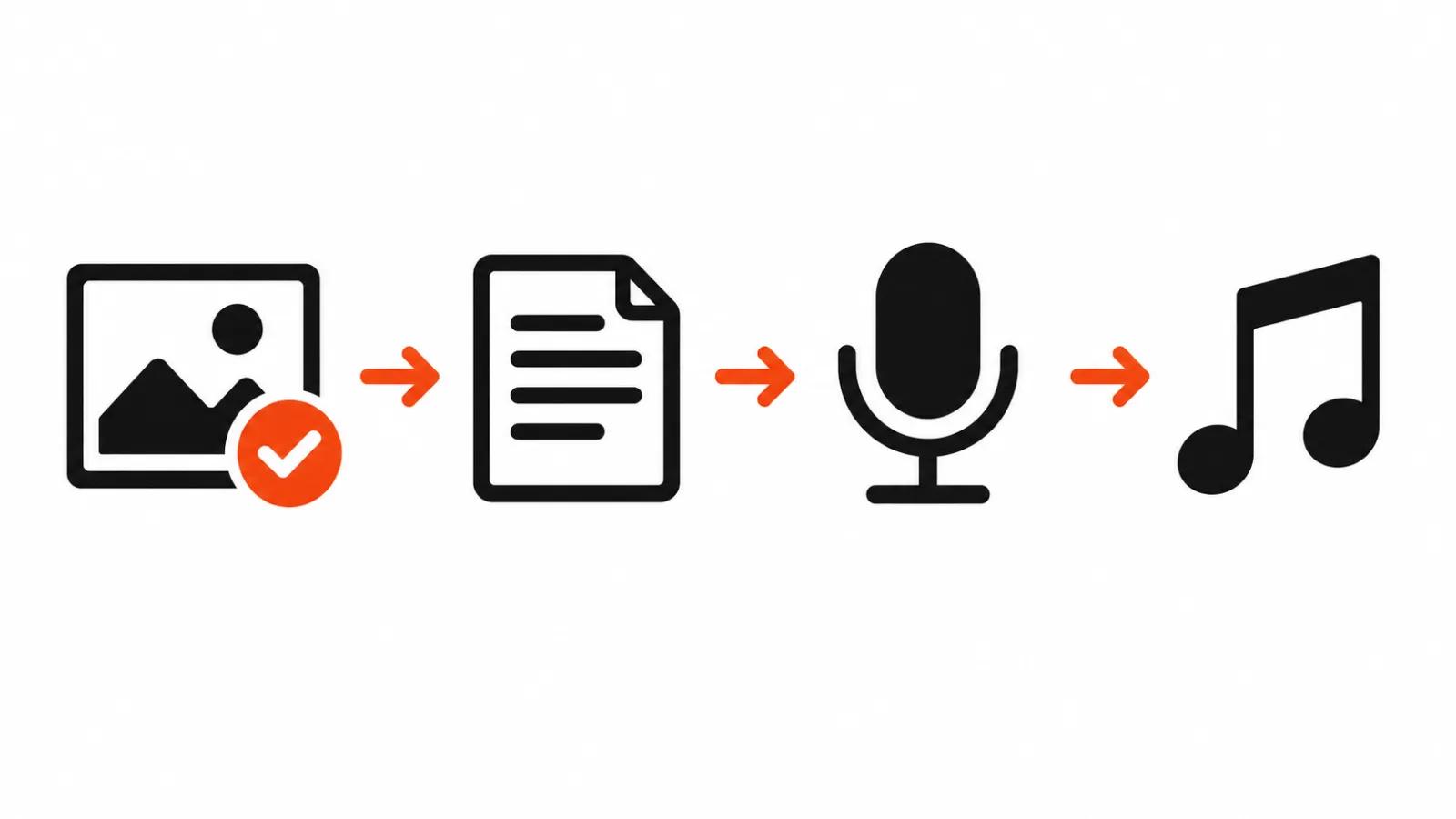
Use photos of a person only with their consent, and that is not a formality. If the video is a surprise, ask someone who knows how the person feels about surprises. If the photos are taken from social media, ask separately. For a plain slideshow there is a separate piece on video from photos with music, though a greeting works better with movement and text.
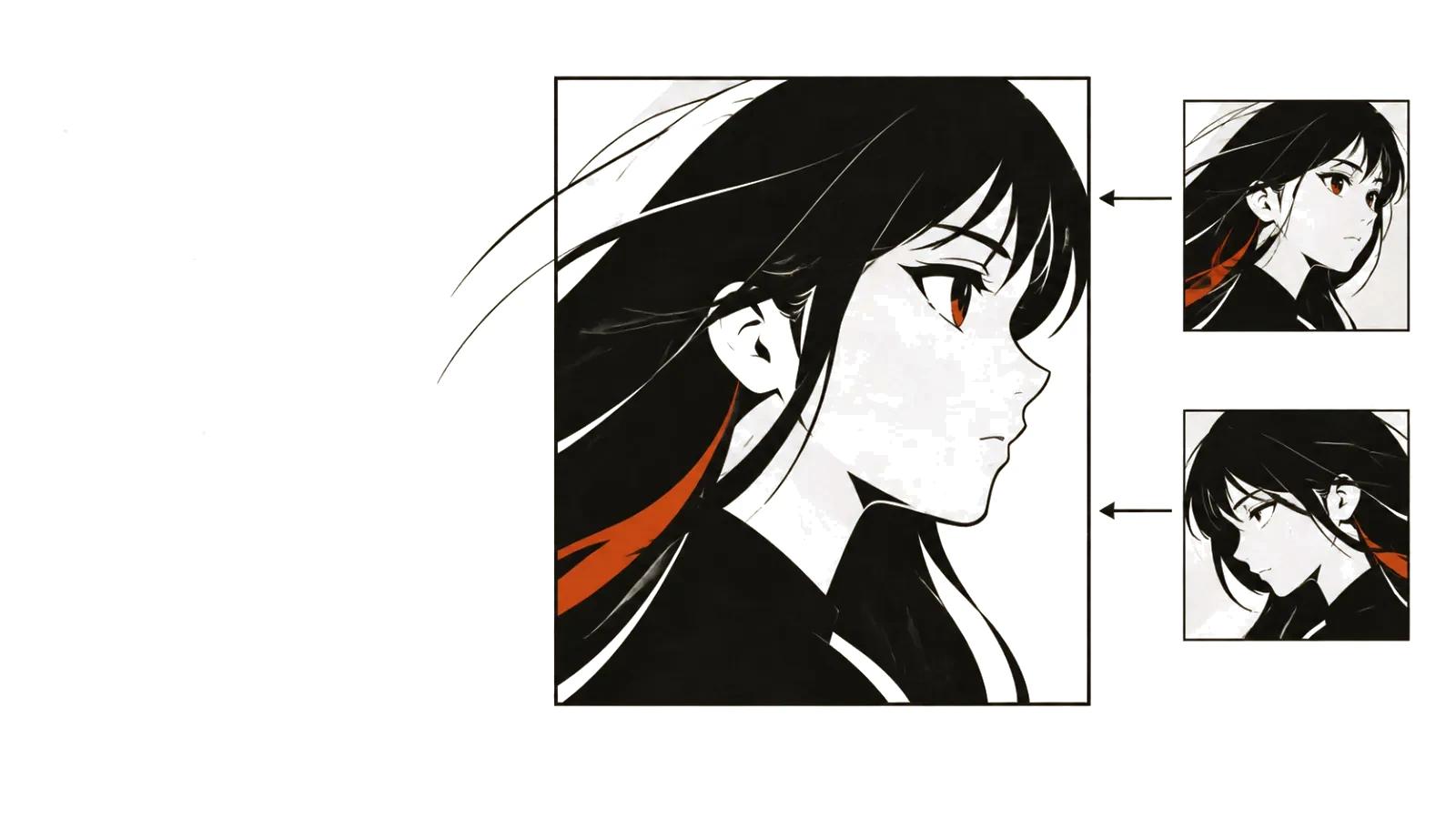
There is a technical side too. Generation needs clear faces. Party shots in the dark will not work. I ask for three to five portraits in daylight, without sunglasses or heavy filters, otherwise the model draws someone else. And check where you upload: services store uploads differently.
Voice
There are three routes. Your own voice, recorded on a phone, is the warmest and most convincing. A synthetic voice is convenient, and it is audible, especially in a greeting. Someone else's voice, a narrator or a celebrity, needs rights you probably do not have.
If you record yourself, use a quiet room, sit close to the mic and keep pauses. One retake takes five minutes and beats any model. Save the synthetic option for a language you do not speak or a speaker who is not available.
Music and rights
Music is where greetings most often break someone else's rights. A popular track can be streamed, and it cannot be dropped into a video you publish without a licence. A private message carries less risk. A public post from a brand carries plenty.
Safe options: royalty free libraries, music generated for the clip, or a track you have permission to use. If the video goes to clients under a company name, this is the last place to save money.
Length and format
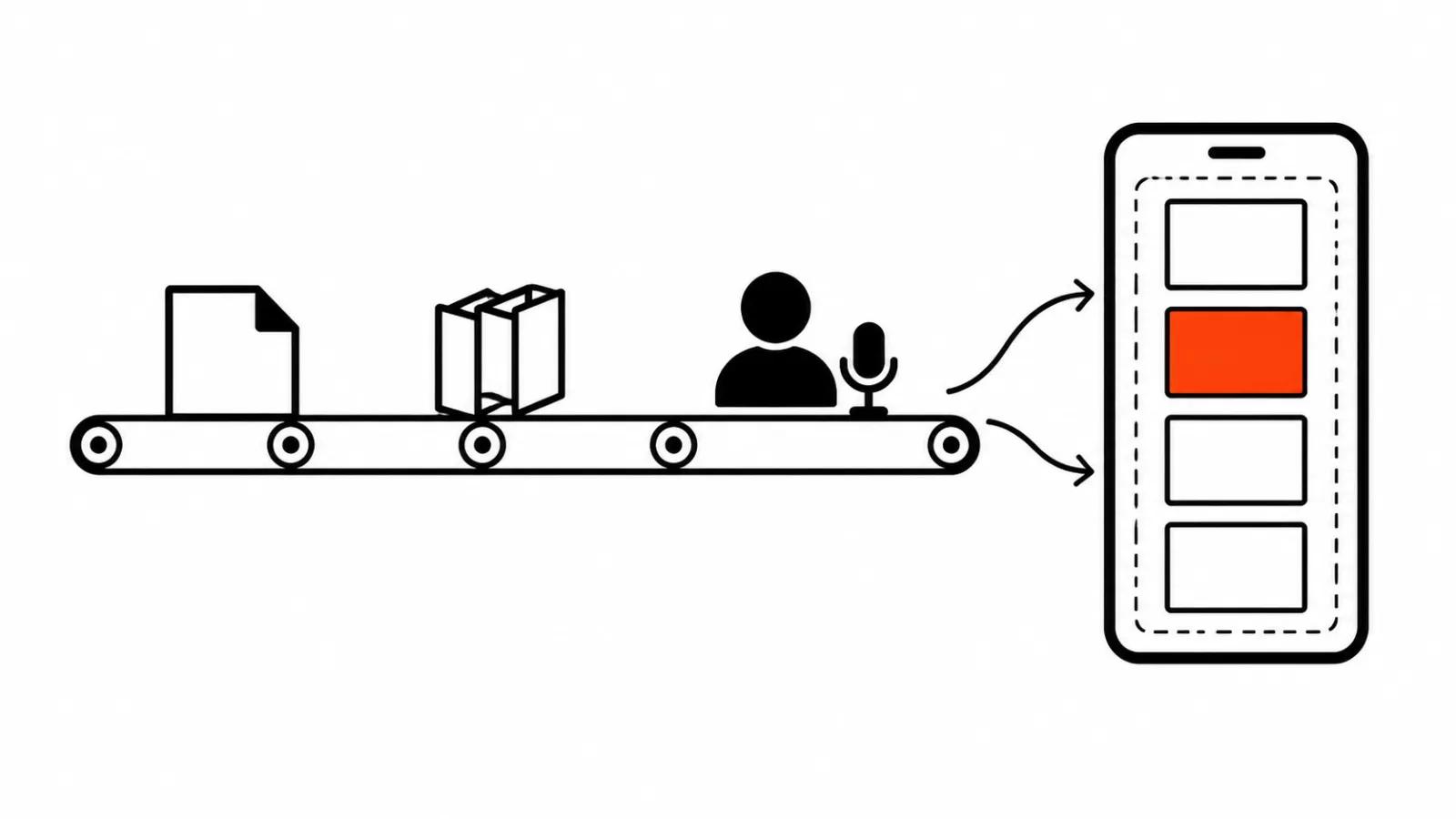
For messaging, a vertical clip under thirty seconds and a light file opens smoothly. For email and presentations, a horizontal cut works better. For social, make both.
A vertical frame also wants tighter shots, because a wide plan leaves the person tiny on a phone. Captions are mandatory. People watch without sound, especially on a train, and without text the greeting loses half its meaning. Large type, two lines, a contrasting background.
Greetings for business
Companies greet clients and employees, and the same rule applies: specifics beat pomp. A client on an anniversary, an employee on a milestone, a partner on a launch. Generic cards with a logo are forgotten.
At volume, video versioning helps: one template, different names, different details, different shots. The template still has to be good, or a hundred identical cards produce the opposite effect.
What to check before sending
Names and titles spelled correctly. Dates and numbers. Faces that look like the person. No borrowed photos and no uncleared track. Captions legible on a phone. The file opens in a messaging app. And most importantly, the text sounds like you. A press release is audible from the first line.
If you need real people and a real shoot, that is a different job, where AI video production sits alongside a camera crew. Our handcrafted videos start from $394 per video if you want to greet a whole team properly.