What people mean by "3D animation"
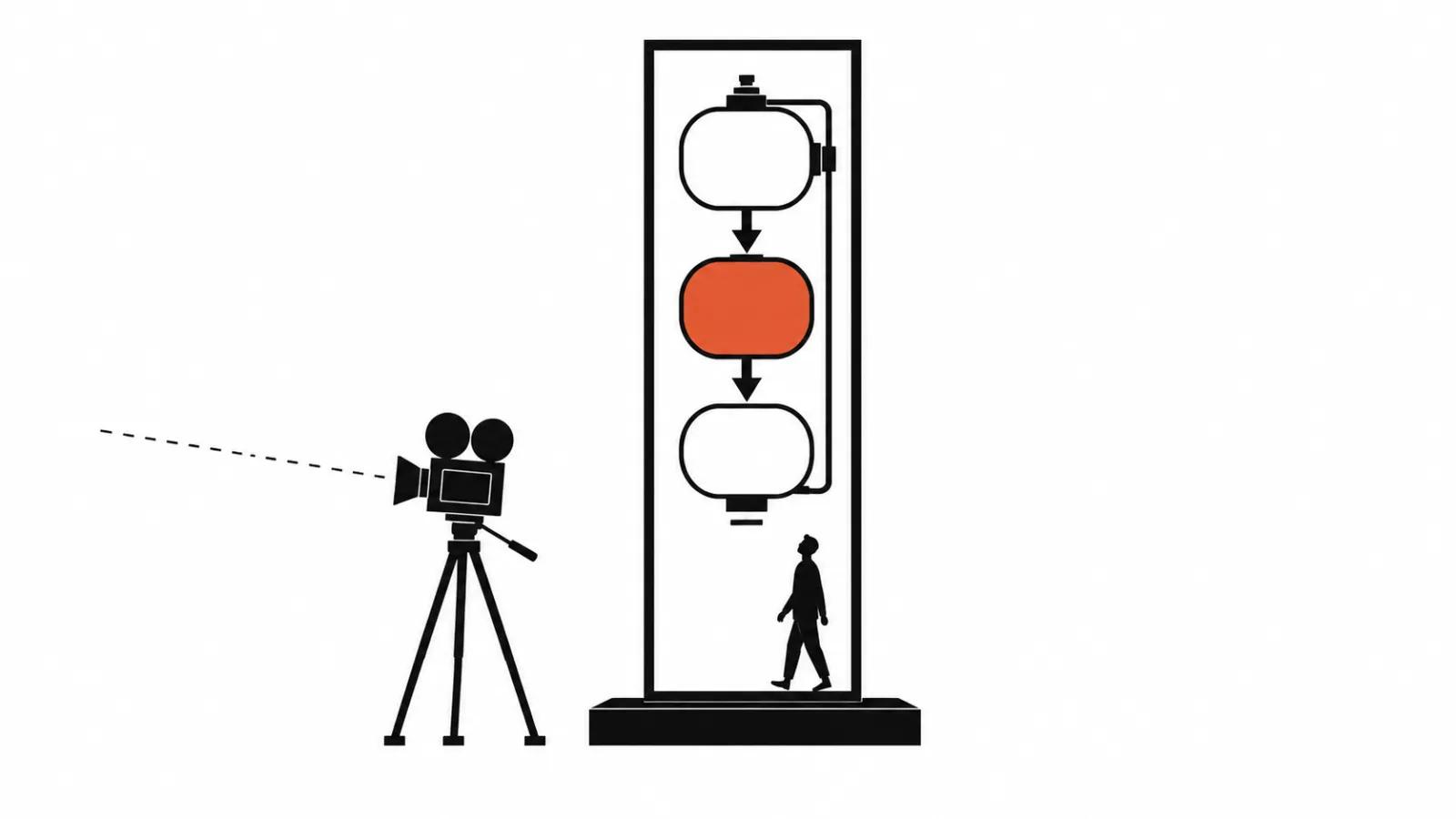
The same request arrives with three different jobs behind it. One client wants an explainer with volumetric graphics: diagrams, arrows, blocks rotating in space. Another needs an accurate visualisation of a product that has not shipped yet. A third simply wants something that looks 3D, with no technical accuracy involved.
The difference is fundamental. The first case is about clarity, the second about matching a drawing, the third about style. Until that is separated, the quote is arbitrary: the client expects one thing and the studio delivers another.
Which is why the first conversation is not about price but about what the viewer should understand or remember. That answer decides the tool. Only then does budget make sense, because it determines whether a 3D artist is needed on the project or generation from references will do.
Three jobs an animated 3D video does
Explain a product. Show what is inside, how the mechanism works, where the result comes from. A camera cannot get in there; a cutaway and animation can.
Show the whole assembly. An object rotating, an exploded view, parts arriving in sequence. Manufacturers need this when the product is more complex than it looks from outside.
Make a video with no shoot. When there is no location, no cast and no way to film the process, graphics remain. They also help when a product has to be shown in an environment that does not exist.
In all three cases the outcome is the same: the viewer sees what ordinary footage could not show. And often two of the three jobs land in one project — explanation plus style, style plus accuracy.
Where AI delivers a volumetric look
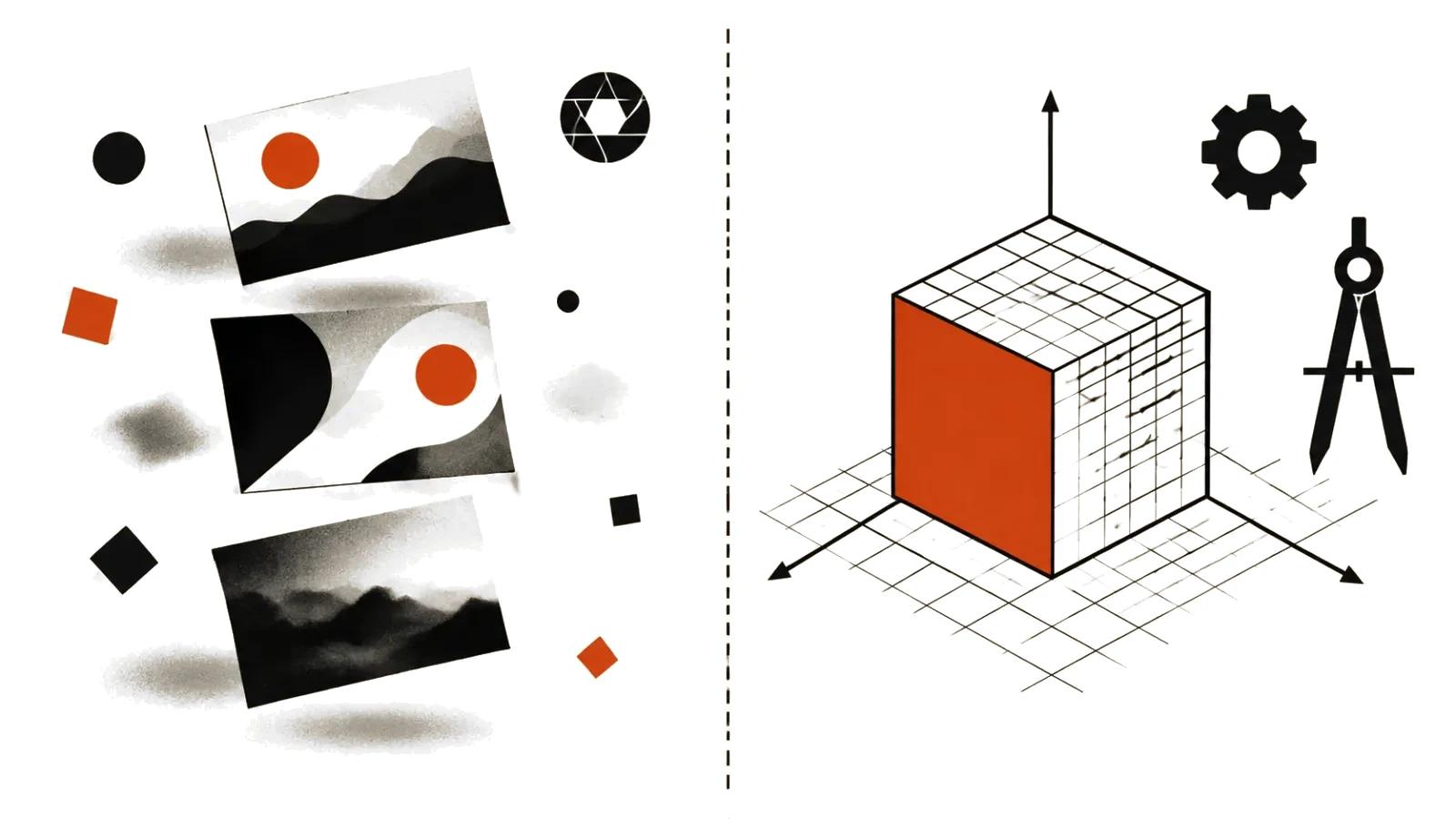
Generation today produces images with a sense of volume: light, shadow, materials, camera movement. Backgrounds, secondary objects and scenes with no accuracy requirement are covered by AI video production.
It works when the job is style and mood. A 3D-cartoon feel, dimensional icons, an abstract environment, a clay or glass world. The model holds the look from references, and revisions come from regenerating a shot.
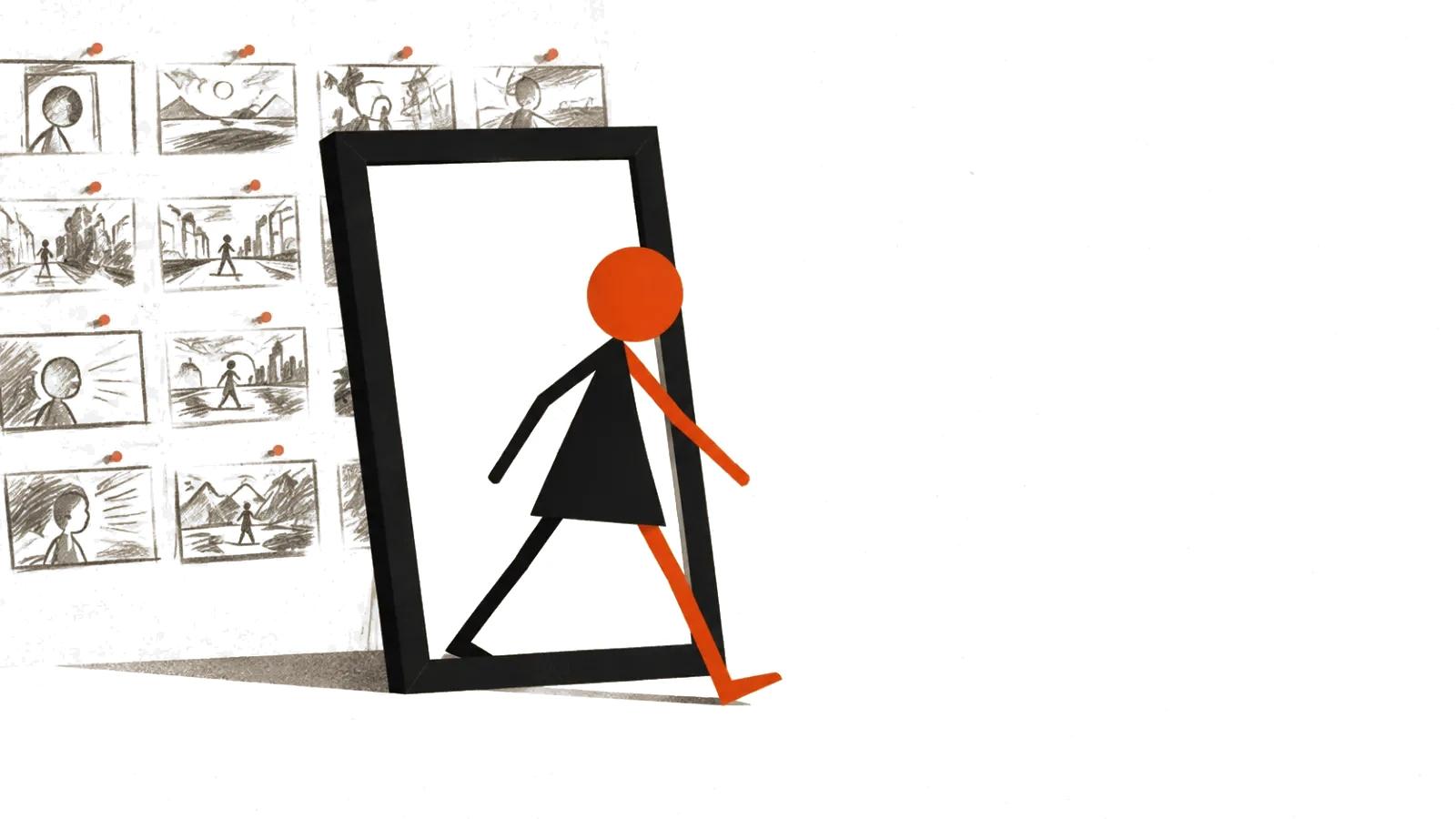
In that mode handcrafted videos are assembled scene by scene: storyboard, references, take selection, editing. Each shot is checked on its own, because generation likes to change details between them.
One important caveat: these are 2D frames styled to look dimensional. There is no actual model behind them that can be rotated to any angle.
Where the classic pipeline is still required
When geometry has to match reality. A product rotating according to its drawing, an exploded assembly, a cutaway with correct proportions — that needs a model, not a picture.
When brand accuracy matters. Logo, packaging, type on the casing must look exactly as the brand book says. Generation fumbles small lettering; a 3D scene holds text as a texture.
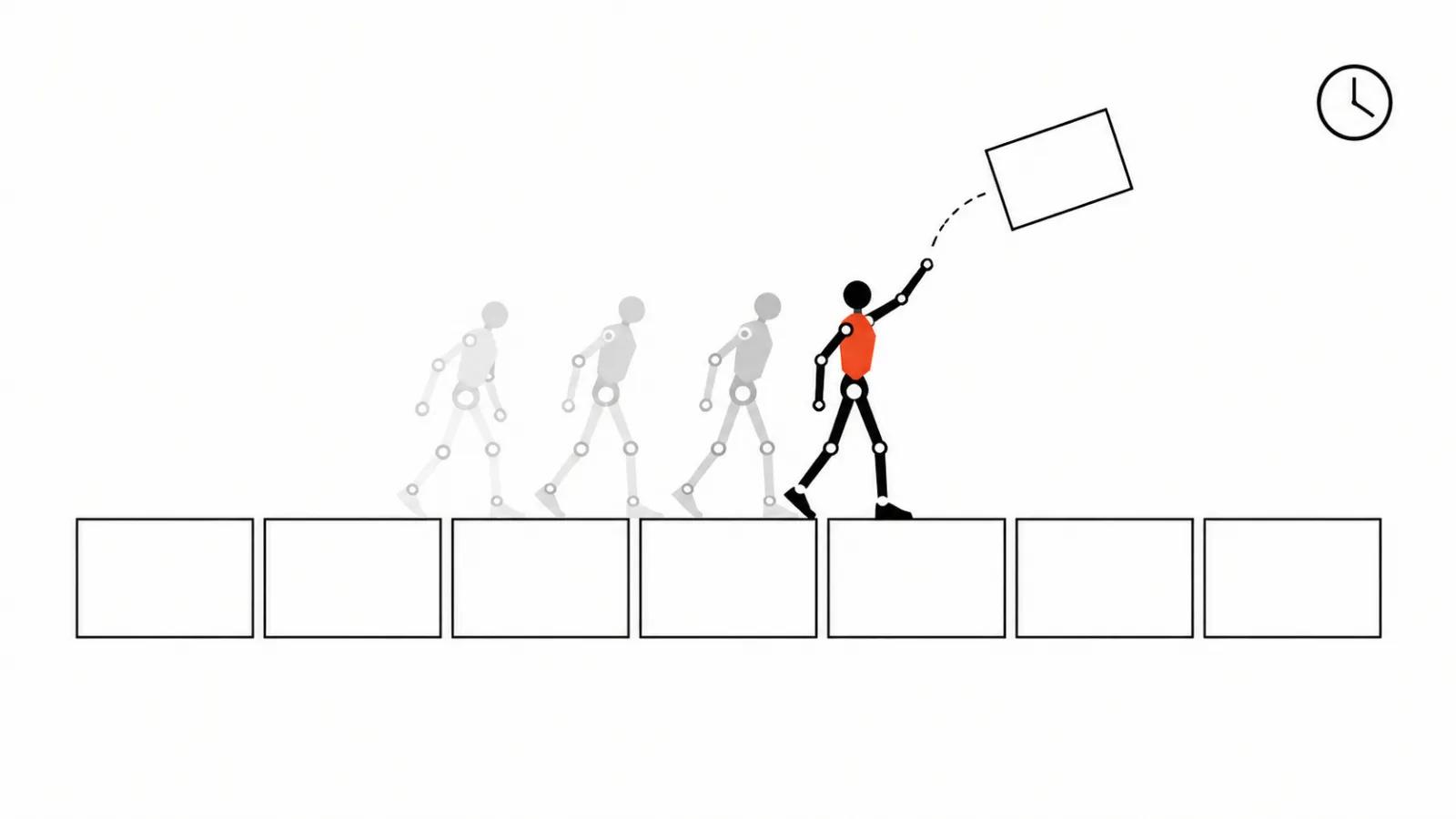
When an object has to behave predictably. A mechanism opening along an axis, liquid in a transparent vessel, gears meshing — that is physics and rigging, not styling.
The classic route runs modelling, texturing, rigging, animation, lighting, rendering, compositing. It costs more and takes longer, but the result can be checked against source data.
If the client already owns a model, work starts there: check topology, materials, scale and how the object behaves in motion. Assets built for still renders often fall apart at the seams once animated.
How the production runs
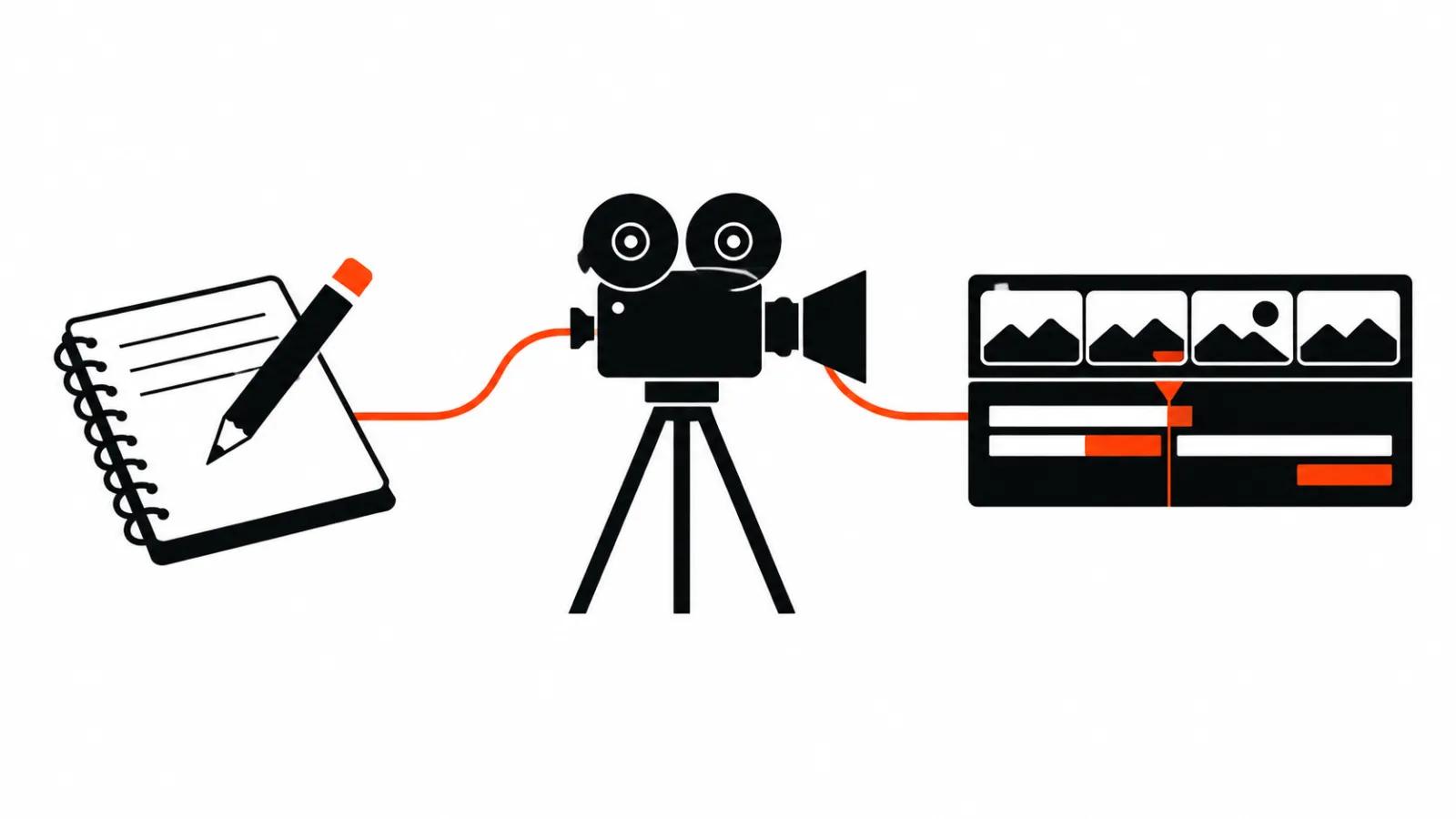
First, the brief and references: what is shown, for whom, in what style, and whether drawings or 3D assets exist.
Second, script and storyboard. This is where the split is decided — which scenes are generated and which must be built in 3D.
Third, a style test. One or two frames in the chosen look, signed off before the main work begins.
Fourth, production. For generation that means prompt work and take selection; for 3D it means models, animation and rendering. Mixed projects are common: precise parts are built in 3D while the environment is generated, which is cheaper than modelling a whole scene and more accurate than generating it whole.
Fifth, assembly: edit, sound, captions, versions for each placement.
Timing and cost
A video up to 90 seconds starts at $394 with about a week of turnaround. That is piecework with a storyboard and frame-by-frame acceptance.
If the video needs an accurate 3D model of the product, scope is calculated after the storyboard, because modelling enters the job.
A series built around one character or one product is priced per episode on the same basis.
Short cuts for testing run continuously as mass vertical videos at from $2.47 CPM. That is rare for 3D explainers and routine for ad testing.
What the client should prepare
Drawings or 3D assets if accuracy matters. Product photos from several angles. A brand book: colours, typefaces, rules for the logo.
A technical description: what the product does, what it consists of, which parts must be visible. The sharper the input, the fewer revisions at the render stage.
Style references: examples you like and examples that are definitely wrong. Separately, list what cannot change — proportions, colour, lettering.
If no model exists and none is planned, styling will do: faster and cheaper, with proportions agreed from photographs.
How to accept a 3D video
Check geometry against the source: proportions, part count, assembly order. Errors here are visible only in comparison with the drawing.
Check text and logo on the object: lettering must not drift between shots.
Watch the movement: the camera should not pass through the object, parts should not intersect, shadows should agree with the light.
Check the versions: horizontal for the site, vertical for placements, silent where autoplay requires it.
If the video will run at a trade show or in a presentation, verify separately that it reads on a large screen and makes sense without sound.