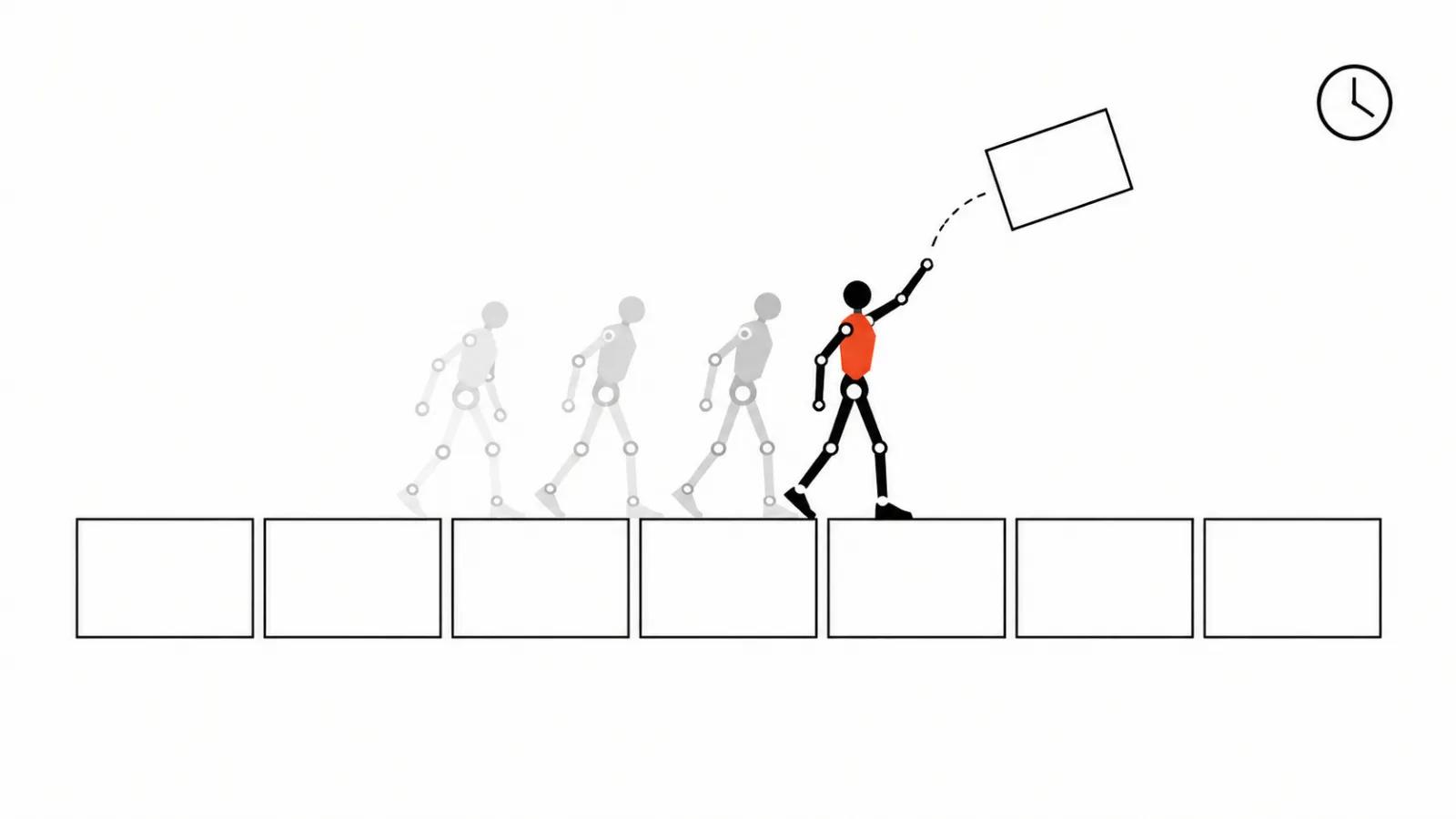
Ordering 2D animation is a set of decisions made before drawing starts
A 2D animation order almost always gets discussed through style: flat and bright, like a kids' cartoon, expensive looking. Style matters and it rarely decides the outcome.
The outcome is decided before the first drawn frame: what the viewer understands, in how many seconds and in what order. The artist turns those choices into lines. When they are missing, the picture looks fine and the revisions go in circles.
My position: 2D animation is the production of meaning in drawing. The client buys controlled movement of attention, and every stage hands over a document that can be accepted or rejected. Without one, the argument becomes a matter of taste.
The brief: skip it and the project becomes guesswork
An animation brief is longer than a live action one for a single reason: anything can be drawn, and only a few things should be.
Four items are needed at the start. The job: what the viewer should understand or do. The placement and length: a feed, a website, a pitch deck, a screen at a trade show. The one promise the viewer leaves with. The list of things that cannot change: logo, palette, wording, an existing character.
Then materials: copy, a vector logo, fonts, references. References work better than adjectives: modern and warm mean different things to different people, while three borrowed frames remove half of the arguments.
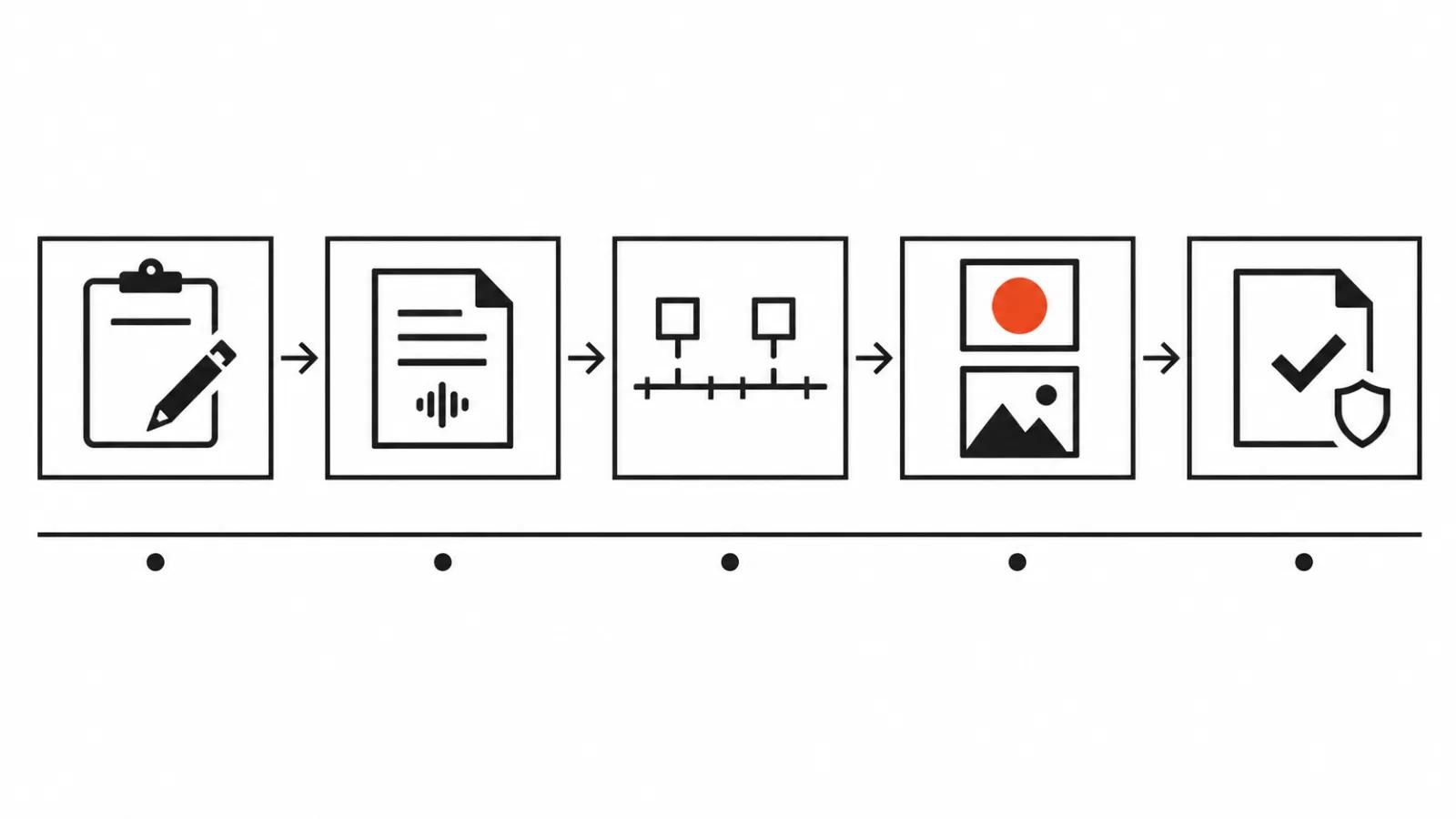
Script and animatic: running time shows up before the artwork does
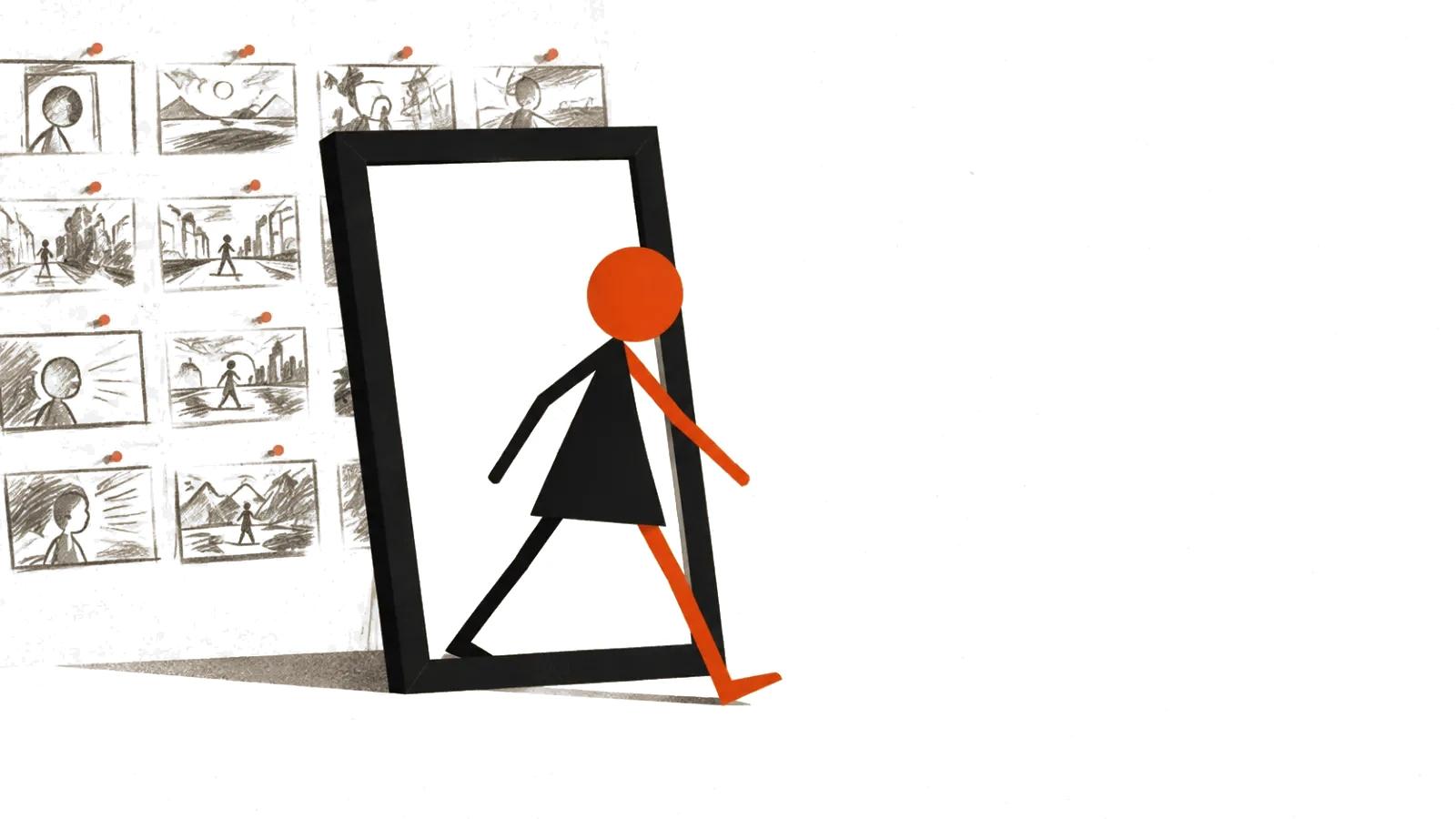
An animatic is a rough pass: storyboard panels, timing, voice, sound. The drawing is crude, and you can see whether an idea fits into three seconds and whether the middle sags.
This is the cheapest stage and the most expensive one to skip. A note on the animatic costs a minute; the same note on finished animation costs a redrawn scene.
One practical rule: show the animatic with the voice track on. The eye reads slower than the ear listens, so captions on screen lie about timing.
2D animation production starts with style frames
A style frame is one or two frames in the final technique: background, character, light, line weight, palette, captions. It shows what the project will look like a month from now.
Style frames settle what is expensive to change later: how much detail sits in the background, how stylised the character is, how outlines are drawn. Ten seconds of animation in heavy texture costs more than a minute in flat fills, and that is visible from a single frame.
My test: put the style frame next to a final frame and see no gap. If the style only survives in one hero frame, drift starts from there.
Cutout, rigging and frame by frame: what the client is paying for
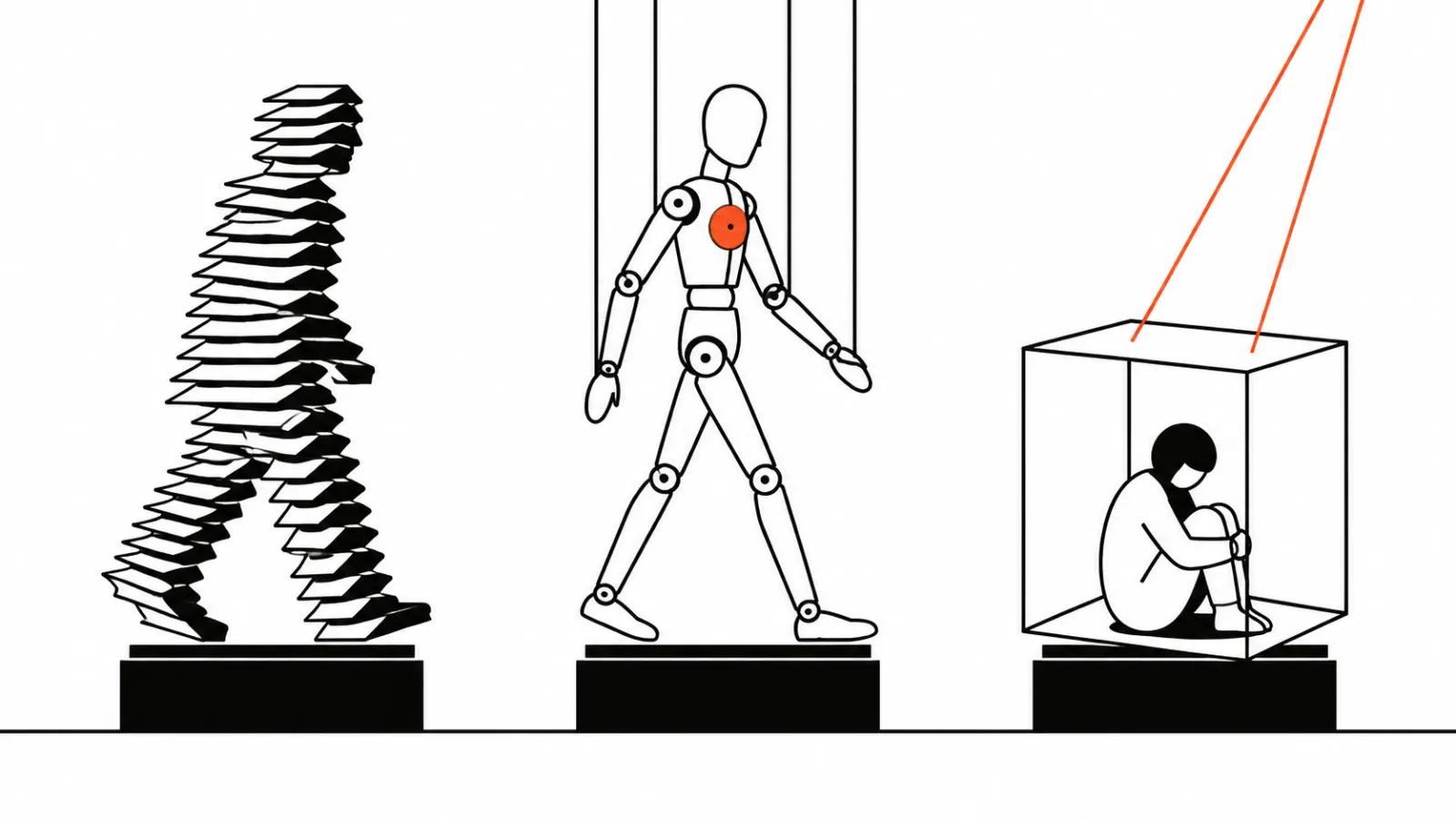
Cutout: the character is built from parts and layers move, like a paper theatre. Fast, cheap across long scenes, limited in camera angles.
Rigging: bones, deformation, poses. Adobe's Animate documentation describes how modern rigging works: joints and bones set poses on keyframes, and a classic tween generates the frames in between, noting that mesh density trades deformation quality against speed.
Frame by frame: every frame is drawn by hand. The artist's reference is onion skinning, which shows the previous and next drawings; Adobe describes it as displaying past, present and future frames.
The difference in scope follows from the mechanics: a rig is expensive to build and cheap to revise, while frame by frame is cheap for one short scene and expensive across a full minute.
One detail: Adobe states in the Animate documentation that the application is in maintenance mode, with fixes continuing and no new features planned (same page). That is a company statement, and it explains why some studios build 2D in Blender or Harmony. What matters is whether the studio hands over source files, whatever the tool is.
Where generation fits into the order
Generation is useful where a drawing is needed as material, with the authored work staying with the artist.
First, background options. A model produces ten interior variants in minutes, the artist picks one and finishes it by hand.
Second, rough boards. Quick images from a scene description help you see the order of shots before drawing.
Third, animating a still. In the Gemini API documentation, video is generated from text or from an image, with last frame control and scene extension available (page updated 2026-06-30). That suits camera moves across a finished background.
What generation does not fix: character consistency across scenes and timing against the voice track. The same character comes out different across prompts, and lip sync in 2D is still finished against the audio waveform.
Acceptance: what to check in the master file
Acceptance starts with a list of parameters. Resolution and aspect ratio for the placement, frame rate, colour space, and an alpha channel if the animation sits on top of a website.
Then the technical set: a clean file, a captioned file, audio on a separate track, source files if the contract includes them.
Then the meaning check. Every scene gets three questions: did the viewer get the promise, is the caption readable on a phone, does the character keep the same face between scenes.
My checklist: five items before you commission an animated video
If you are commissioning an animated video, start with the brief and the animatic: those decide how many scenes get redrawn. Some scenes then sit in handcrafted videos, some are covered by AI video production, and a 9:16 cut for vertical video ads comes from the same material.
- A one page brief: job, placement, length, one promise, the do-not-change list.
- A script with timing per second and a voice track, before any artwork.
- An animatic with sound and one round of revisions.
- Two style frames in the final technique, plus a decision on the movement technique.
- Acceptance against the parameter list and the meaning check, with source files.