What an intro is and where it lives
An intro is the short opening fragment: logo, name, sonic signature. It belongs in three places: the start of a YouTube video, the header of a course, the first seconds of a vertical ad.
Do not confuse it with a thumbnail. A thumbnail is the image before the click, the intro is what follows. The difference matters: video thumbnails sell the click, intros hold the viewer.
Length: three seconds is enough
The practical rule. Vertical feed: one or two seconds, because the thumb is already moving. YouTube: three or four. A course or a presentation: up to five.
Beyond five seconds an intro almost always hurts. The viewer came for the content, and every extra logo frame is paid for in attention.
Video APIs usually take whole seconds as a parameter. The Kling documentation, for example, offers a range from 3 to 15 seconds and output up to 4K. For an intro, take the low end. Do not generate six seconds planning to trim it later, because the extra frames cost generations anyway.
The logo and the rights to it
An intro is built around a logo. If there is no logo, make the logo first, then animate it. A model asked to "make a nice logo on the fly" returns something close to an existing brand, and that is a direct legal risk.
Check rights before generation. Your own logo: make sure the mark is registered or at least in use. A client's logo: written permission to animate and publish. The typeface in the wordmark: a licence that covers commercial use.
One more item people skip: an animated logo is a derivative work. If a designer built the animation, put the rights in the contract.
Animating a logo: what to ask the model
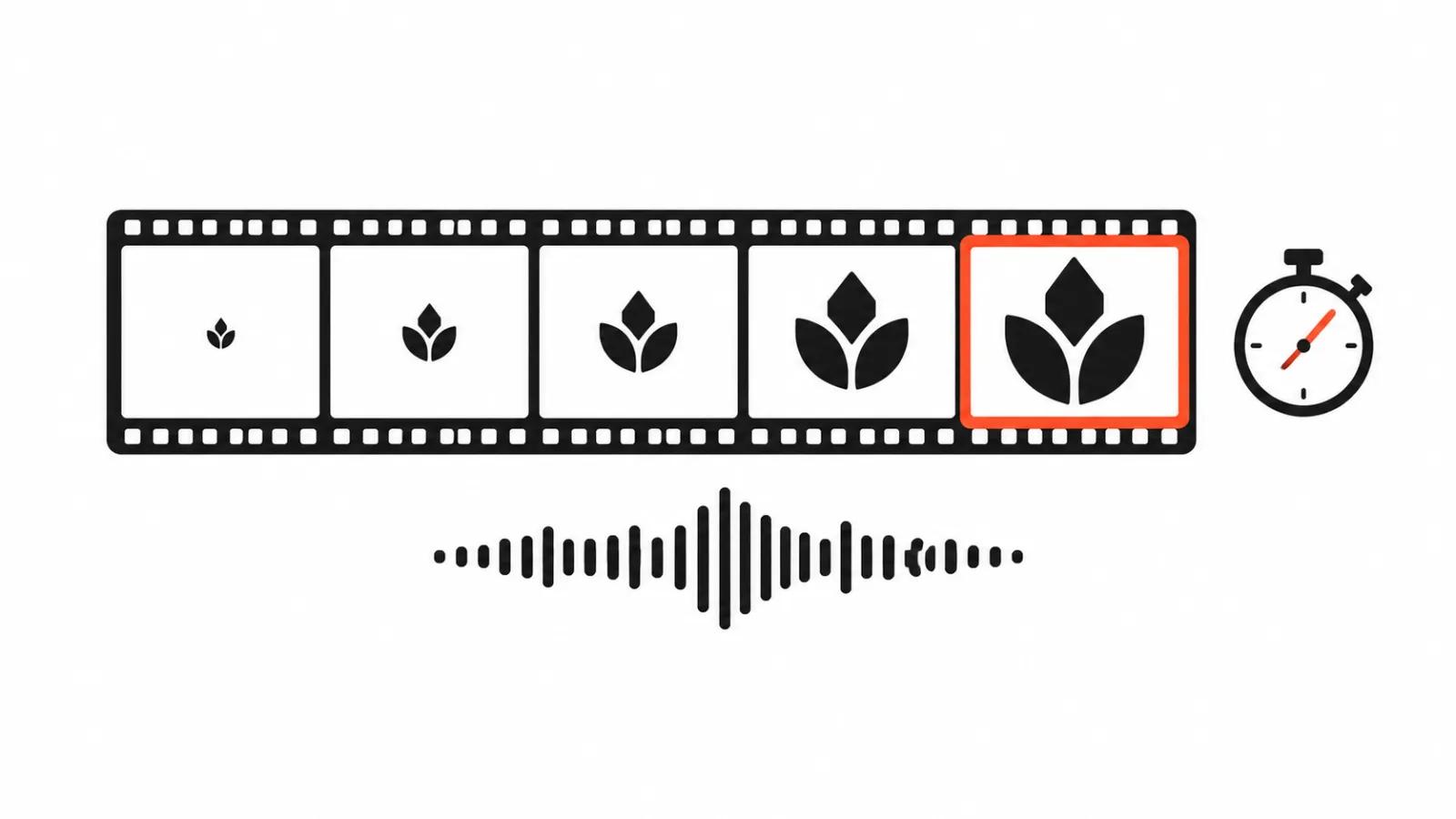
Image-to-video models work from a first frame. You supply a still with the logo and describe motion: a glow along the outline, a slow push in, an assembly from particles, a soft reveal from blur.
Three rules that save generations.
First, a contrasting background. A white logo on a white field cannot be animated, because the model cannot see the edge.
Second, one motion. Two simultaneous animations produce mush, and you burn a dozen attempts.
Third, decide the frame shape up front. A vertical intro and a landscape intro are two separate generations, and cropping one file does not rescue the other.
Per the Kling documentation, the input image must be at least 300 pixels on a side and fall inside a 1:2.5 to 2.5:1 aspect range. A small logo cut from a screenshot will not pass without upscaling.
Sound is half the intro
A sonic signature is remembered faster than an image. Three notes, a click, a short chord, and the viewer recognises you in the next video.
AI generates music and effects, and the rights situation there is messier than with video. Terms differ between services, and before commercial use of a specific generation it is worth reading that platform's licence.
In practice, a licensed library sound or your own recording is simpler. A session with a sound designer rarely costs more than the argument later.
When AI handles it alone
Five cases where generation genuinely saves time.
The logo exists, you need a reveal. The background exists, you need a soft glow around it. You need ten intro variants for different channel series. You need a landscape intro adapted to vertical. You need a draft to show a client the direction.
In all of them you hand the model prepared visual material and ask for motion. That is predictable work, and it takes hours.
Then the human zone starts. Hiring people for an intro makes sense when the brand is on the line. A complex logo with thin lines and small details is one example: generation will "finish" those lines and ruin them.
The second case is typography. Text from a model comes out with broken letters, and an intro with a company name cannot live without text. Kinetic type is built in an editor, and a designer spends less time on it than you spend regenerating.
The third case is a series of intros in one style. That needs someone holding a system, and ten lucky accidents will not replace it.
Ordering a full intro package makes sense at a channel launch, when you need a set: opener, outro, lower thirds, sound. Bought separately, these pieces rarely land in one style.
A checklist before you render
Check seven things.
The logo exists as vector and as transparent PNG. The frame ratio is known: 9:16, 16:9 or 1:1. The length matches the platform. One motion, described in words. The background has contrast. The sound has a licence. The versions are named so that in a month you remember which is which.
One more: storage. Put the sources, the project file and the audio in a folder any colleague can find. In a year you will change the logo colour, and it helps if the mp4 is not the only survivor.
Cost and the ceiling
Counted in hours, one evening of generation and one evening of editing produce a finished intro. Handcrafted videos start at $394 per video because each frame is reviewed, and that price only makes sense when the intro is part of a larger brand job.
A content stream changes the math. When an intro is needed for each of a hundred videos, build a template once and fill it automatically. That is how YouTube channel management works: one visual standard, many episodes.
The ceiling for AI is simple and honest: it does not know what your logo means. The final call on motion, rhythm and sound stays with a person, even when every frame was generated.