What Facy.ai announced
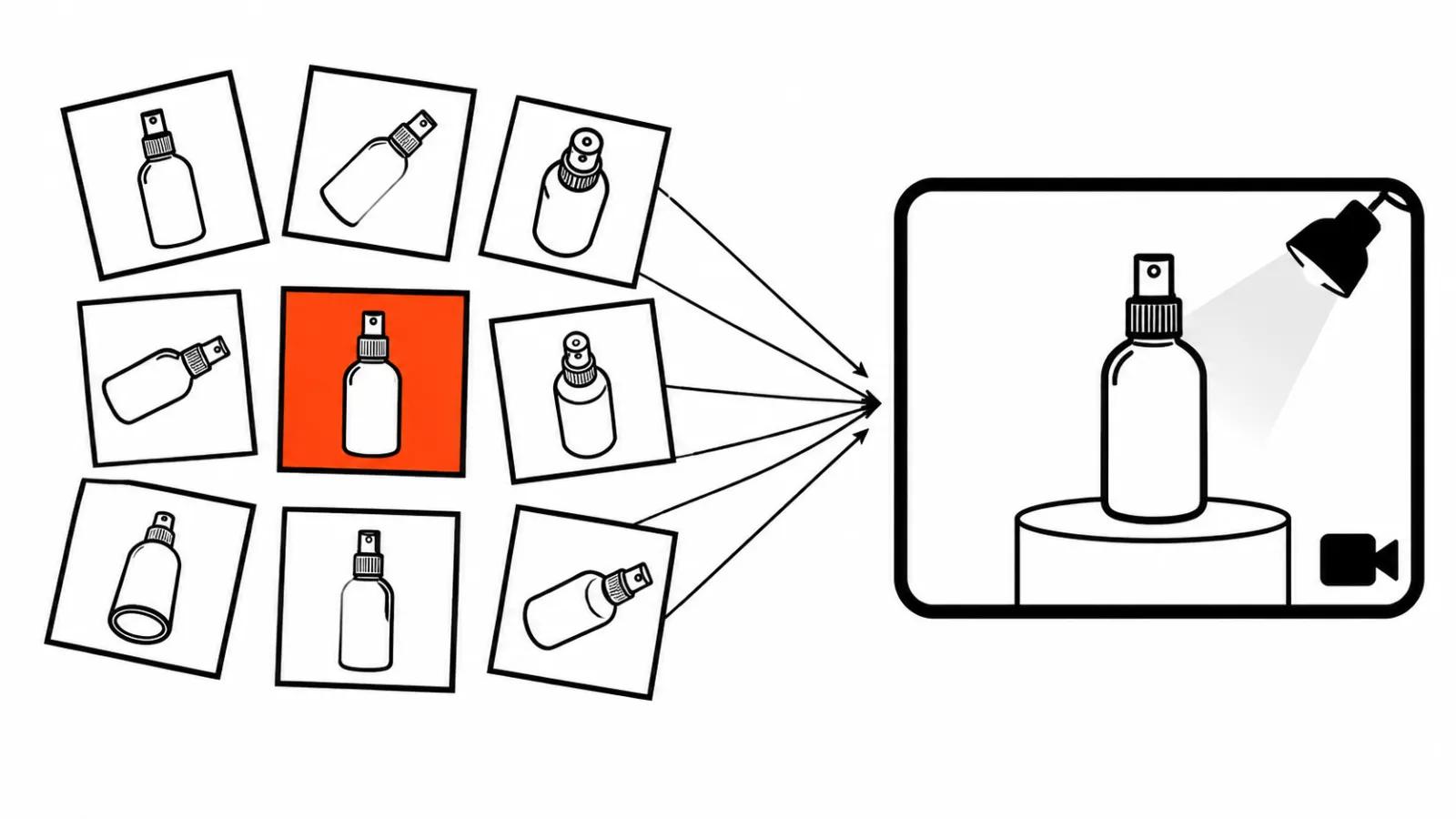
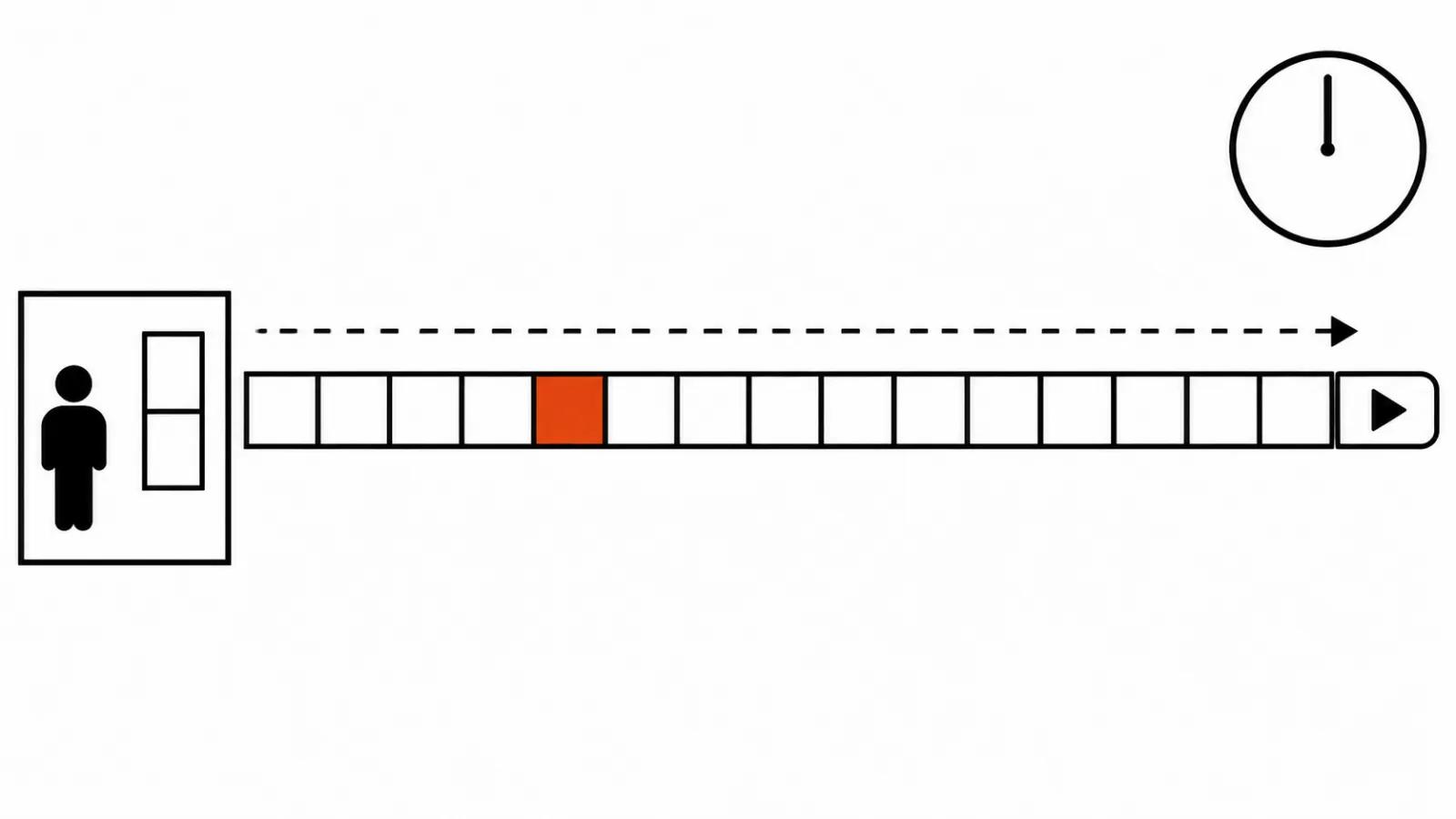
On November 16 Facy.ai said it is preparing to launch Image-to-Video Long. It is a paid feature for subscribers: one image goes in, a clip of up to 15 seconds comes out, and you pick 720p or 1080p. Three things that usually decide whether a tool is worth the money are missing from the release: which model renders the frames, what a run costs and when the button appears in the account. Everything below is about the mechanics the company did describe.
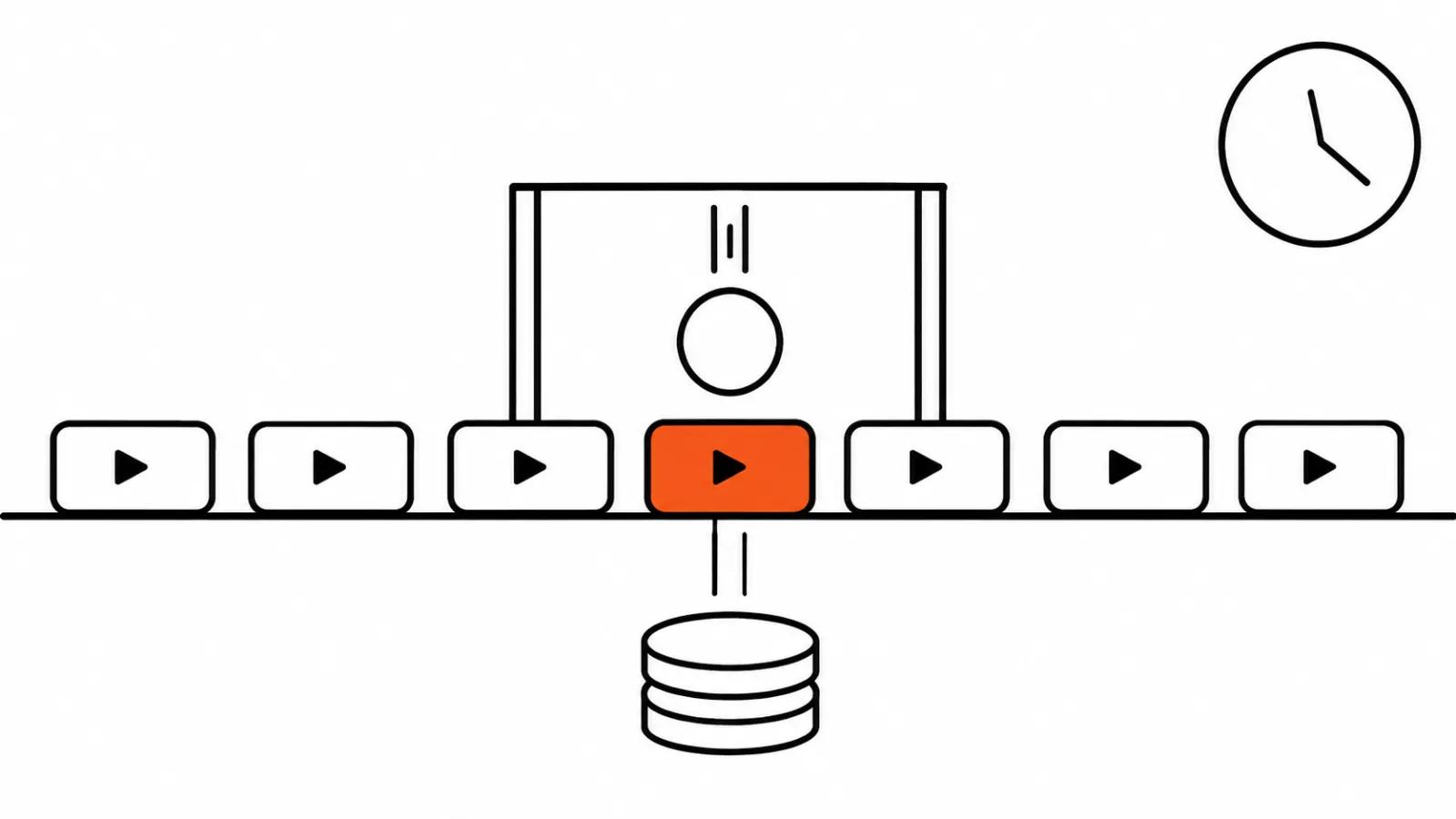
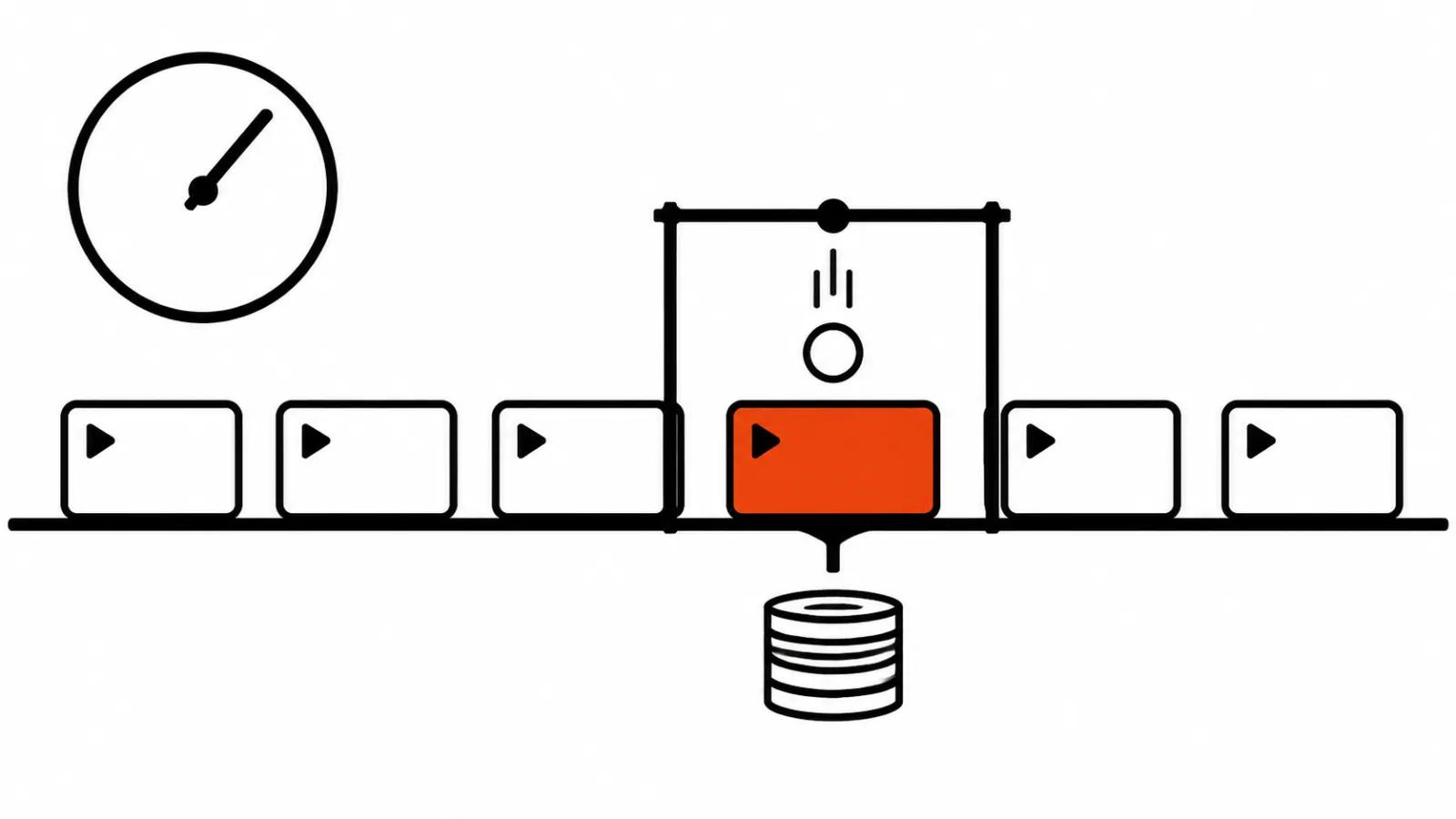
Fifteen seconds from one still, and why that length
According to the company, a typical short clip runs about 5 seconds, and a longer scene carries mood, action and development better. I agree with that read. Five seconds hold one thought: a head turn, a step, a glance. Fifteen seconds hold three events, and the viewer gets time to feel something.
My position: length on its own gives you nothing. Fifteen seconds suit a shot that has development in it and hurt a shot where nothing moves. A dandelion swaying in the wind stretches into boredom at fifteen seconds. A person who looks up from a phone, recognises someone and smiles works at that length.
One more complication: there is a single input, an image. All the movement comes from the model, and the longer it runs, the more chances the background, the clothing or the face give way. A long scene from one still frame is a trade off, and it belongs on simple scenes.
How to bring a photo to life: two prompt modes
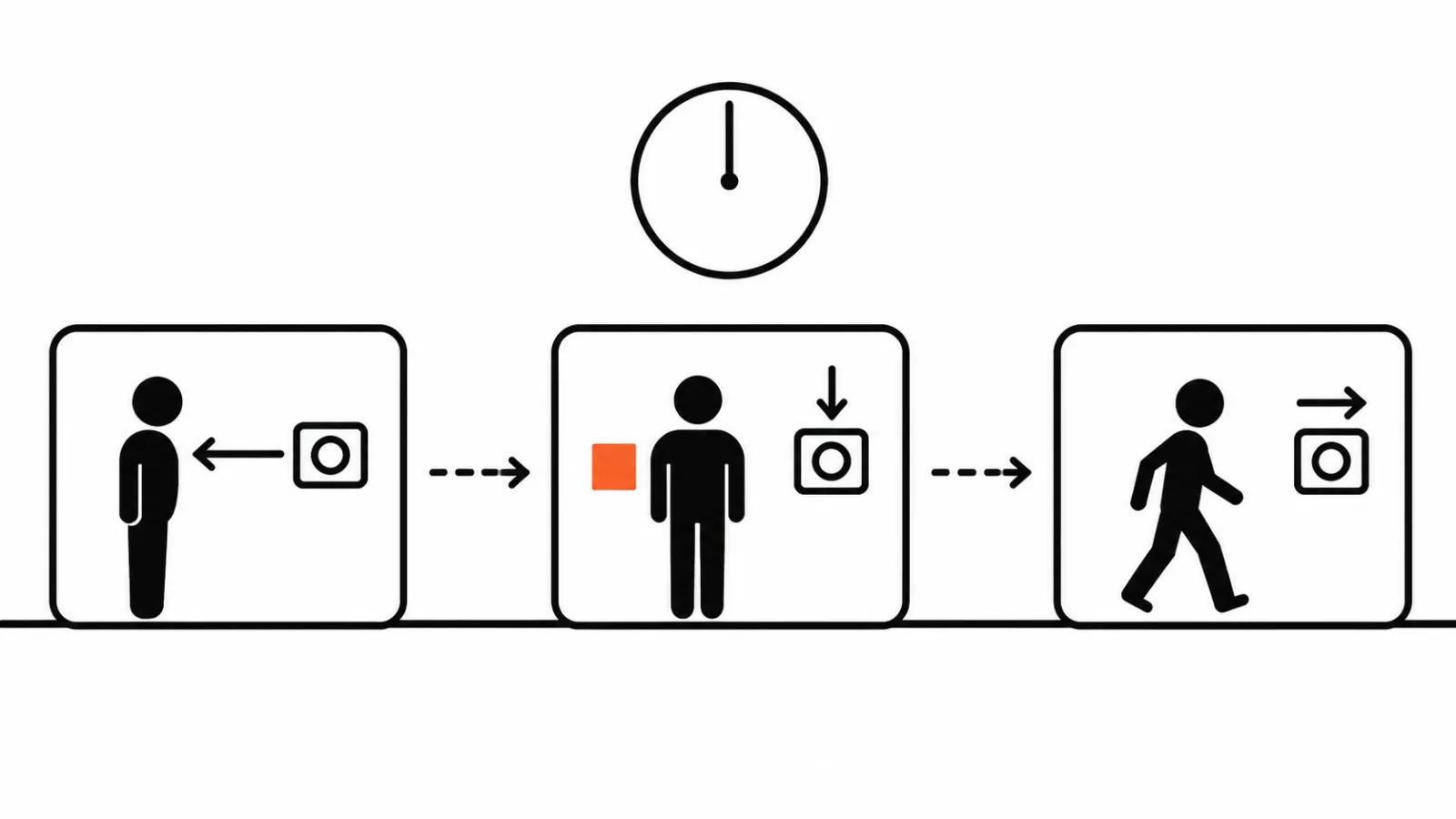
The service promises two modes. The first is one whole prompt for the whole clip: what is in frame, who the subject is, what happens. The second is several step prompts, each covering its own slice, the opening, the middle, the ending. Prompt Expander sits next to both and rewrites either version if you want it.
The choice follows the job. A whole prompt works when the clip is one movement: a camera push, a product turning, falling snow. Step prompts are needed when events follow one another, since a single sentence covering three events often gets only the first one done.
Writing the steps: three things per step
Each step answers three questions. What the subject does. What the camera does. Roughly when it happens.
A three step example, a woman by a window. Step one, the opening: she stands at the window, looking out at the street, the camera pushes in slowly. Step two, the middle: she turns her head to the camera and smiles, the camera stops. Step three, the ending: she walks away from the window, the camera holds its place.
Three rules follow from how the service is described. One camera move per step, because two moves inside one step get blended nearly every time. Time written in words, opening, middle, ending, since the service promised no exact time codes and inventing them is pointless. No more than three steps, because joints start showing up on the fourth.
Prompt Expander helps with a rough draft and hurts when the prompt already carries detail. It rewrites the text in its own words and can sand down the detail you were holding on to. After expanding, I read the result and put back what went missing.
Where step prompts break
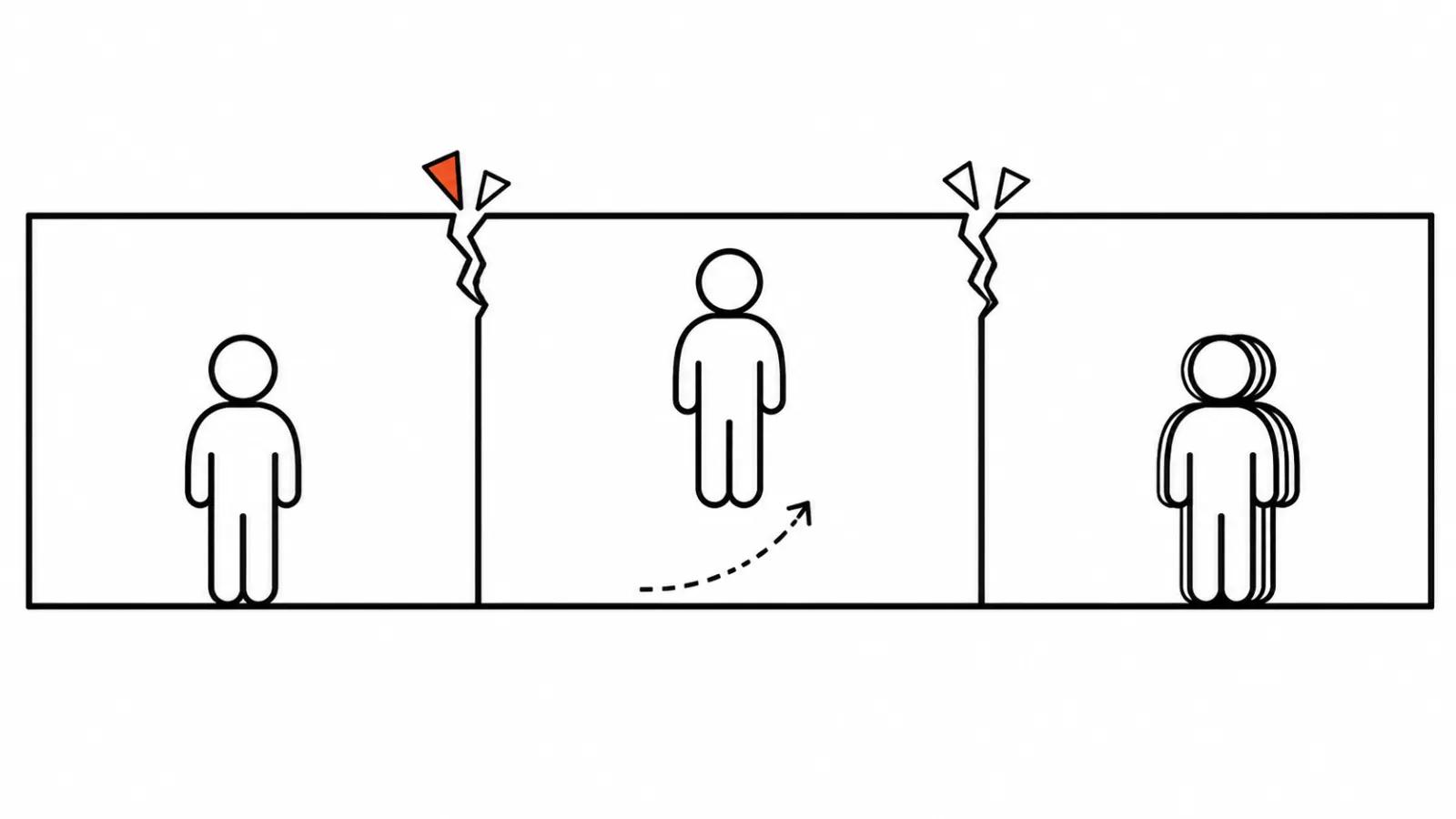
The first risk is the joint. Between steps the model does not hold the previous frame as tightly as it does inside a step, so the pose can jump and the light can shift. The closer the steps sit in composition, the less the joint shows.
The second risk is the face and the hands late in a long scene. Somewhere around the fifth to tenth second the small motion starts to swim, and a close up makes it obvious.
The third risk is the background. A moving camera exposes what was painted behind the subject in the still: texture crawls, the far plane loses its shape, reflections slide.
Hence the simple advice. If the source image has a busy background, skip the long scene. A short mistake costs less than a long one, and redoing fifteen seconds costs more than redoing five.
What it changes for a client job
For advertising, fifteen seconds from a photo is a handy format: AI video ads live in a vertical feed in five to fifteen second pieces, and a clip like this fills the slot with no shoot. It suits a product that was already photographed: packaging on a table, a shoe on a shelf, an interior with the right light.
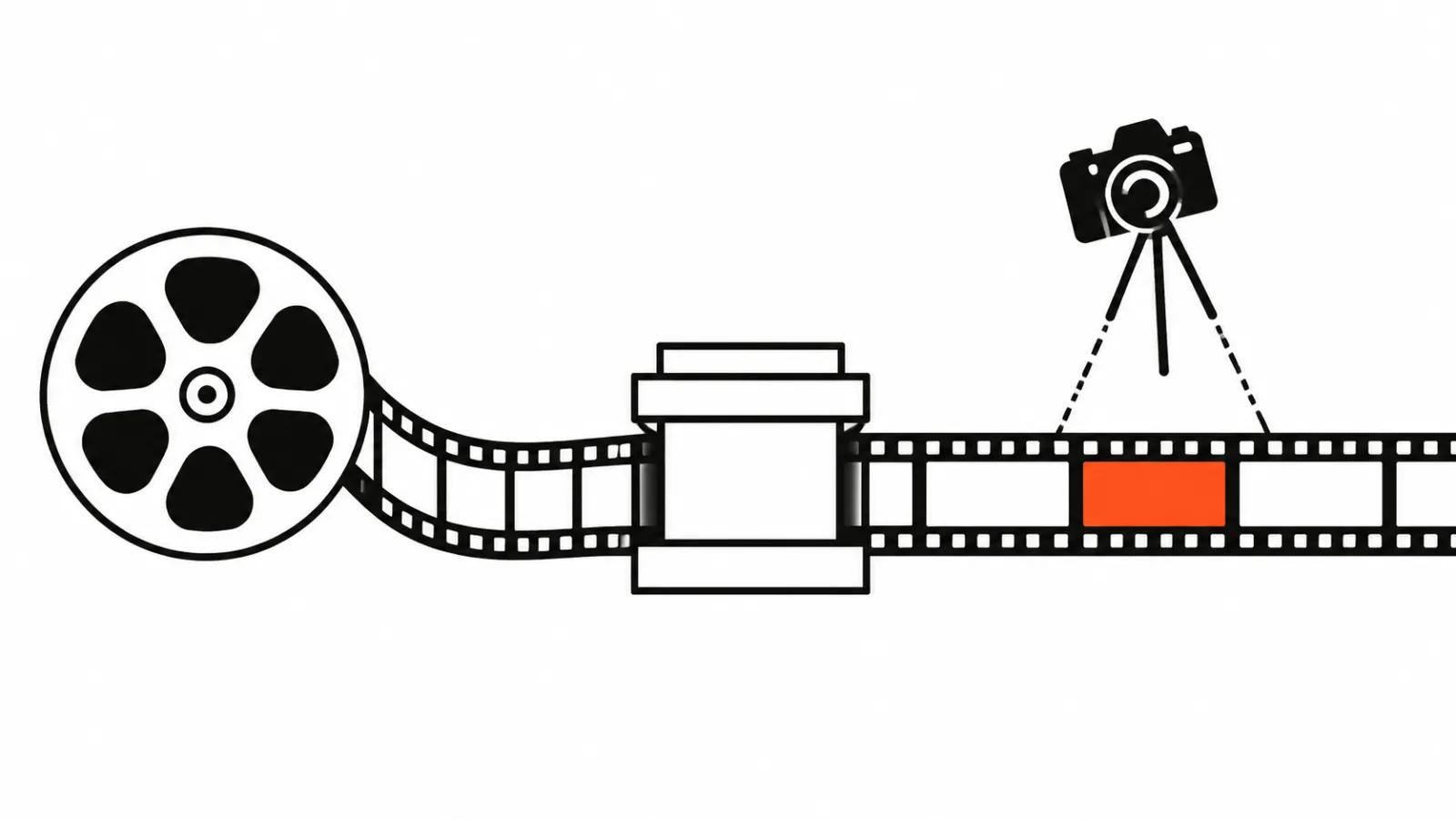
Inside AI video production the feature sits at the head of the chain: wake the image up, pick the movement, then cut versions for each placement. If you want the mechanism itself, we have a guide on how AI turns a still image into video.
One limit to tell the client early. With no price and no launch date, this tool cannot go into a quote. All that is known is 720p and 1080p, and the lower one sometimes looks soft in a phone feed, especially on text and small details.
My conclusion
Image-to-Video Long solves a clear task: turn one good frame into fifteen seconds of movement. The value sits somewhere else. A step by step prompt forces you to decide in advance what happens in the clip, and while you write three steps you find out whether the scene develops at all. Often it does not, and five seconds are enough.
What I will check on my first access: whether the face holds to the end, whether the steps join without a jump, whether the camera obeys. Answers to those three questions matter more than the list of resolutions.