What Grok Imagine is
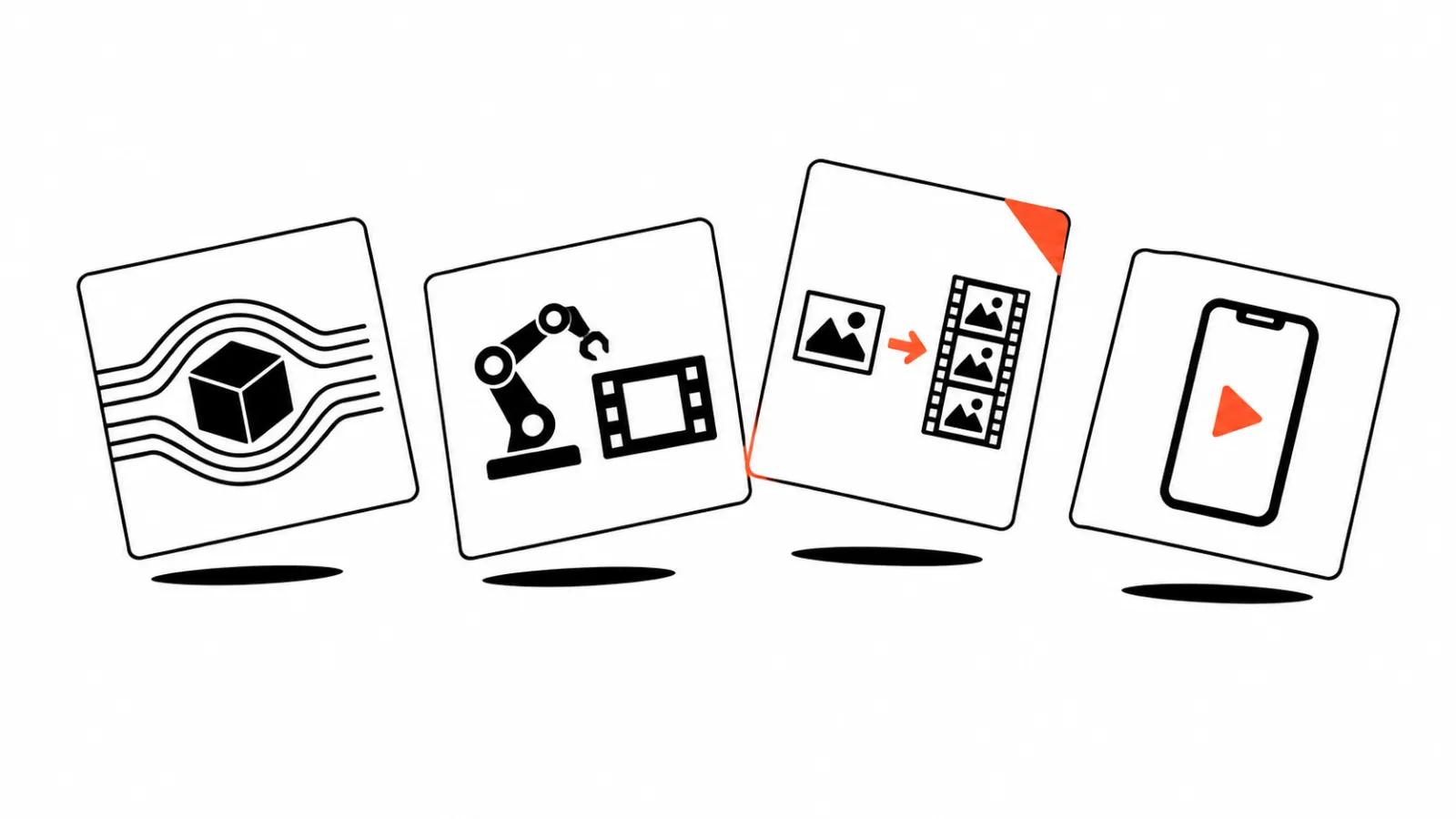
Grok Imagine is xAI's generative model family. It includes image models and three video models exposed through the API. You can build a clip from text, from a still, from a set of references or from a voice, and the output arrives with audio.
For production, the useful part is that this is a family with different prices and different abilities. There is no single universal model: the small one is cheap and simple, the big one holds a character and makes it speak.
The three video models
Grok Imagine Video 1.5 is the main model. It does text to video and image to video, accepts up to 14 reference images and up to three voice references, and pins first, last and mid frames. Resolution goes up to native 1080p, duration up to 15 seconds.
The Lite version does text to video and image to video only. It is cheaper and reaches 1080p by upscaling from 720p. For simple scenes and bulk cuts, that is enough.
The third model, Grok Imagine Video without a suffix, survives for two jobs the new ones cannot do: editing an existing clip up to 8.7 seconds and extending it by 2 to 10 seconds. Generation on it caps at 720p.
Duration, aspect ratios, resolution
Duration is set from 1 to 15 seconds, default 8. There are nine aspect ratios: 1:1, 16:9, 9:16, 4:3, 3:4, 3:2, 2:3, 21:9 and 5:2. If you feed an image, the output inherits its aspect ratio and the parameter is ignored.
There are three resolutions: 480p, 720p and 1080p. On the main model 1080p is native, on Lite it is an upscale. Social feeds hide the difference. A large screen or a cut used inside a paid ad does not.
Sound and speech
The model generates audio together with the picture. The 1.5 and Lite models claim lip-synced speech, while the older one produces generated audio without that promise.
This changes the workflow. Dubbing used to be a separate pass, fitted to mouth movement in the edit. Now a line can sit inside the prompt and the character speaks on the first try. I would still check every clip: articulation in non-English languages is uneven, and English lines come out cleaner.
References and frames
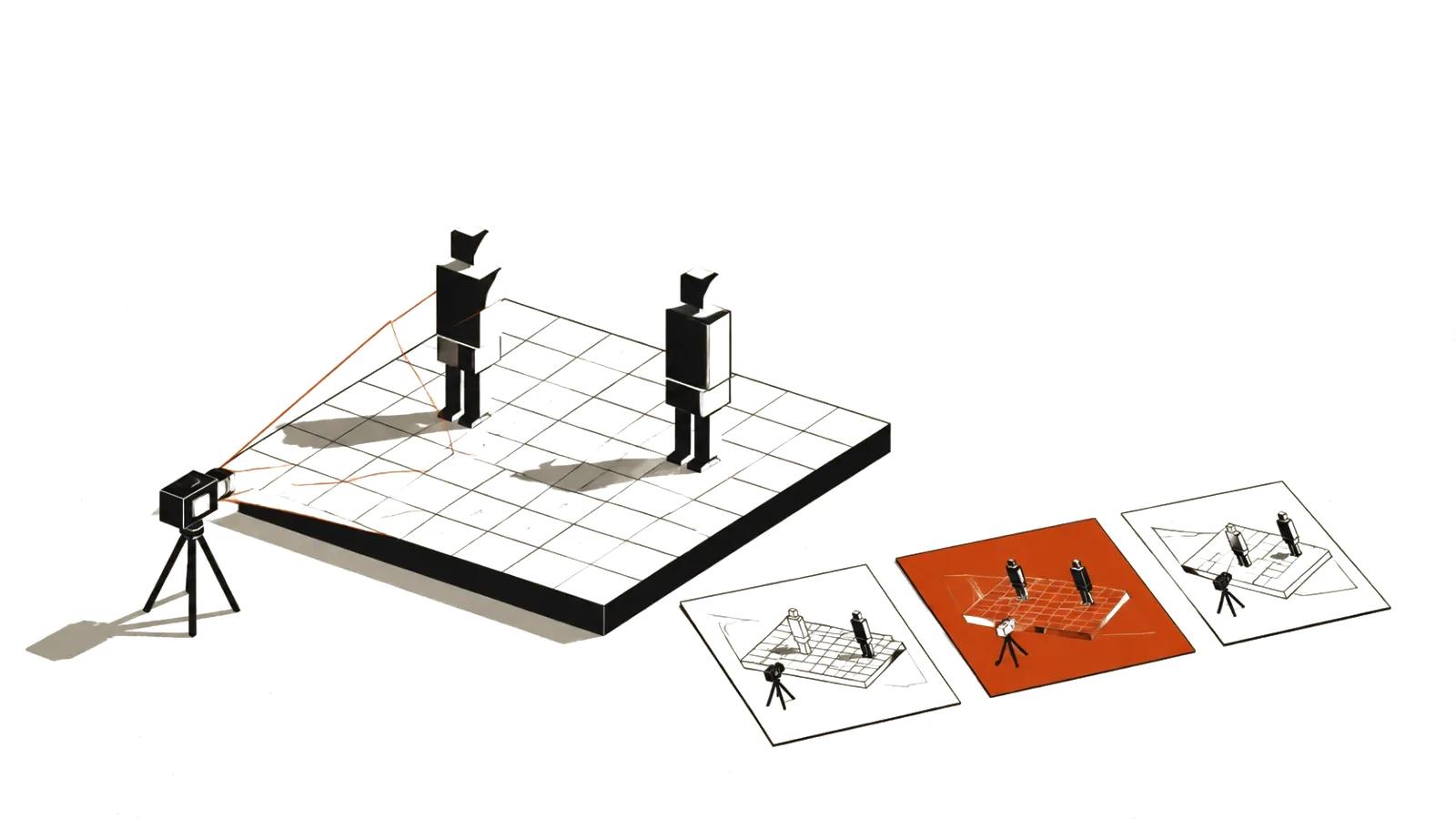
The most useful part for production is references. Up to 14 images define a character's look, clothing, location and style. Up to three voice references define timbre. The first and last frames can be pinned so a scene cuts cleanly against its neighbours.
That is what makes series work possible: one character across scenes, one style across clips. Bulk vertical video usually lacks exactly this, because every clip lives on its own. That is also where short-form video at scale gets expensive. Our guide to AI video production covers where that fits in a pipeline.
What a second costs
API prices are per second of output.
Input is billed separately: an image costs $0.01, and preset voices are free. The rate limit for video is 10 requests per second.
A quick example. A ten second vertical clip at 720p on the main model costs about $1.40. The same clip on Lite costs about $0.30. When you are testing a script, that fivefold gap matters more than extra pixels.
| Model | 480p | 720p | 1080p |
|---|---|---|---|
| Grok Imagine Video 1.5 | $0.08 | $0.14 | $0.25 |
| Grok Imagine Video 1.5 Lite | $0.02 | $0.03 | $0.14 |
| Grok Imagine Video | $0.05 | $0.07 | none |
Editing and extension
Editing runs on the older model: send a clip up to 8.7 seconds and describe the change in text. The output keeps the source duration, aspect ratio and resolution, capped at 720p. Several edits of the same source can run in parallel.
Extension also runs on the older model: a source of 2 to 15 seconds, an extension of 2 to 10 seconds, default 6. The duration parameter covers only the added part, so a ten second clip extended by five becomes fifteen seconds.
The logic is clear. New models handle quality and references, the old one handles finishing. If a script needs long continuous scenes, they still get assembled in an edit.