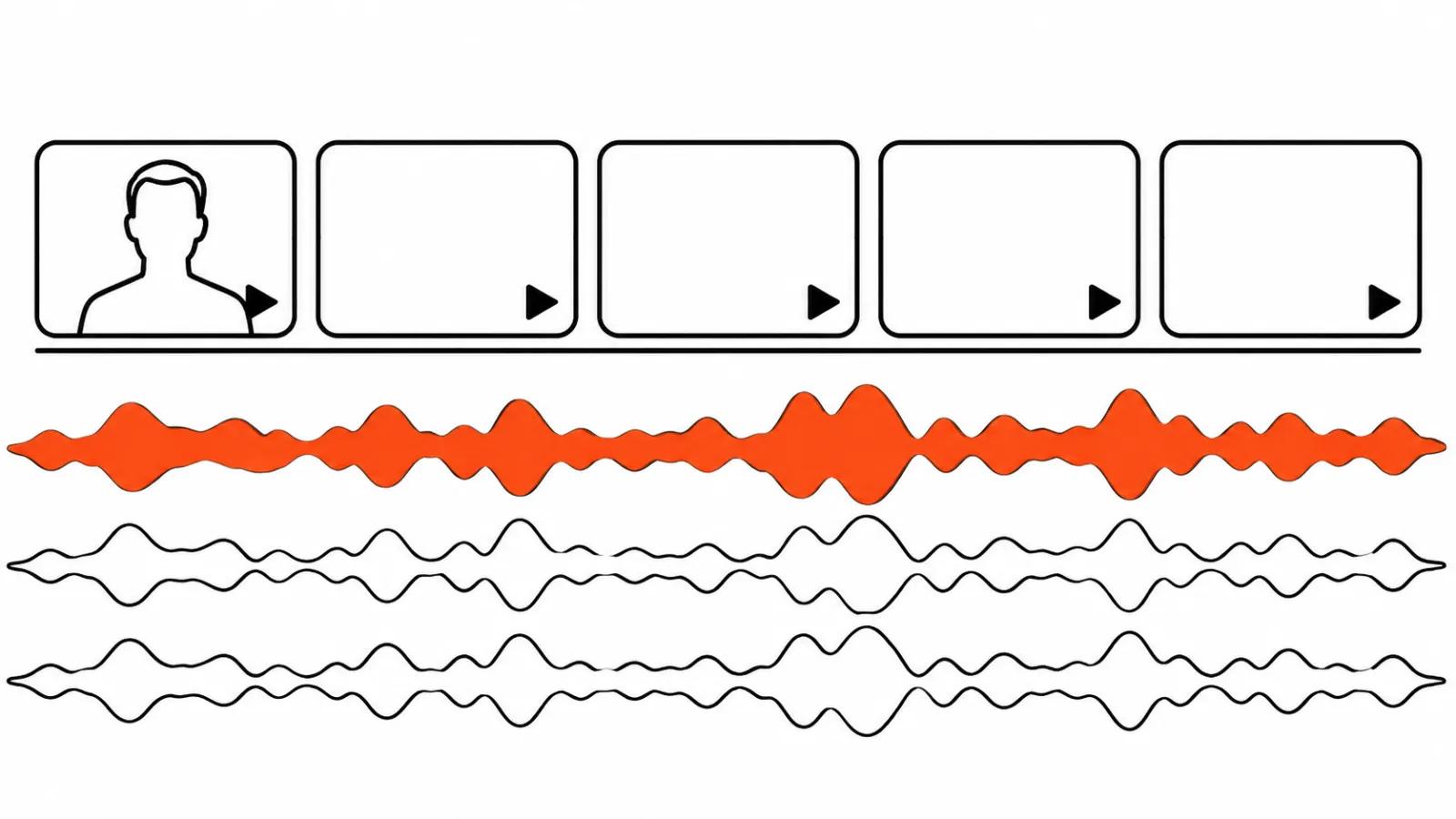
Three audio tracks inside one video
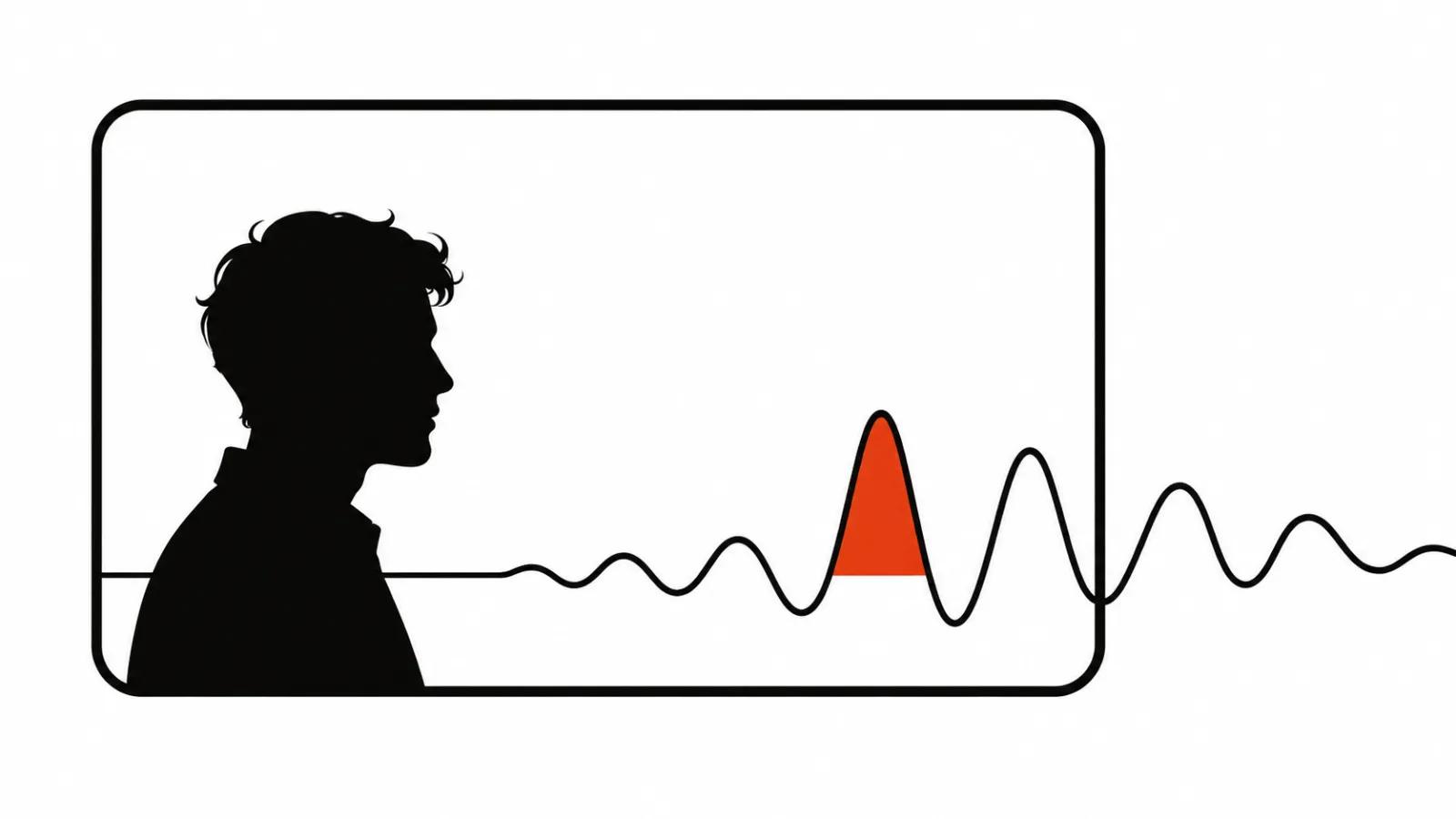
A video built from shots carries three audio tracks. One is the voice. One is music and the general bed that holds the scene together. One is effects: footsteps, a door, an impact, street noise. The beginner mistake is asking the model for all three in one click, then spending half a day mixing what does not fit.
The picture decides the order of work. If a character speaks in close up, the difference between audio born with the video and audio recorded separately shows in the lips within half a second. If the frame holds a product, hands, a street, a car, the voice has no reason to match the mouth, and it can be written after the edit.
Then come five decisions, all of them before the first shot. Where the voice lives, what the model handles alone, where its audio breaks, when lip sync needs a separate pass, and why subtitles come at the very end.
Where the voice lives
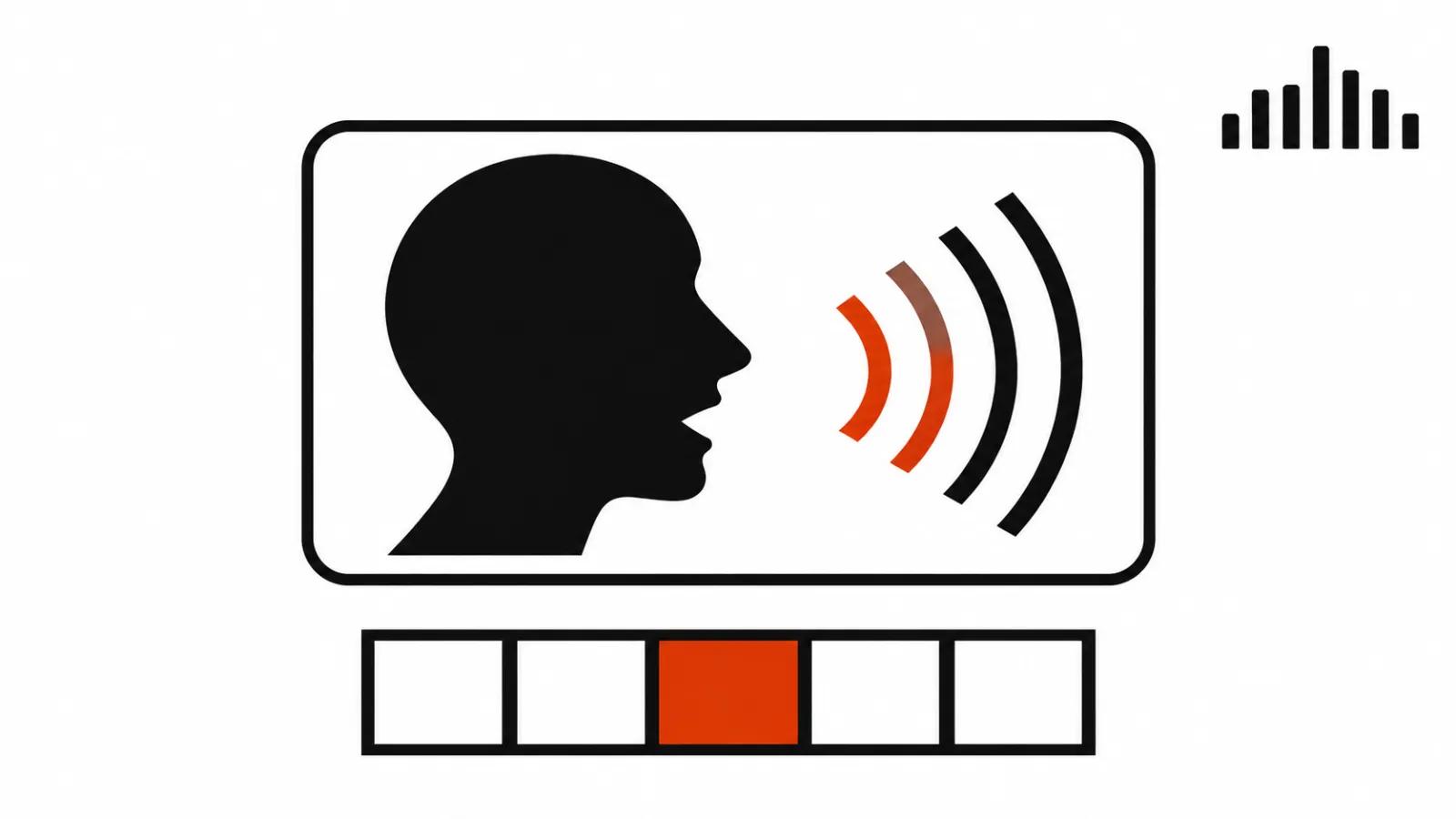
There are two setups. First, the voice sits inside the prompt: the model generates the line together with the lips, and sync arrives as a side effect. Second, the voice is a separate file and the picture is generated silent. The choice depends on three things: line length, number of takes, and how strict you are about the timbre.
A three to six second line is cheaper in the first setup. A forty second monologue and a twenty shot series built around one character are safer in the second, because one file holds the timbre and the pacing instead of twenty generations with twenty moods.
Shot count belongs to the same decision. Storyboarding affects sound directly: the shorter the shot, the less room the model has to finish a sentence, and the more cuts you will hide under music. I covered how to split a video into shots in a separate guide, and the same text explains why a long line is better cut by meaning than by a stopwatch.
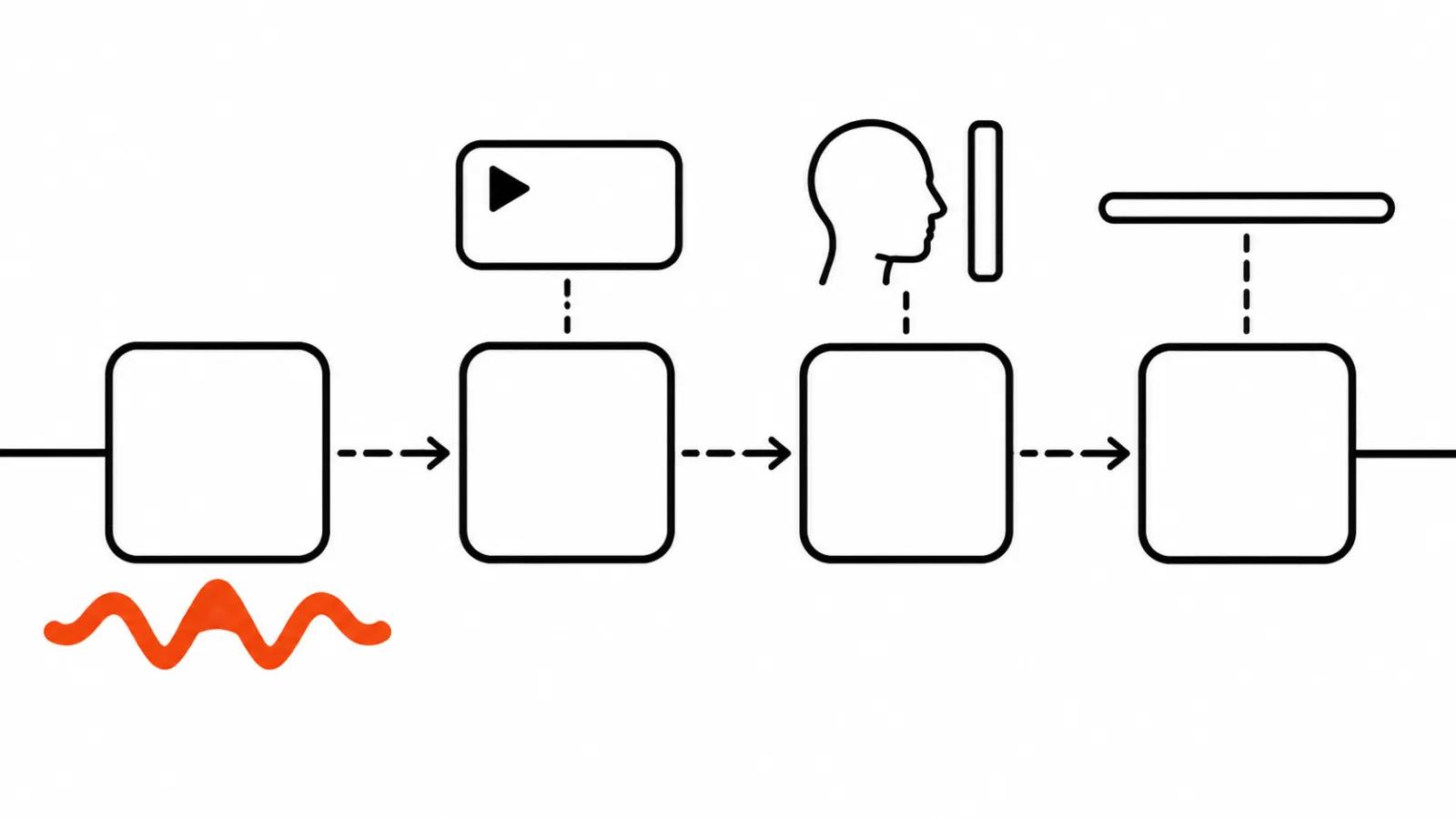
AI video with sound: what the model actually gives you
Kling 4.0, according to the guide on kling.ai, outputs two channel stereo and a more accurate lip sync. The language list has nine: Chinese, English, Japanese, Korean, Spanish, Portuguese, German, French, Hindi, plus dialects and accents such as American or British English. The prompt carries the line in quotation marks in the target language, with age, timbre, pace and emotion described next to it.
A separate AUDIO block in the same guide is where you list who stays silent, which background sounds remain and whether music is wanted. That block saves more time than it looks: a good share of bad voice work comes from the model adding a second speaker off screen or dropping music over the line.
For a client the takeaway is short. A brief line in a listed language can come straight out of the generation. Long copy and exact product names still get checked syllable by syllable, and fixes mean regenerating the shot.
Where native audio breaks
The main risk in a series is timbre and level jumping from shot to shot. Every shot renders on its own, the model does not remember the previous voice, and at the cut the character sounds like a different person with a similar face. Check it by ear at the joins, before any music goes in: play two neighbouring shots back to back and listen to the transition. I have no statistics for how often this happens, and the check still takes a minute.
Second risk is extra speech. Models like to add background mumble, passers by talking, announcements. On a single shot it makes the frame feel alive, in a series it turns into mush where nobody knows who is speaking.
Third risk is a clipped tail. The line does not fit the shot, the cut shaves the last syllable, and the viewer hears an abrupt stop. The fix is a half second of headroom in the shot and cuts placed on pauses.
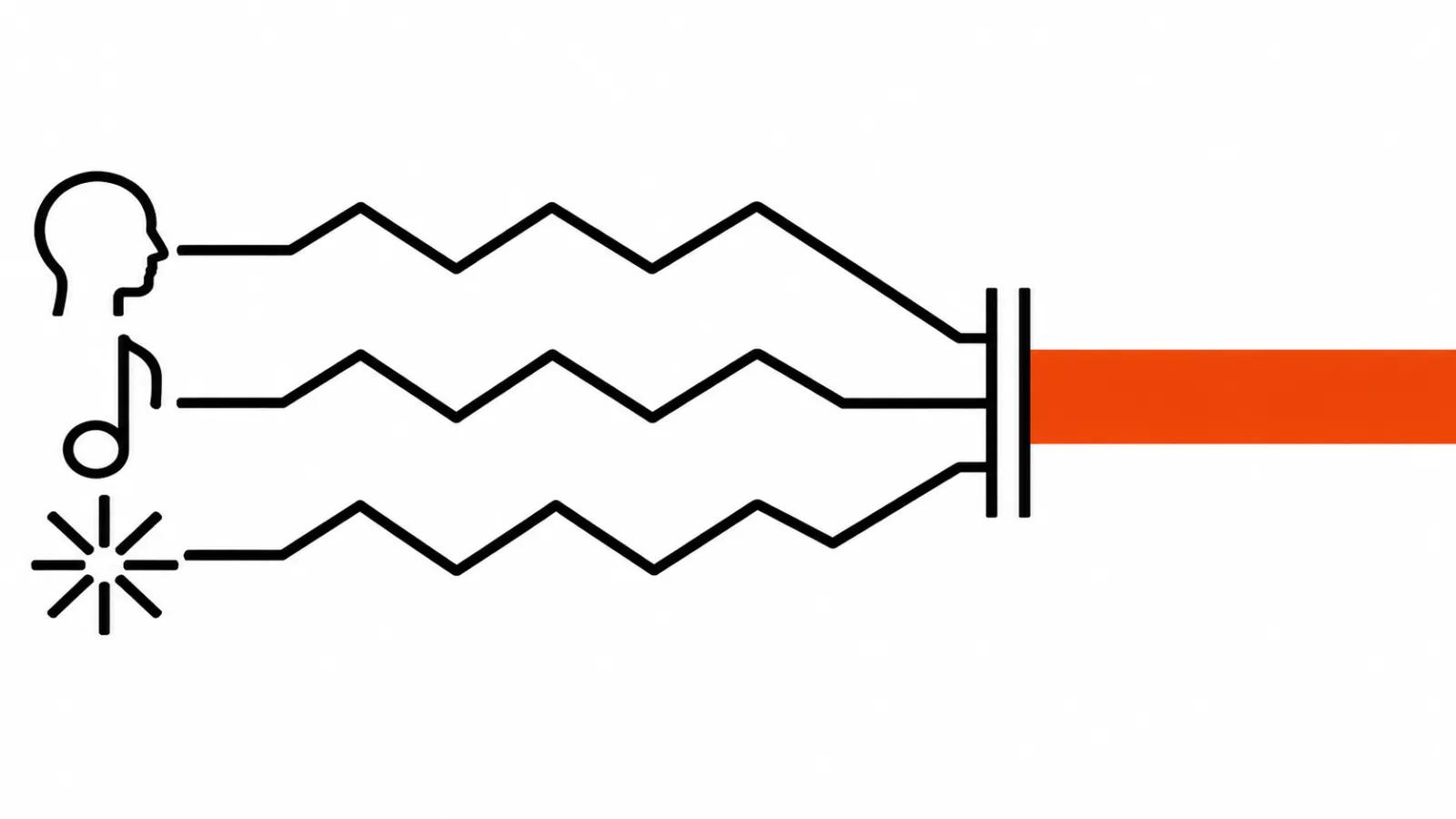
How to build an AI video with a separate voice track
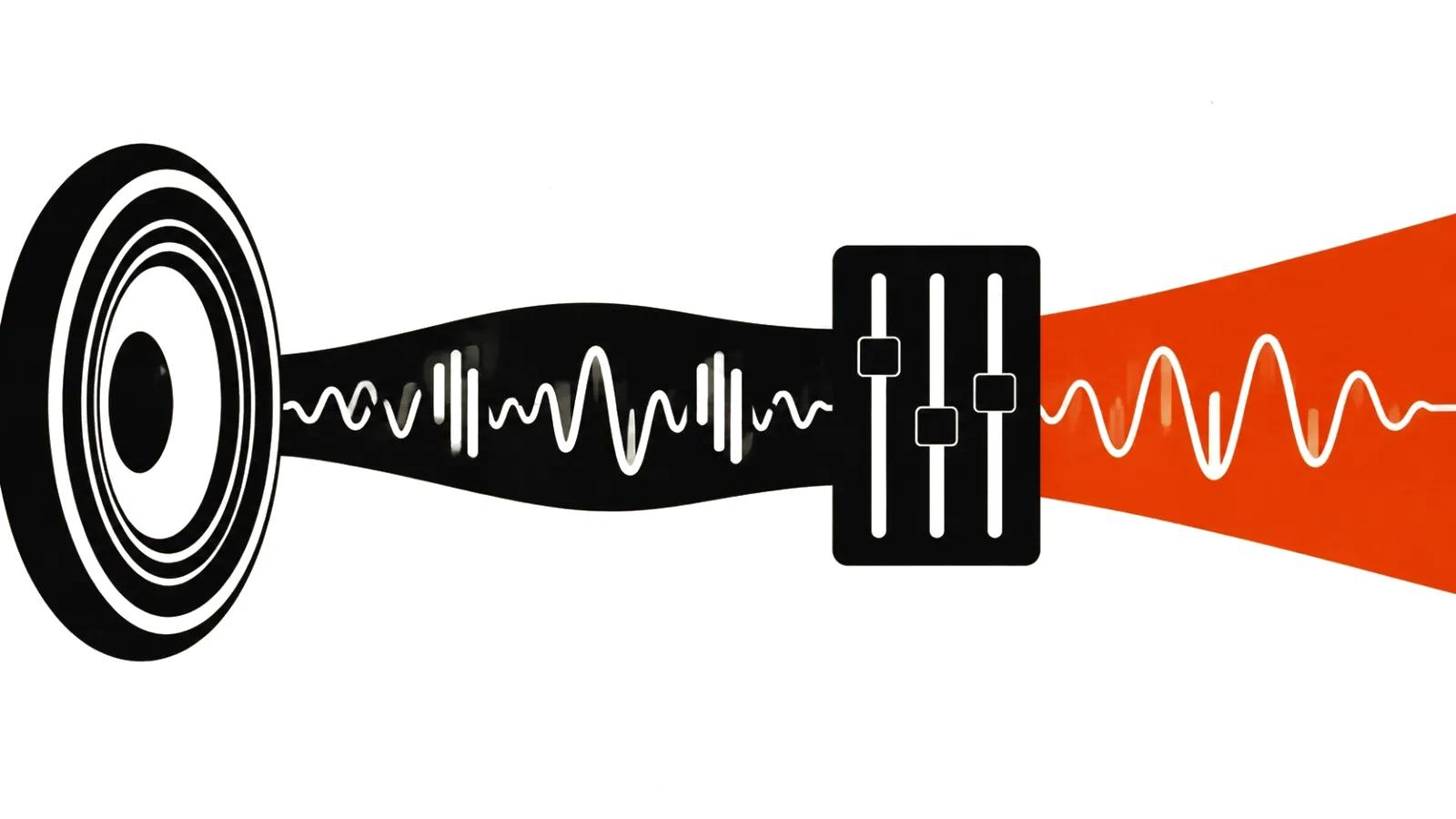
The setup is simple and predictable. Write the whole voice first: text to speech or a human reader, one timbre for the entire video, one pace. Then cut the track against the shots and fit shot lengths to the phrases. Music and ambience go on top during the edit, one track across all shots at a steady level, so loudness does not wander between scenes.
Music in the edit matters on its own. If every shot brought its own music, merging them into one track is close to impossible: tempo and key will not agree, and the seam clicks. One track for the whole video with a clean fade in and out plays as one piece, even at twenty shots.
The budget version lives here too: when sound has to be fast and the timbre can be plain, text to speech over a finished script is enough. Write down the pronunciation of names and numbers first, otherwise the fixes turn into a second voice session.
Lip sync as a separate pass
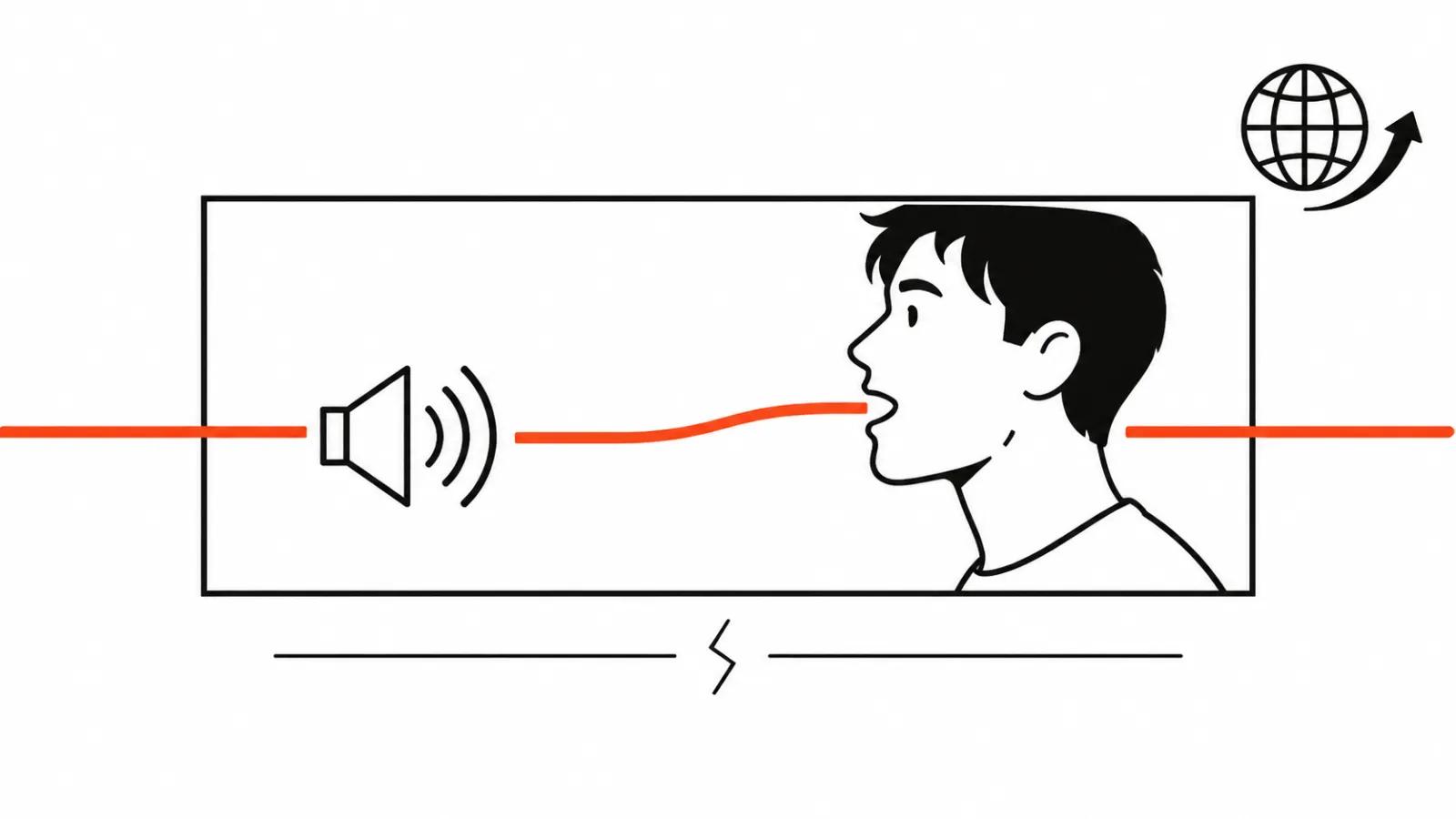
If the voice was recorded separately, the lips have to be redone. Lip sync is a standalone pass: take the finished track, send it to a lip sync tool or back into Kling with a voice reference, and get a new version of the picture. Cheap in credits, expensive in hours, which is why it runs only on shots where the face is visible.
On a wide shot, from behind, on hands and on a product, sync is unnecessary and nobody notices its absence. That alone saves days on delivery. What happens to mouths when a video moves into another language, and how services handle it, sits in a separate breakdown of lip sync dubbing: same logic, different language, same order of steps.
Run the sync before burning subtitles and before grading. Any regeneration of a face changes the frame, and everything layered on top has to be placed again.
Subtitles: from the final audio, at the very end
Subtitles are not made from the script. The script drifts away from what the frame says: the model shortened a phrase, the reader stumbled, the edit dropped half a sentence. So the text is transcribed from the final audio track, after the mix and after the sync.
There is a tool for that job. ElevenLabs Scribe v3, per the company blog from 9 November 2026, makes 27% fewer word errors than Scribe v2, covers 102 languages and labels speakers. Subtitles care about timing as much as words: speaker labels and sane pauses remove a lot of manual fixing, especially in a two voice dialogue.
And the main rule: subtitles are burned last. The reason is plain. Any change to sound after the burn means new text, new timing and a new render, plus another pass on safe margins in vertical formats so a line does not slide under the platform interface. While the audio is still open, subtitles stay a separate layer in the edit.
My conclusion
My order is fixed. Decide on the voice, generate the shots, write a separate voiceover when needed, lay music as one track in the edit, sync the faces, burn subtitles at the end. Listening to the joins takes ten minutes and saves a full re-record.
Vertical ads and volume series follow the same path, with fewer shots and more cuts, which makes a jump in timbre easier to hear. When a video is built one off and a person owns the frame, sound ships with the edit: that is how handcrafted AI videos are assembled here. When volume matters, AI video production runs in batches on one audio template, and there the discipline of separate tracks beats any single generation.
The lesson in one line: sound in an AI video is decided before the first shot. Decide late and you pay with a new voice session and a new sync.