What the author showed
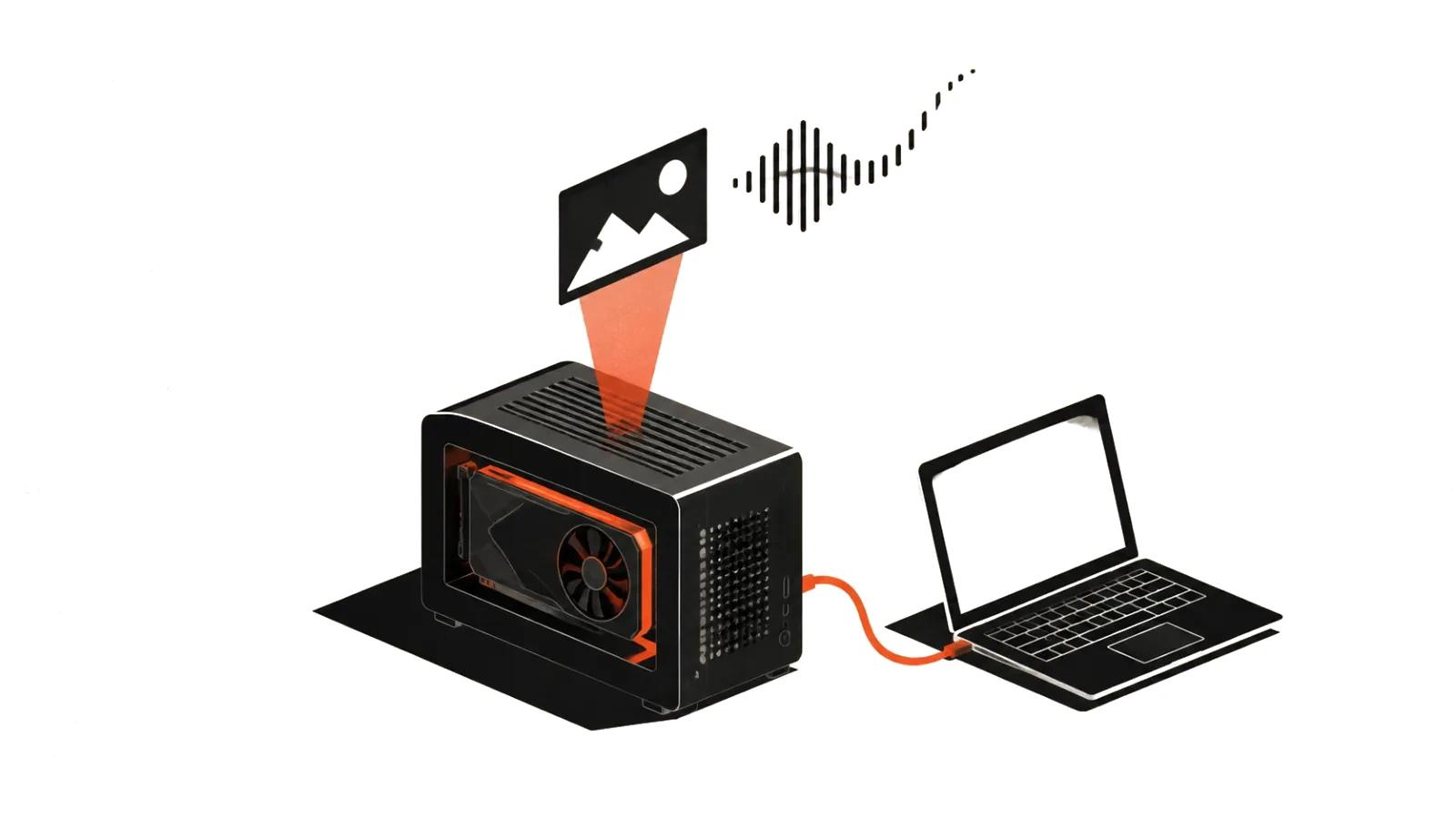
The post appeared in r/StableDiffusion on October 19 at 21:04 UTC (https://www.reddit.com/r/StableDiffusion/comments/1xa92dp/). The headline promises a realistic talking avatar running locally in real time at 90+ FPS on an RTX 4090.
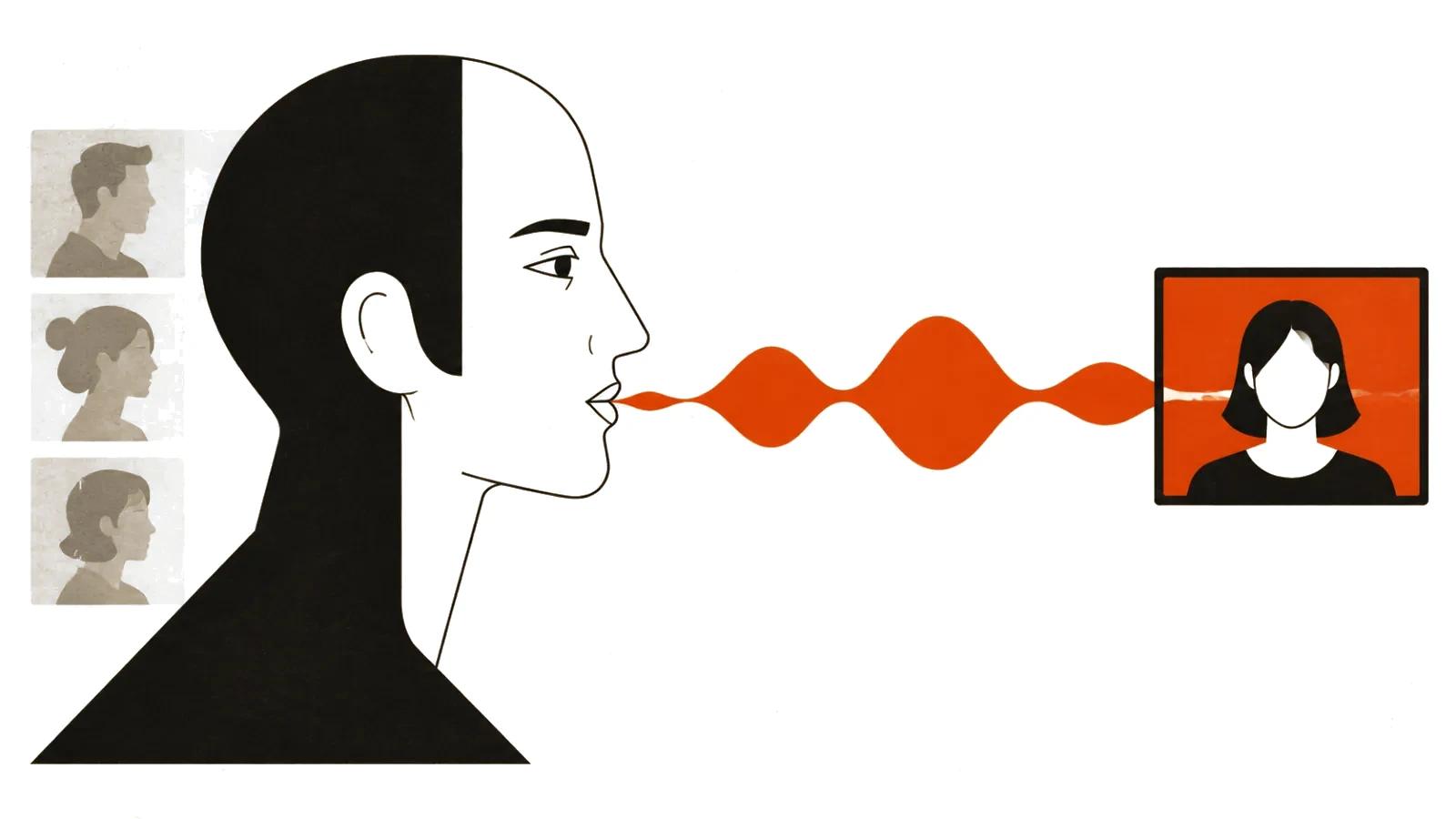
Two minutes later the author added the useful part: the whole workflow is open on GitHub (https://github.com/openspline/openspline). Pick a portrait, pick a voice, get video with synchronised lip movement. Everything runs locally, with an online demo at openspline.dev as an alternative.
In the same comment the author calls the project very early stage while describing the results as promising. That sentence matters more than the headline: it sets the status of everything else.
What is in the repository
The repository describes the product as a live face for any voice AI agent: a portrait plus generated speech becomes synchronised video and audio on your own GPU.
MIT licence for the project (the vendored inference code stays under Apache-2.0 and model weights have their own terms), Python and Node SDKs, requirements of Linux or WSL2 and an NVIDIA card. It runs self-hosted with one active session per GPU worker; more cards mean more concurrent sessions.
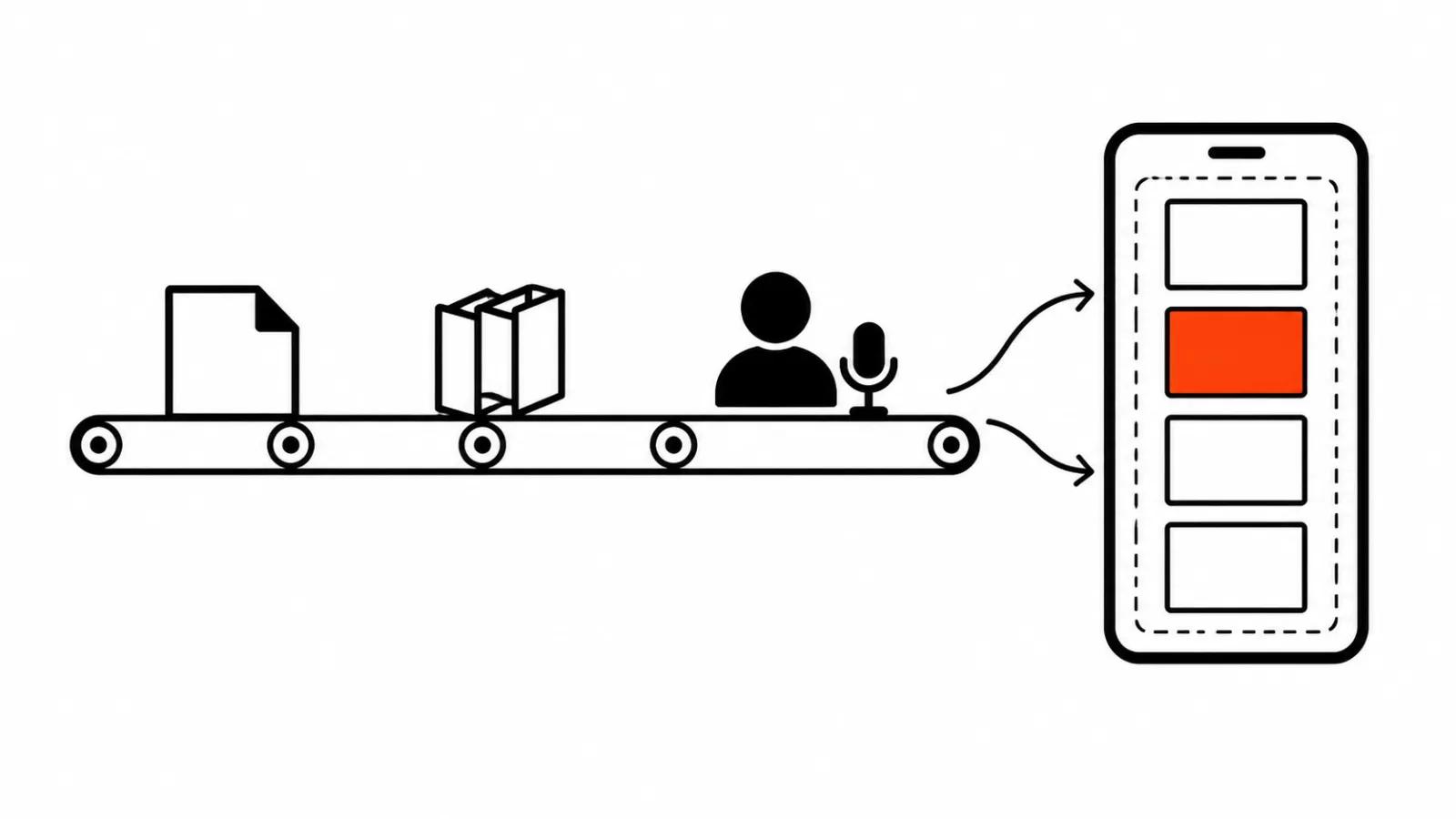
Underneath are the SoulX-FlashHead talking-head models and the LiveKit real-time framework. Connectors ship for OpenAI Realtime, Gemini Live, OpenAI Agents, Pipecat, Google ADK, Vocode and TEN.
One detail from the docs is easy to miss: while the agent listens, the avatar keeps generating idle video conditioned on near-silent audio noise. Pauses do not turn into a frozen portrait, which separates this from stitching pre-rendered clips together.
What the 90+ FPS claim covers
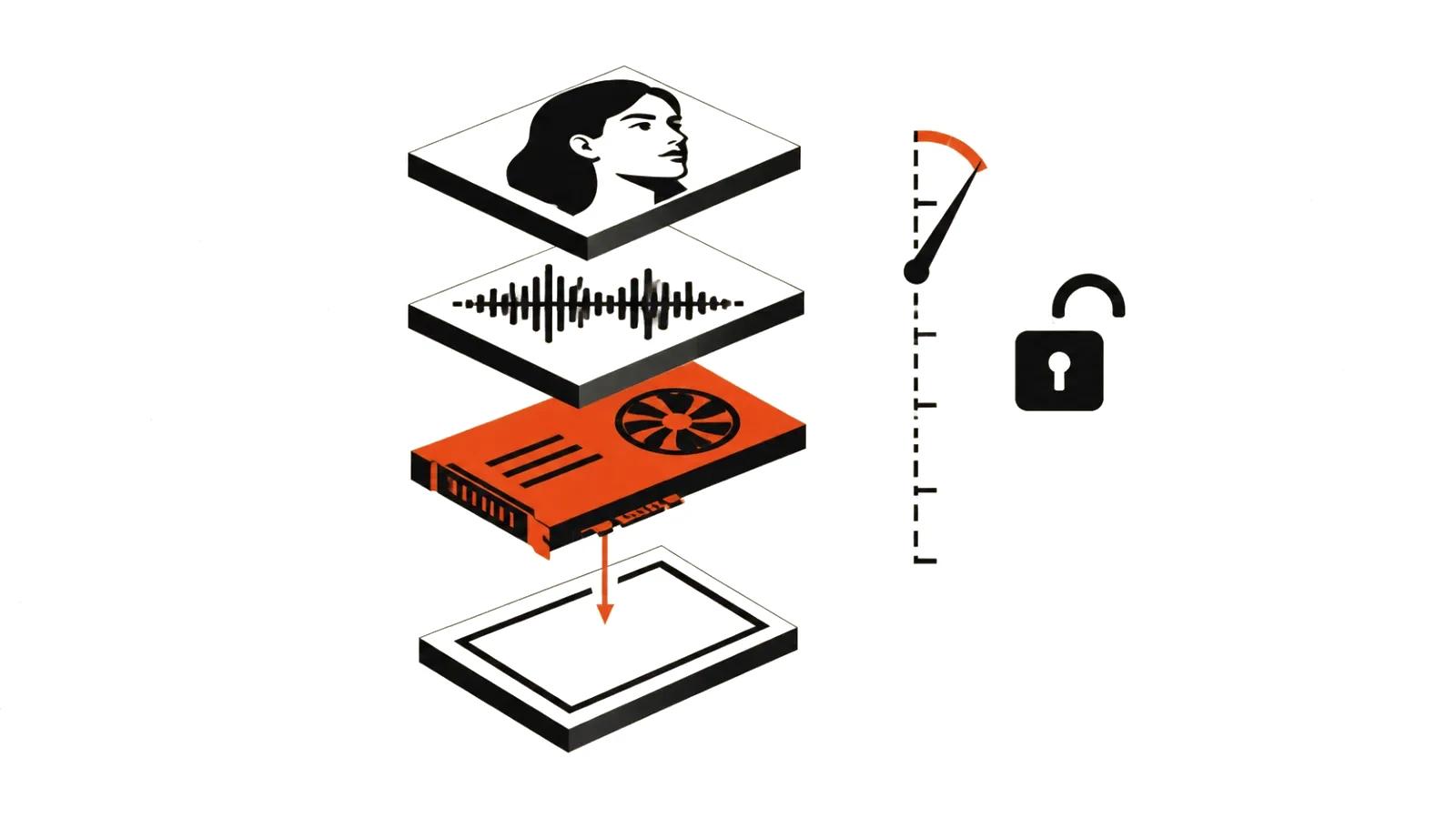
The 90+ FPS figure is the author's headline. There is no methodology in the post: resolution, session length, quality tier and measurement method are all unstated.
The README is more modest. It reports short A100 tests at roughly 64 FPS for low quality and 8 FPS for high quality, and explicitly calls these engine rates rather than playback latency. Long-duration runs, multi-GPU setups and cloud validation are listed as incomplete.
The two numbers can only be reconciled one way: 90+ FPS on a 4090 refers to a specific configuration the post does not describe. Low quality on a short portrait would fit. Public material does not settle it.
Lip sync and drift
The most useful question in the thread came from SaraMontesAI: how much VRAM does it use while running, and does lip sync hold on fast speech or drift over time.
No VRAM answer appears in the thread; the author pointed readers to the online demo twice. On drift, MystikDragoon was blunt: synchronising video and audio in real time is genuinely hard, and they can see a drift in the demo.
That is an opinion, not a benchmark. It does align with the documentation, which notes that smooth continuous motion requires inference to keep pace with playback. Once generation falls behind, sync breaks.
Hardware: 4090, 3060, 3050
Commenters ask about a 3060 with 48 GB of system RAM, a 3050 with 12 GB, and whether 24 FPS is realistic. There is no direct answer.
The README gives the shape of it: pre-Ampere cards run in FP32, which needs more VRAM and may be slower, and both Blackwell and pre-Ampere inference still need hardware validation. AMD and Apple GPUs are not supported by the backend at all.
So 90 FPS is a top-tier card story. For a 3060 or 3050 the question is not frame rate but whether it runs at all, and at what quality.
Why a business would care
The point of a local real-time avatar is not a polished video, it is a conversation. Support assistants, staff training, a guide on a trade-show stand — anywhere a person speaks to an interface by voice, a face adds presence.
That is also why AI video production gives way here to live inference: nothing is recorded in advance, the frame is built around whatever the other person just said.
For now it is an experiment. There are no published latency numbers, no cost per hour and no quality data for long sessions.
One documented feature does matter for real deployments: a session can take a background image or video up to 60 seconds and 120 fps, capped at 25 MiB and 16 megapixels. The background persists for the session and decoding keeps only the current and next frame, so a studio backdrop does not eat memory.
The risk people joke about
Half the thread is jokes about scammers calling as someone's grandchild. Underneath sits a real problem: local face and voice synthesis lowers the bar for faking a video call.
The README offers only a technical note — use photos you own or have permission to use. It says nothing about how a finished avatar may be used.
How to approach it
For a test, the shortest path is the online demo: check latency and drift on your own speech, then decide about a local install. For production you need your own GPU worker on Linux and the knowledge that one session occupies one card.
Where the face has to be controlled and approved frame by frame, handcrafted videos remain more predictable: from $394 per video up to 90 seconds, about a week. Our guide to AI avatars covers the wider choice between recording, synthesis and live generation.