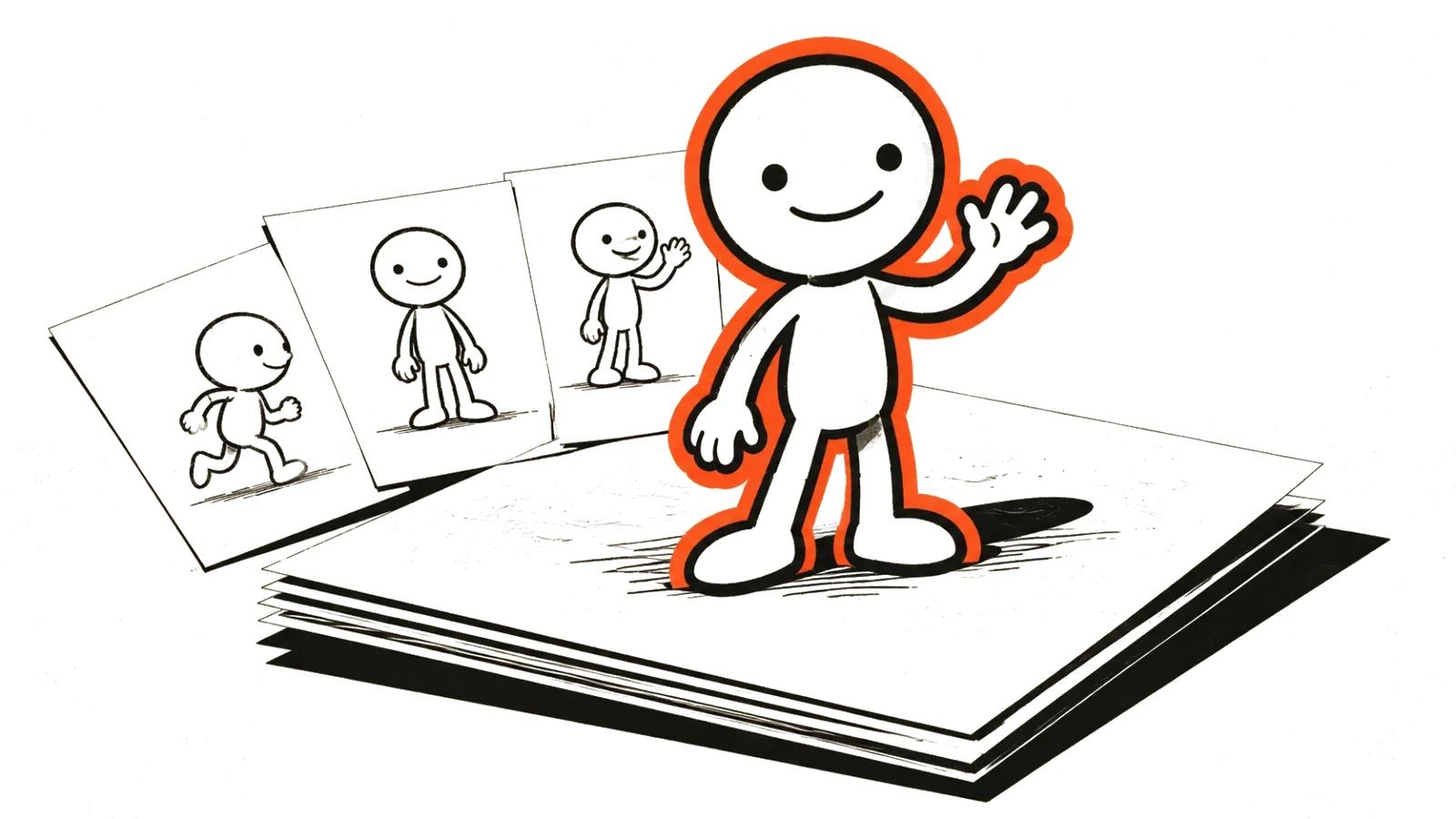
Two different searches behind one phrase
Search volume splits in a way the wording hides. People typing "cartoons AI" fall into two groups with different budgets.
The first group wants to build something themselves: for a kid, for a channel, for the pleasure of it. The second wants to order a cartoon and pay for a result. Same words, different jobs.
This piece is about the first group. The second is covered in the guide to custom cartoon production, which deals with briefs, timelines and sign-off.
Three routes and what each costs in time
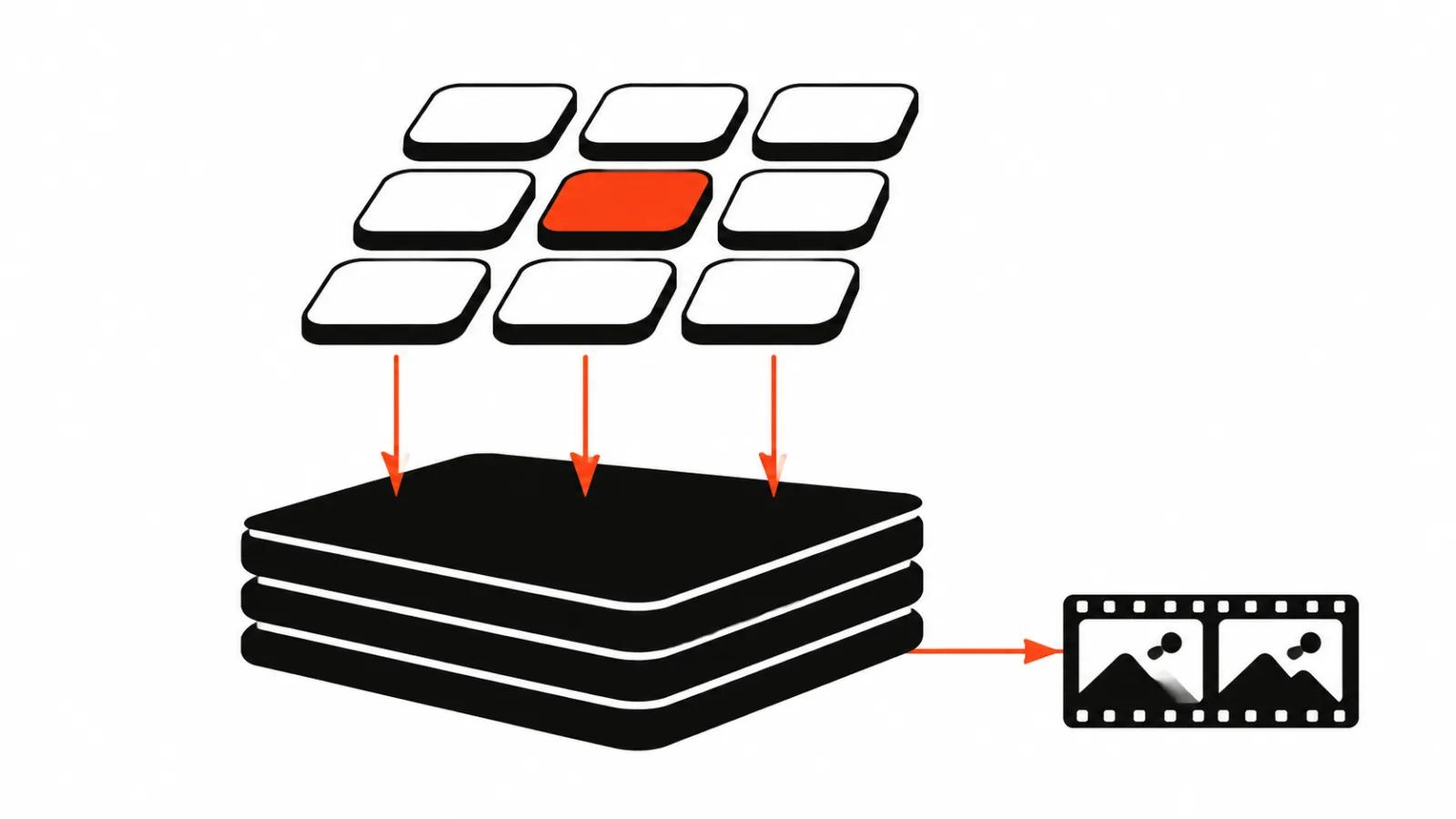
Route one, frame by frame. You generate stills, then build motion in an editor: a pan, a scale, a change of layers. This is the most predictable path because every frame can be fixed on its own. Slow, but it does not collapse.
Route two, video generation from a scene description. Fast and impressive, expensive in rework: one bad scene drags its neighbours when continuity has to hold between them.
Route three, a hybrid. Key scenes are built frame by frame, transitions and backgrounds are generated as video, the character sits on a separate layer. This is what most people who finish actually do.
I start with the third, because it forgives mistakes.
Styles that survive generation
Style is a technical decision with production consequences. It decides how many times you will rebuild the same scene.
What usually holds:
What breaks most: realistic faces in close-up, complex fabric, water, hair, and long dialogue with precise lip movement. The closer the style sits to reality, the more defects reach the cut.
A practical rule: pick a style where a mistake reads as a choice. Approval gets faster.
- flat vector graphics: simple shapes, even fills, few shadows;
- pixel art: rigid grid, limited palette;
- clay and puppet look: texture hides small mismatches;
- cutout animation: the character is assembled from parts, movement is stepped.
The character problem
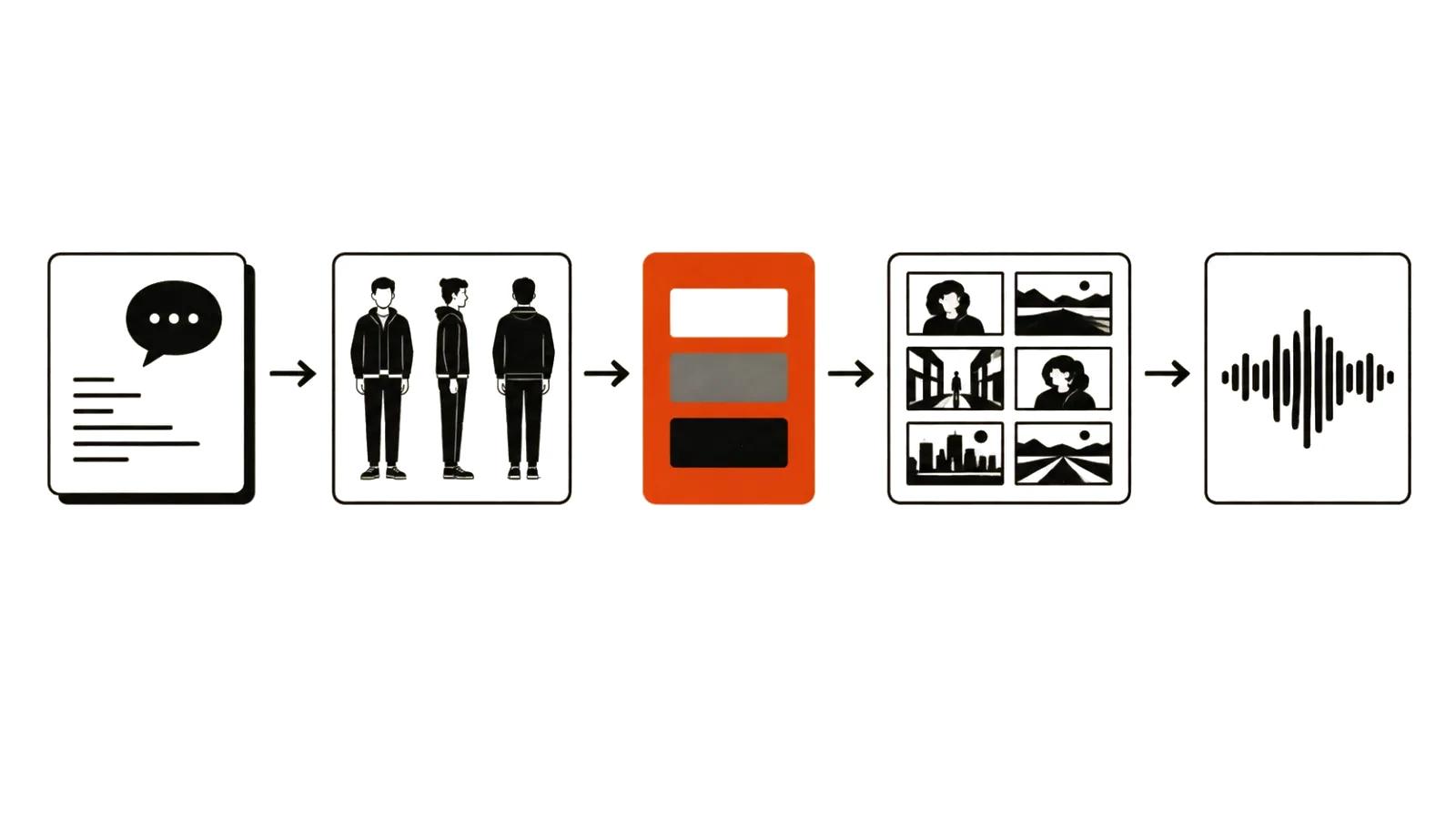
By scene three the hero has a different face, outfit and proportion. That is not a bug in one model, it is how generation works: every new description produces a new variant.
What helps:
If the character has to speak, separate the layer: articulation is easier to control when the face is not redrawn from scratch.
- a written character description that never changes inside the project;
- a reference set: face, profile, full body, one clothing detail;
- one palette and one style across all scenes, no experiments mid-project;
- a character check on every frame, like counting stock.
Sound, the half people forget
A cartoon without sound does not read at all. Silence in frame feels like an editing error.
The minimum kit: character voices, background music, action noises. Voices can be synthesised, music licensed, noises pulled from libraries.
A note on rhythm. In animation a pause works like punctuation: it tells the viewer the joke ended. If the voiceover runs as one stream, even a good scene feels rushed.
And do not record the final voice over a draft script. Rewrites after recording cost more than they look.
Anime and adjacent styles
If the pull is toward anime, read the separate piece on AI anime video: style, character and rights. It is a different craft from a children's cartoon, and the bar for the image is different.
Keep rights in view from the start. A borrowed character, borrowed music and a borrowed brand look are three separate legal stories, and none of them is solved by the model.
The budget: DIY versus ordering
Do not count subscriptions, count hours.
Doing it yourself, the costs are generator subscriptions, licensed music and your time. Time is the main line item: a minute of finished animation is days of work.
Ordering it, the benchmarks are these: handcrafted videos start at $394 per video up to 90 seconds, volume formats are priced per view, up to $2.47 per 1000 views. A cartoon almost always lands in the first category, because every frame carries manual work.
When ordering wins: one clip with a date attached and no time to learn. When DIY wins: you need a recurring character and you can spend a weekend on the first three scenes to learn the rules.
If you would rather hand it over, order an animated cartoon and keep the weekend.